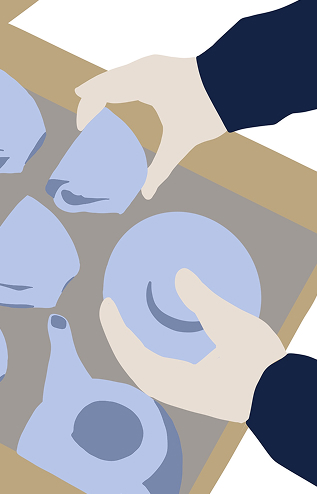
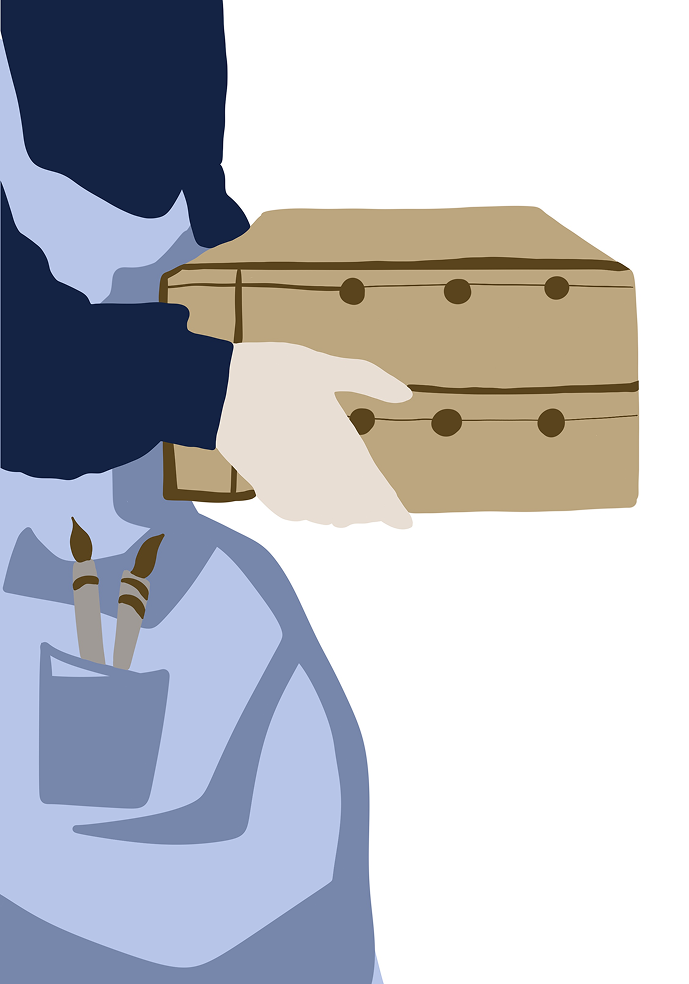
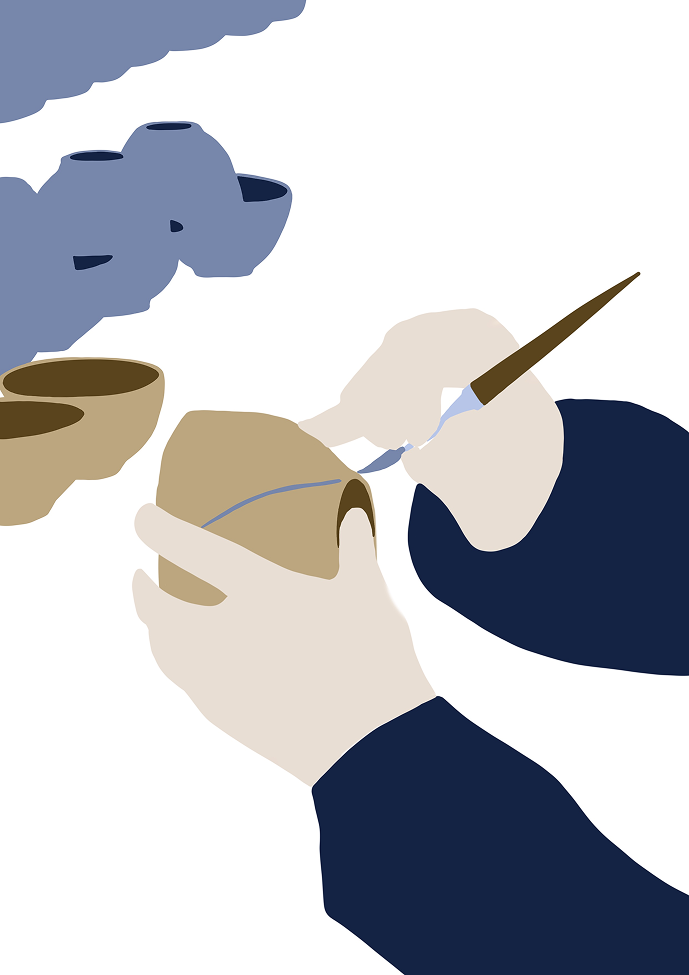
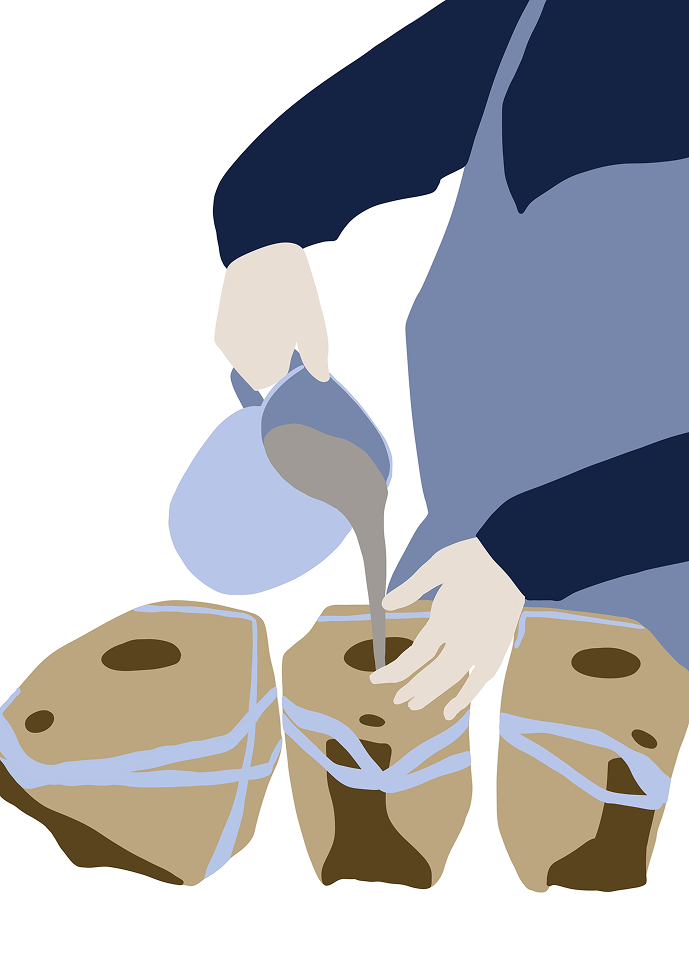
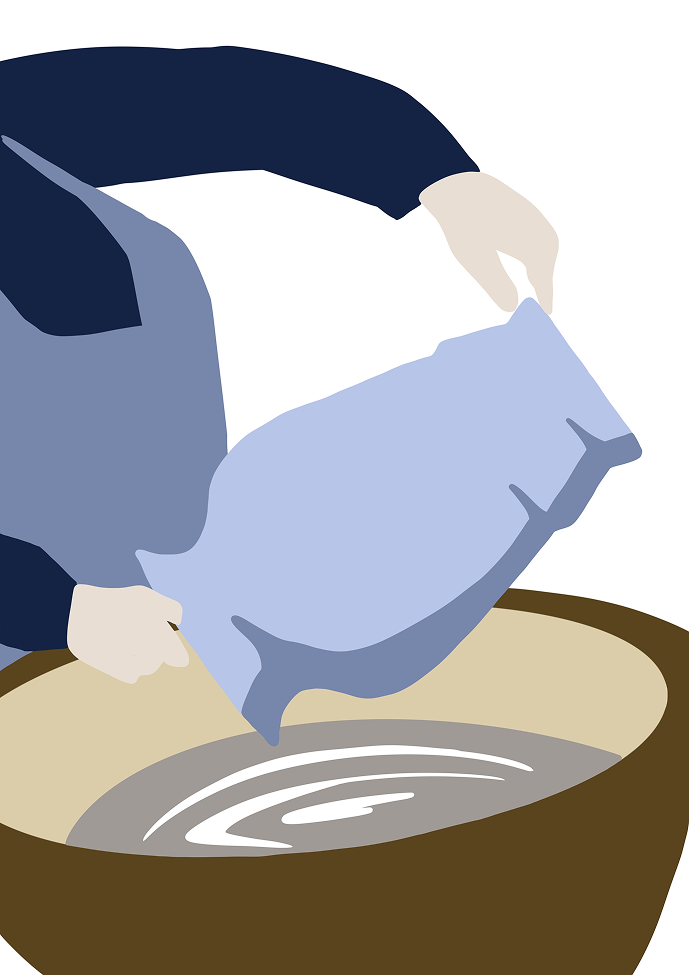
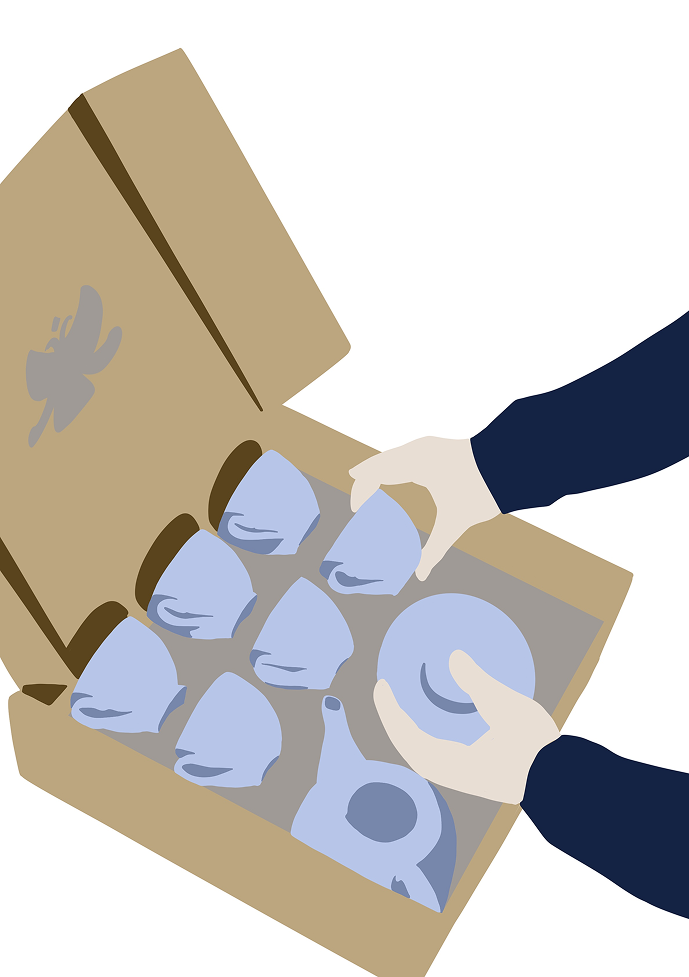
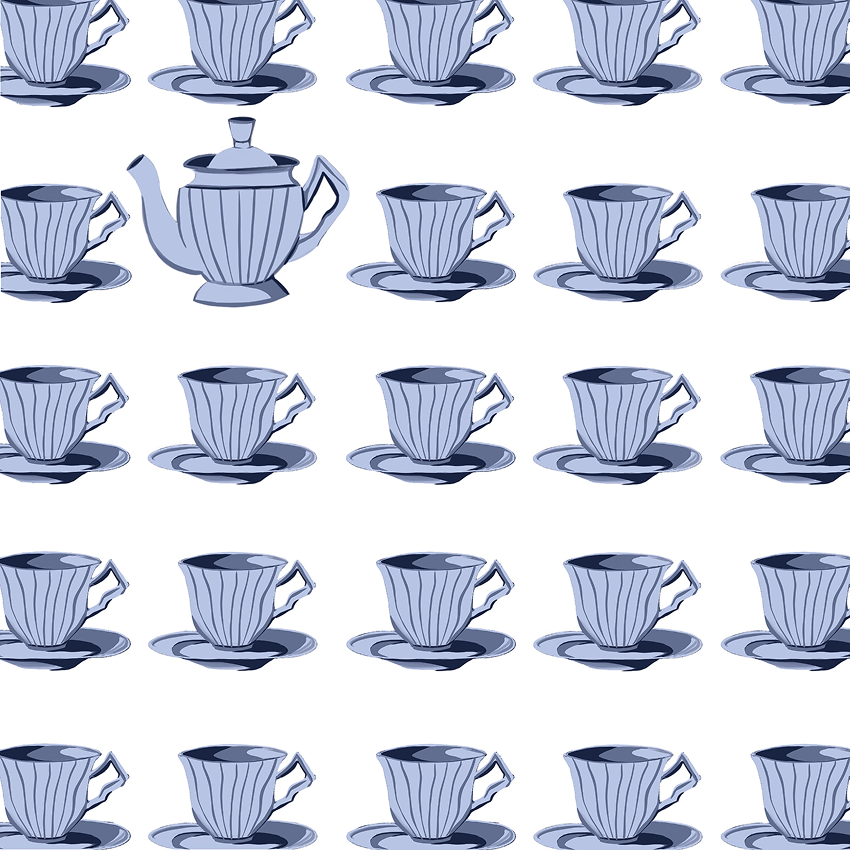
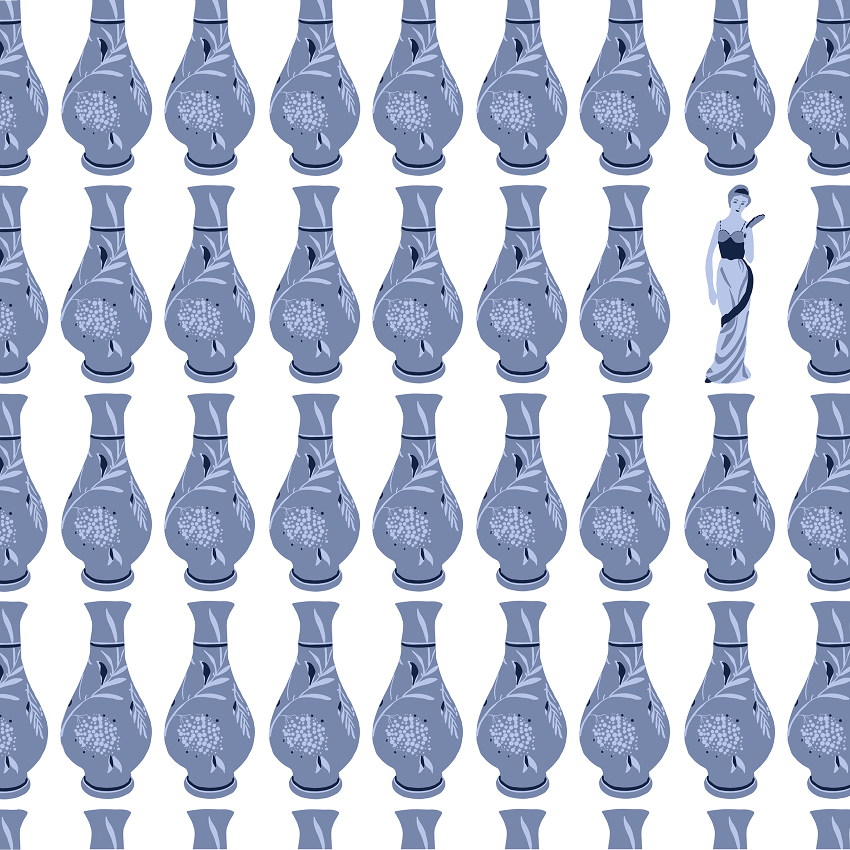
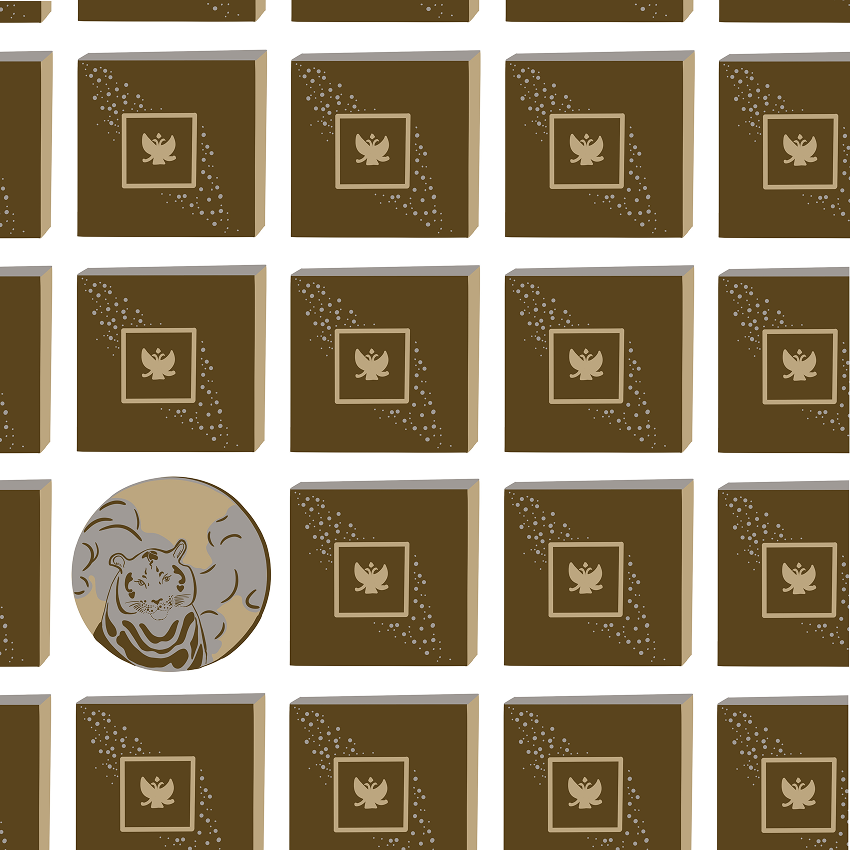
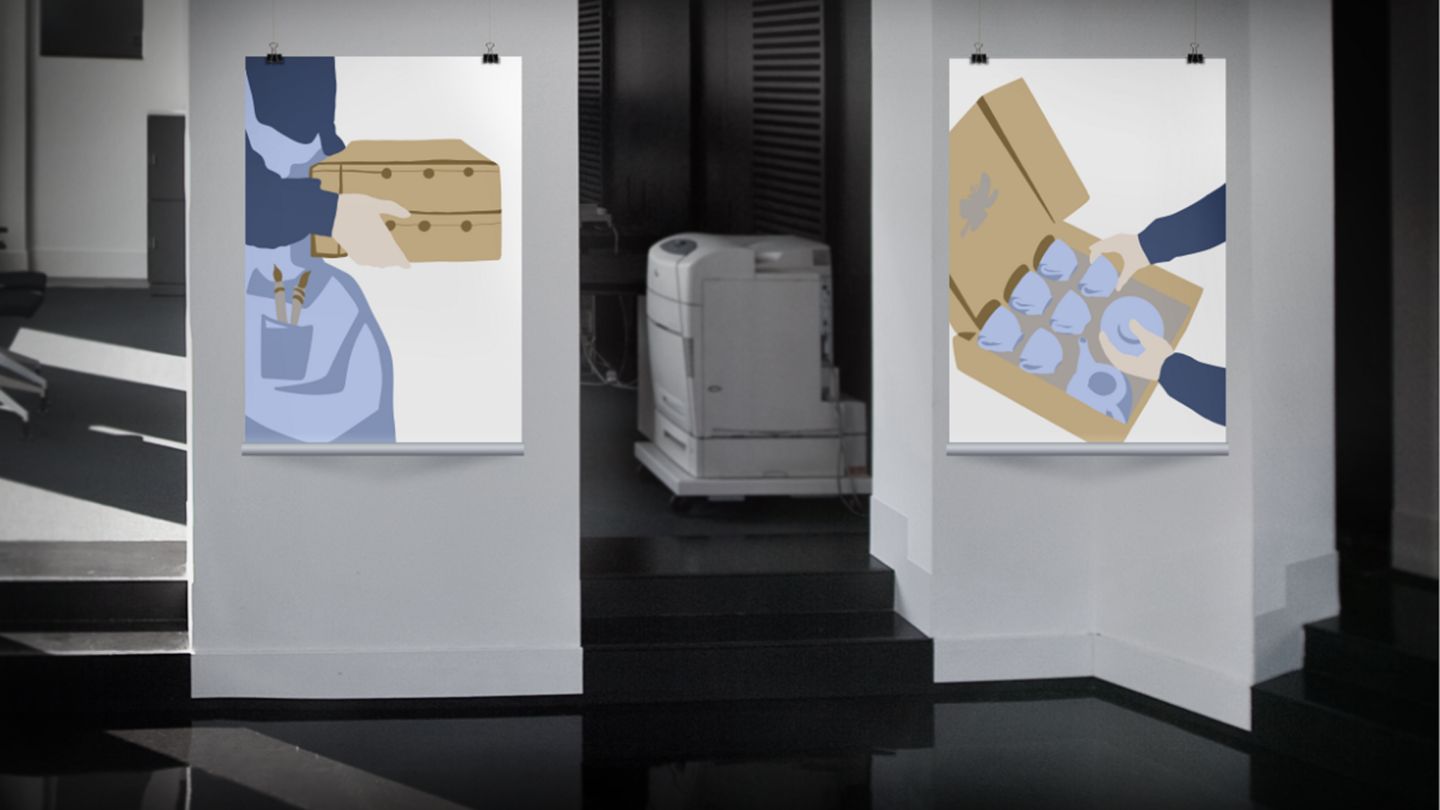
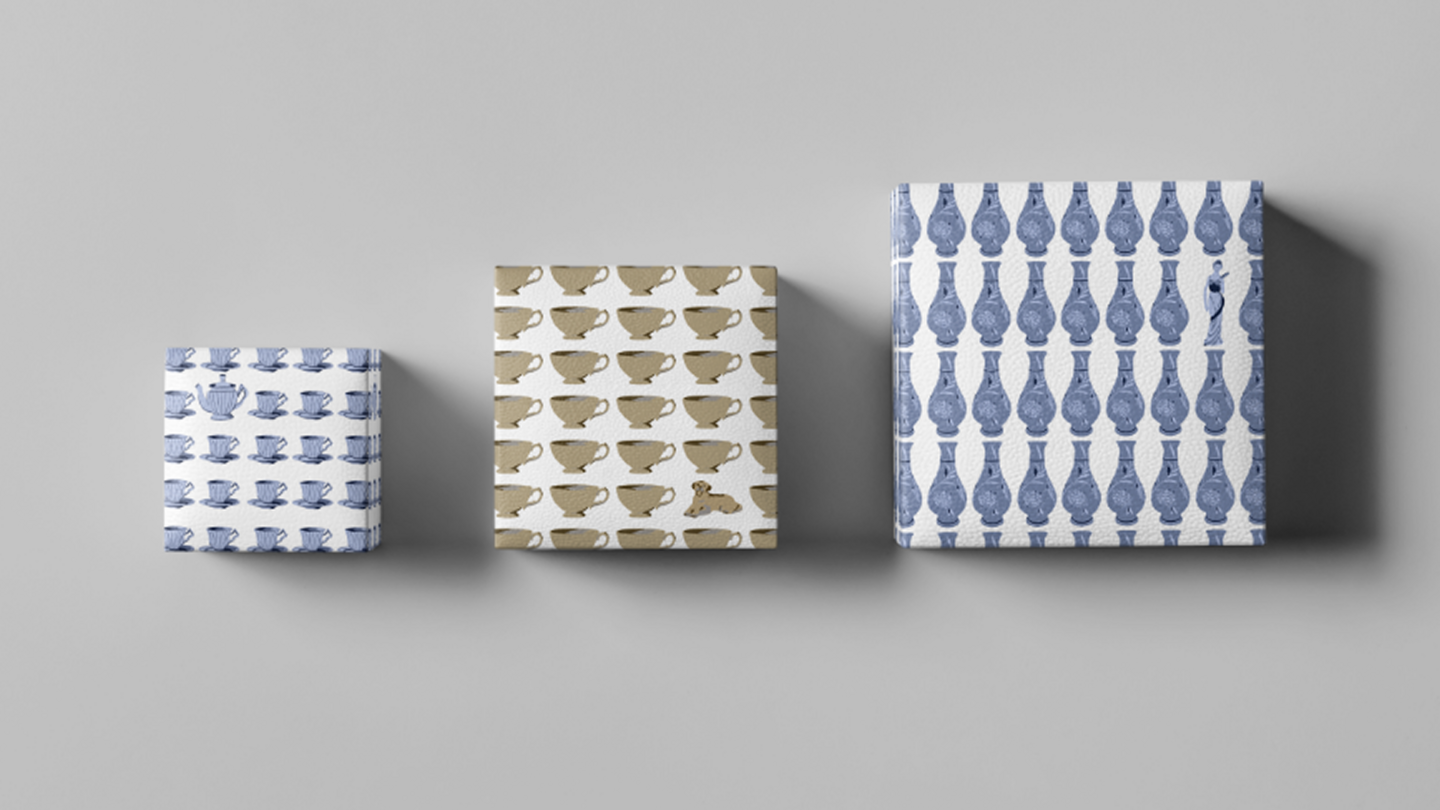
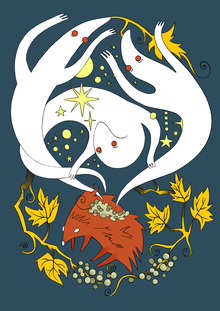
В первой серии я создала иллюстрации к ИФЗ. Мне было важно передать природу фарфорового производства: одно изделие существует во множестве экземпляров, и в этом заключается его суть.
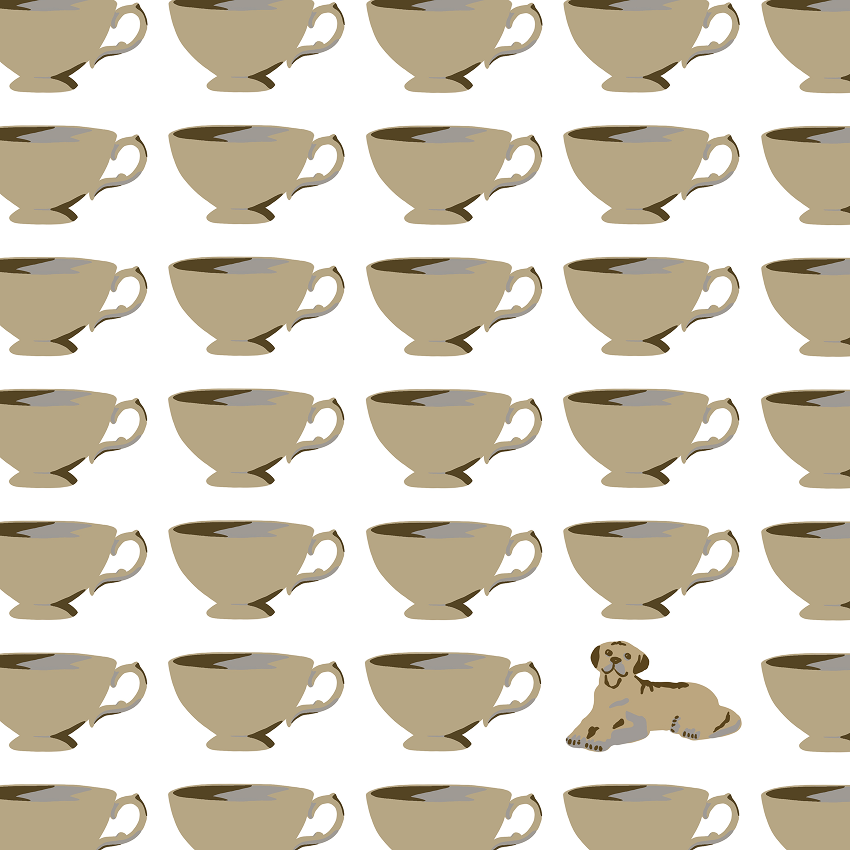
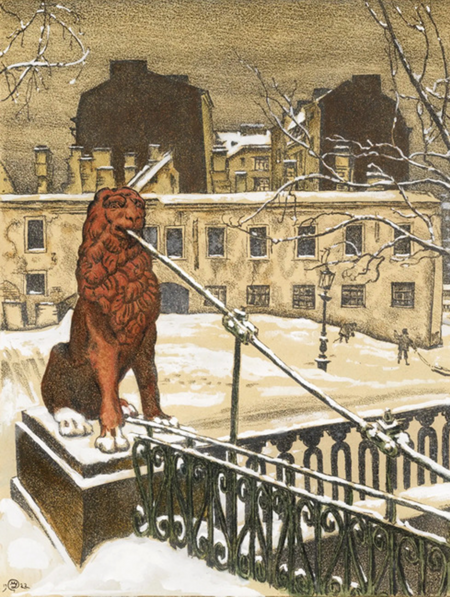
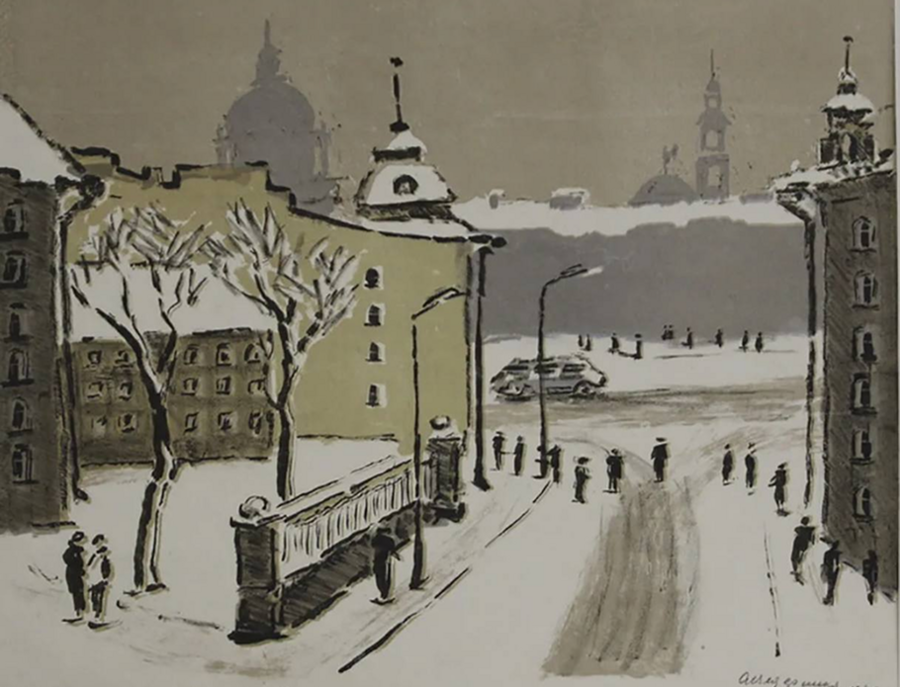
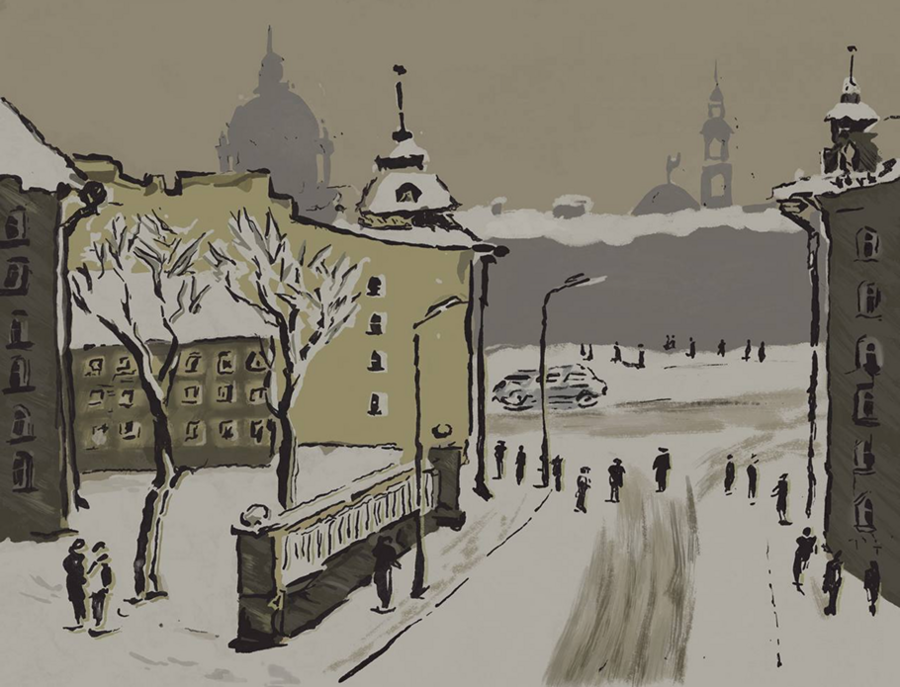
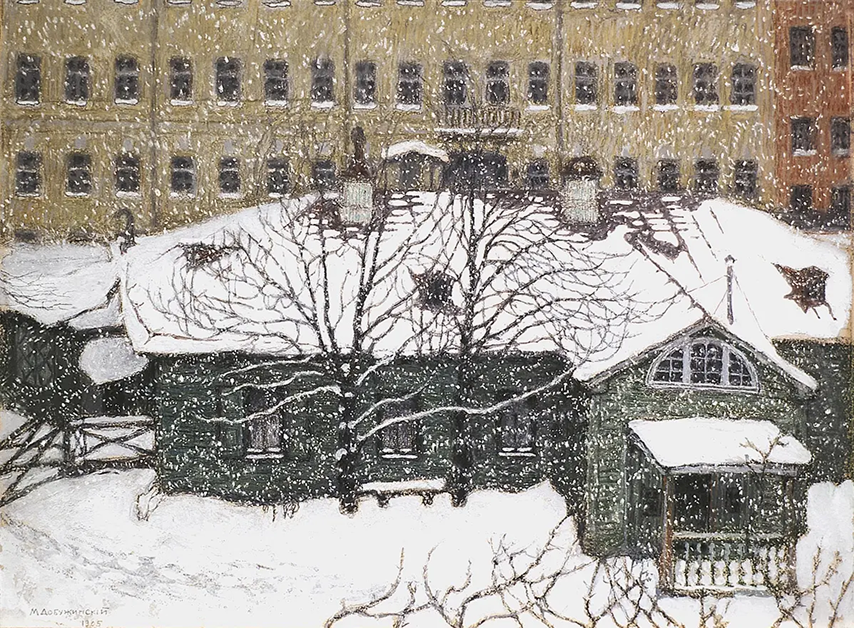
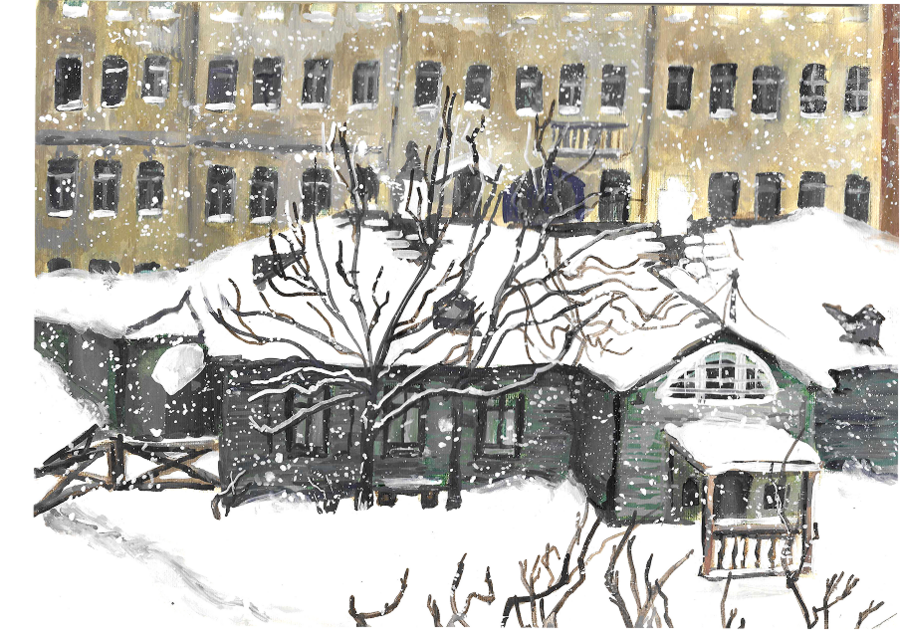
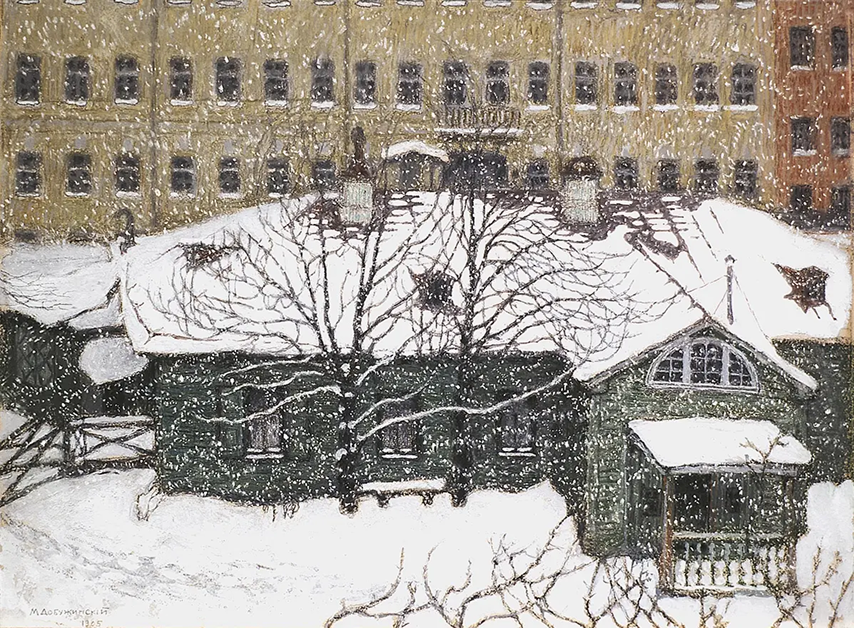
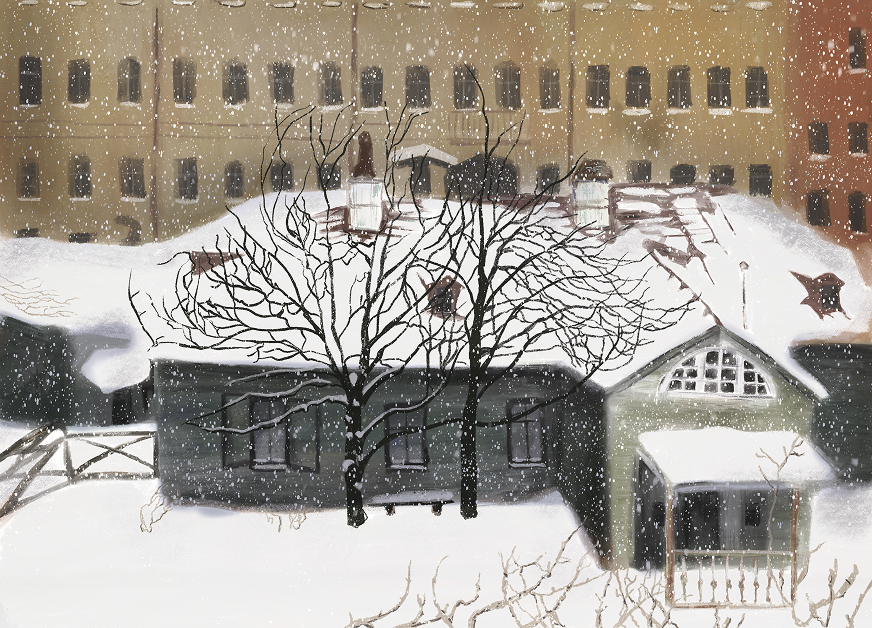
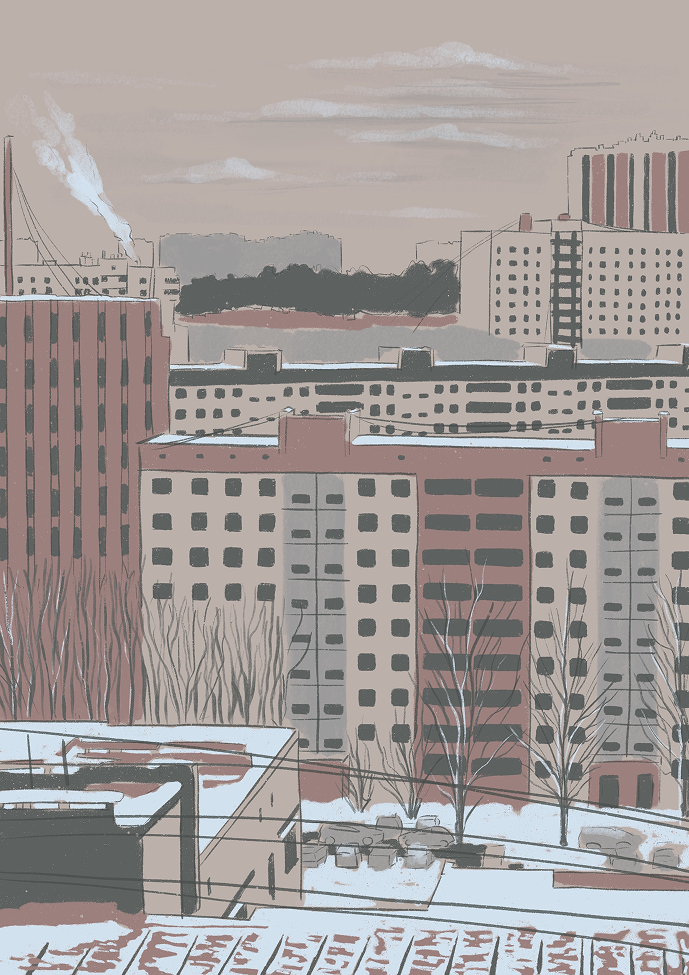
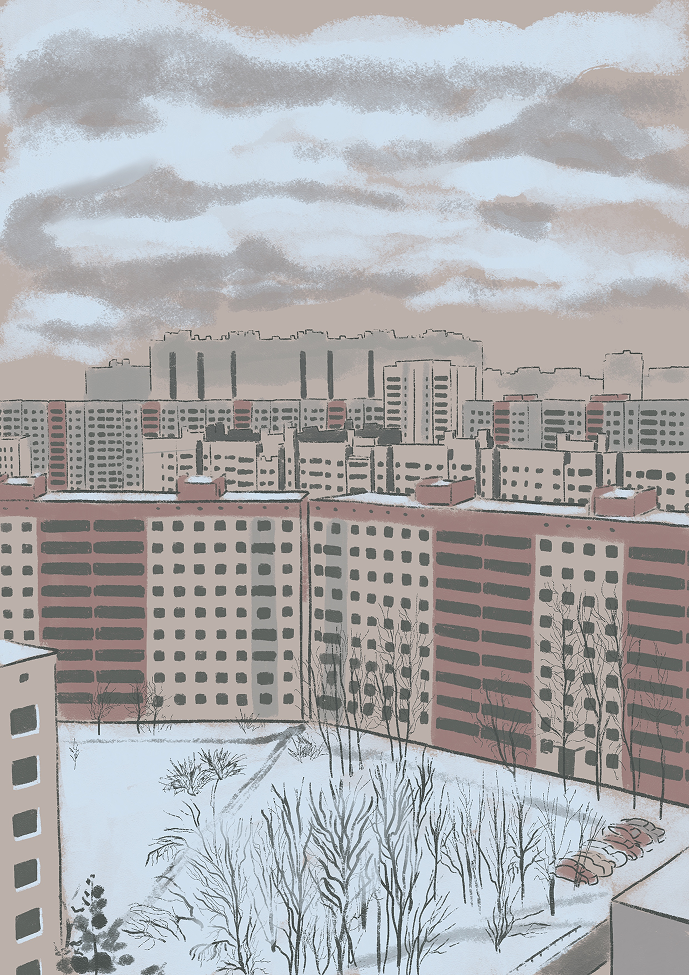
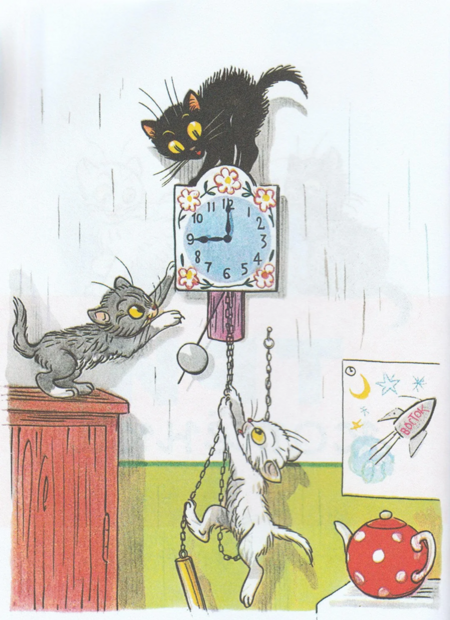
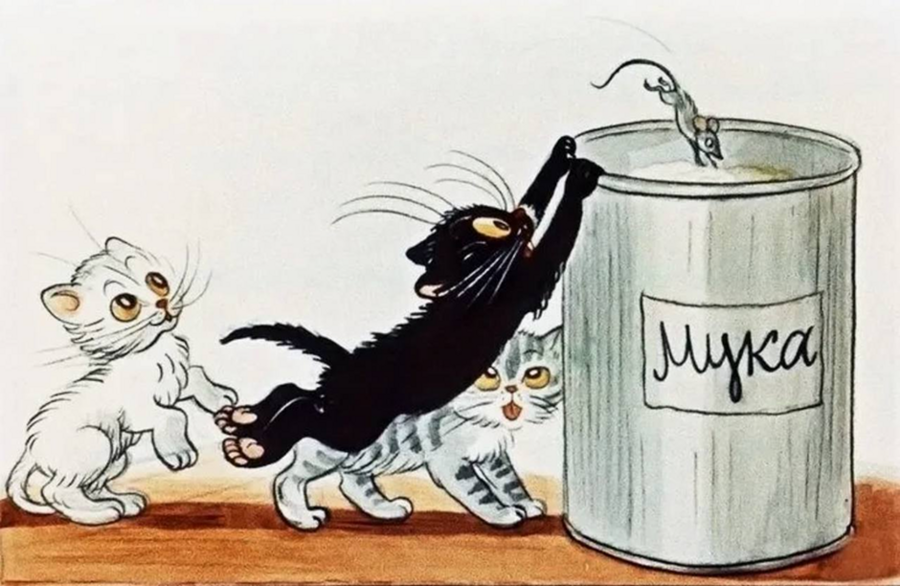
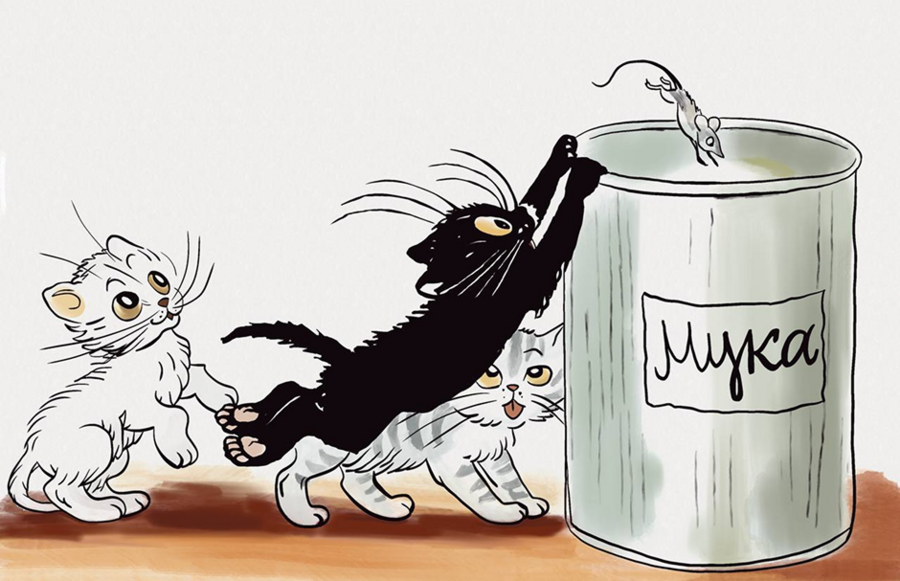
Во второй серии я обратилась к Добужинскому и Сутееву — создала цикл, применяя их технику.
Императорский фарфоровый завод — одно из старейших фарфоровых предприятий в мире
и крупнейший отечественный производитель фарфора.
Я сделала для него серию иллюстраций, посвященную двум темам: рождению фарфорового изделия и его бесчисленному множеству в итоге.
Здесь процесс создания становится главным сюжетом, а множество готовых форм обретает единство, где каждый предмет — часть большого целого.
Серия иллюстраций рассказывает о странных существах — девочках. Мальчик Канг замечает, что они отличаются от него. Они не умеют бегать, слабы в математике, и совсем неамбициозны. Из этих суждений, как из кирпичей, мальчик строит свои представления о противоположном поле, не замечая, что пока ему доставались учебники, сестре давали принадлежности для шитья. Он не видит причин, по которым стереотипы становятся реальностью и оседают на плечах женщин его семьи тяжелым фундаментом дома.
pro.hsedesign
Digital platform for creating presentations. An innovative online constructor where everyone can showcase their projects, proposals or educational courses in spectacular way.
We use cookies to improve the operation of the HSE website and to enhance its usability. More detailed information on the use of cookies can be fou...
Show more
Press space bar to start a drag.
When dragging you can use the arrow keys to move the item around and escape to cancel.
Some screen readers may require you to be in focus mode or to use your pass through key
Press space bar to start a drag.
When dragging you can use the arrow keys to move the item around and escape to cancel.
Some screen readers may require you to be in focus mode or to use your pass through key
Press space bar to start a drag.
When dragging you can use the arrow keys to move the item around and escape to cancel.
Some screen readers may require you to be in focus mode or to use your pass through key
Press space bar to start a drag.
When dragging you can use the arrow keys to move the item around and escape to cancel.
Some screen readers may require you to be in focus mode or to use your pass through key
Press space bar to start a drag.
When dragging you can use the arrow keys to move the item around and escape to cancel.
Some screen readers may require you to be in focus mode or to use your pass through key
Press space bar to start a drag.
When dragging you can use the arrow keys to move the item around and escape to cancel.
Some screen readers may require you to be in focus mode or to use your pass through key
Press space bar to start a drag.
When dragging you can use the arrow keys to move the item around and escape to cancel.
Some screen readers may require you to be in focus mode or to use your pass through key
Press space bar to start a drag.
When dragging you can use the arrow keys to move the item around and escape to cancel.
Some screen readers may require you to be in focus mode or to use your pass through key
Press space bar to start a drag.
When dragging you can use the arrow keys to move the item around and escape to cancel.
Some screen readers may require you to be in focus mode or to use your pass through key
Press space bar to start a drag.
When dragging you can use the arrow keys to move the item around and escape to cancel.
Some screen readers may require you to be in focus mode or to use your pass through key
Press space bar to start a drag.
When dragging you can use the arrow keys to move the item around and escape to cancel.
Some screen readers may require you to be in focus mode or to use your pass through key