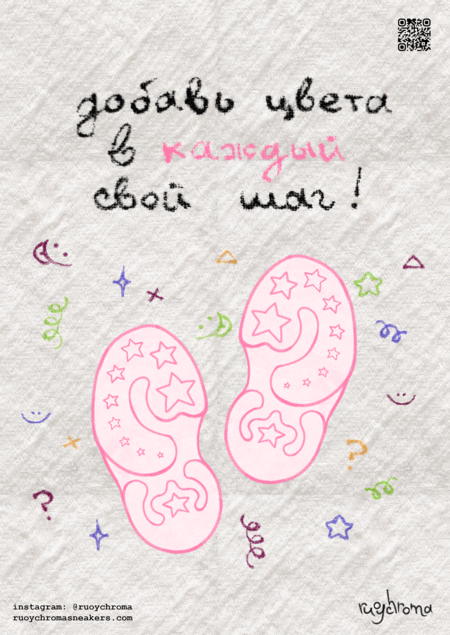
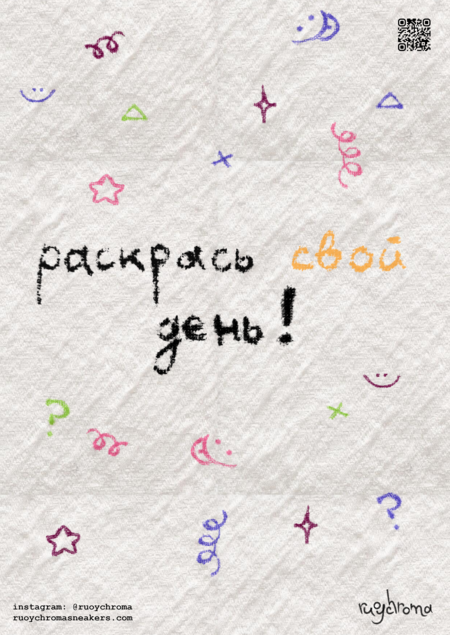
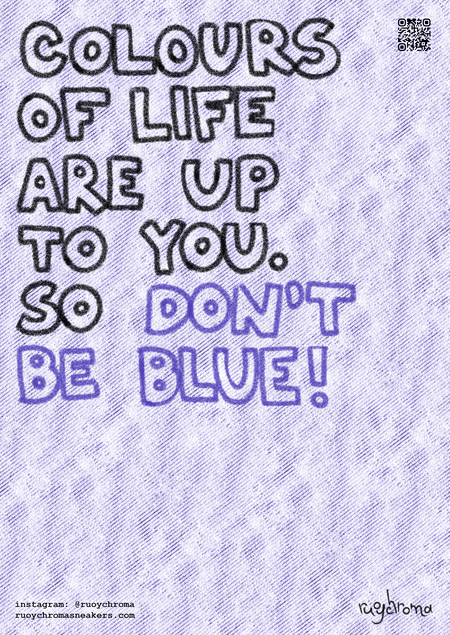
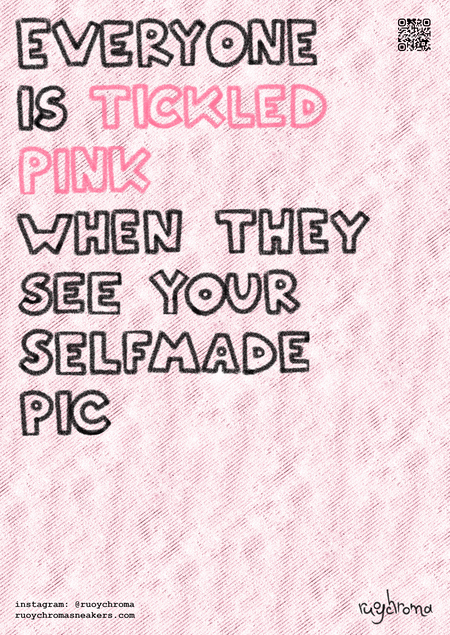
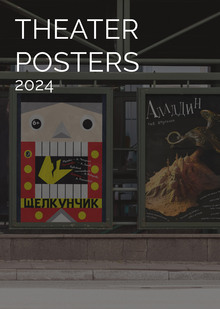
это собрание плакатов, которые я успела сделать для проектов в вышку, с краткими описаниями что к чему. почему «плакаты из класса 101»? 101 — класс, с которого всё начинается, это твои первые шаги, вырастающие в опыт и умения.
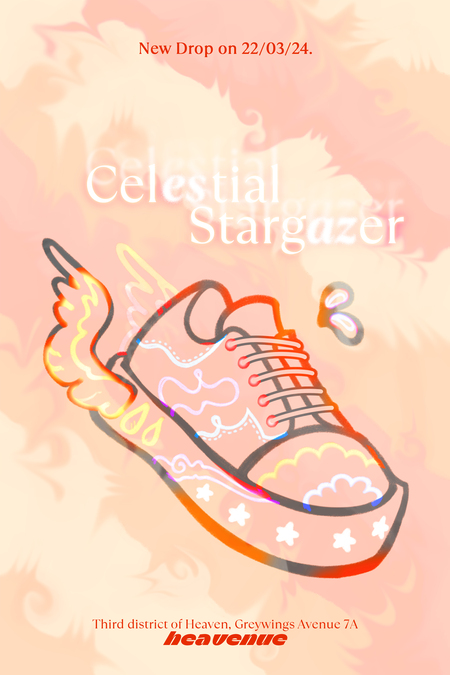
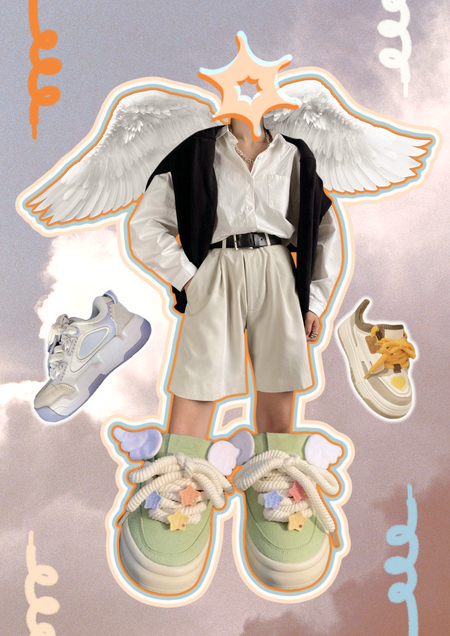
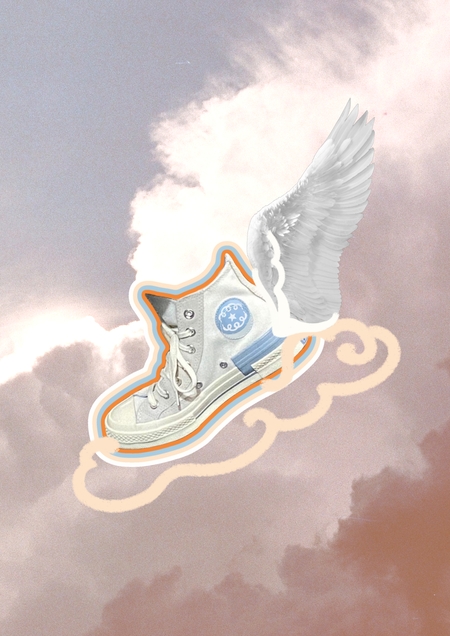
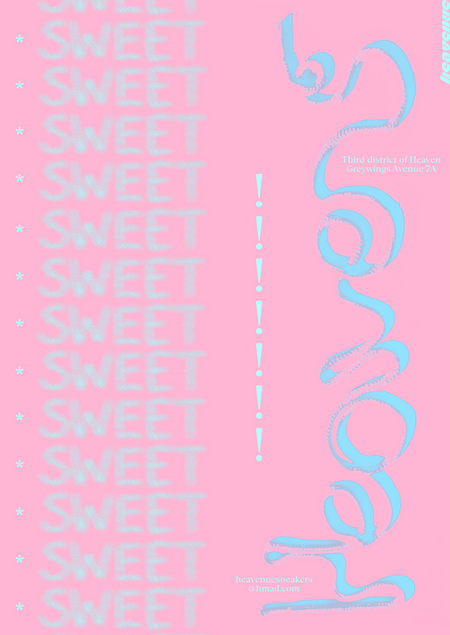
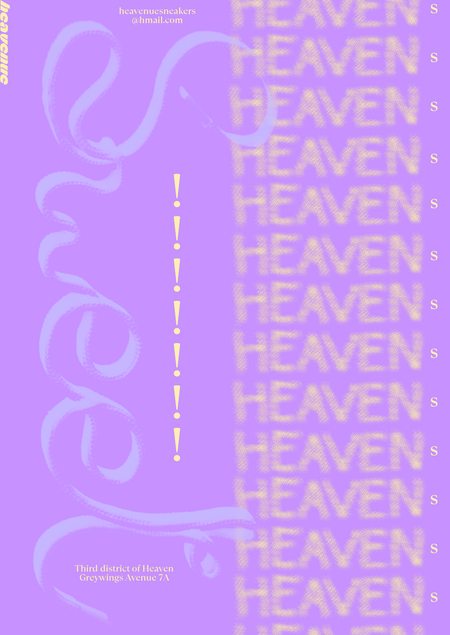
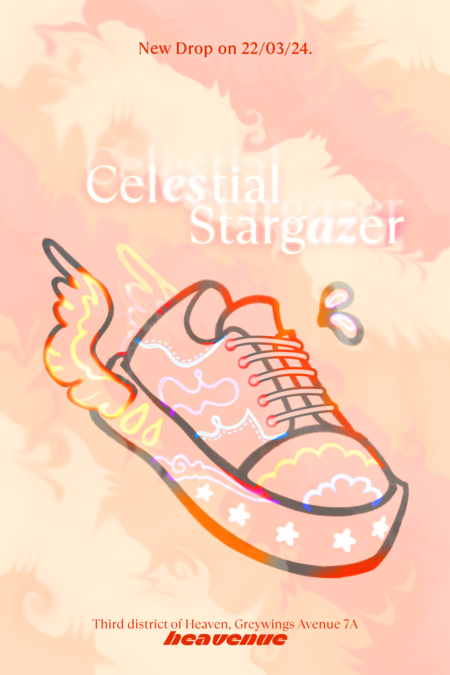
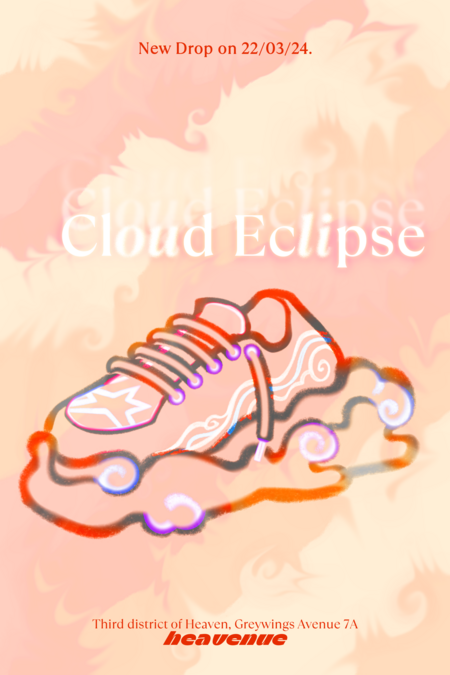
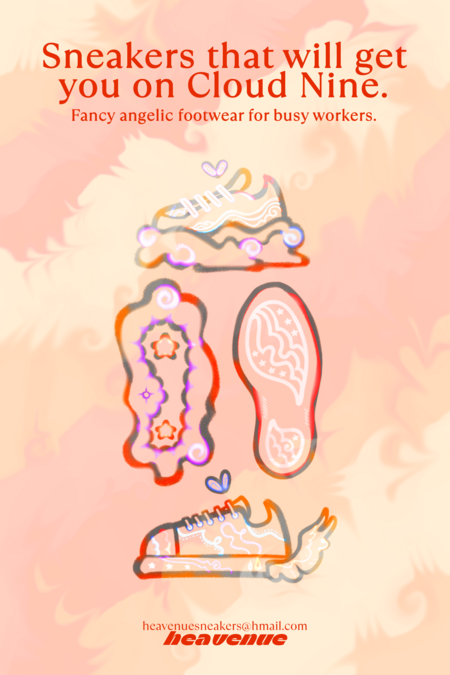
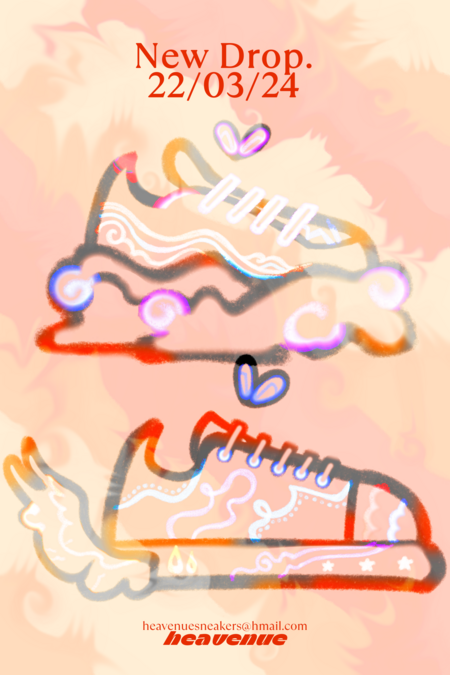
несколько серий плакатов для вымышленного бренда кроссовок для ангелов. коллажи, иллюстрации, разные техники, всё здесь.
графический образ и обложка
образы покупателей
Original size 2480x3500
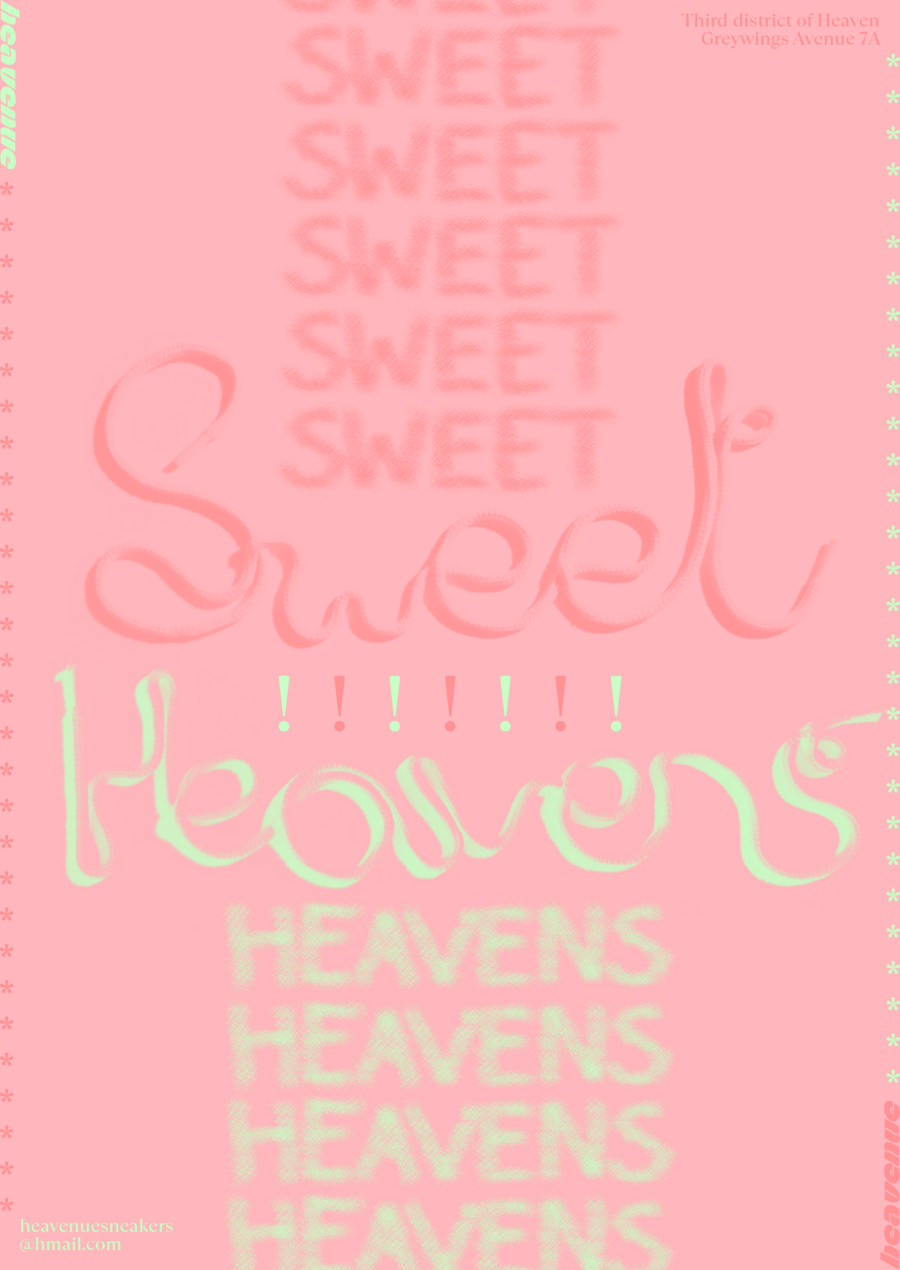
слова в этой серии плакатов выведены реальным шнурком
Original size 3335x5000
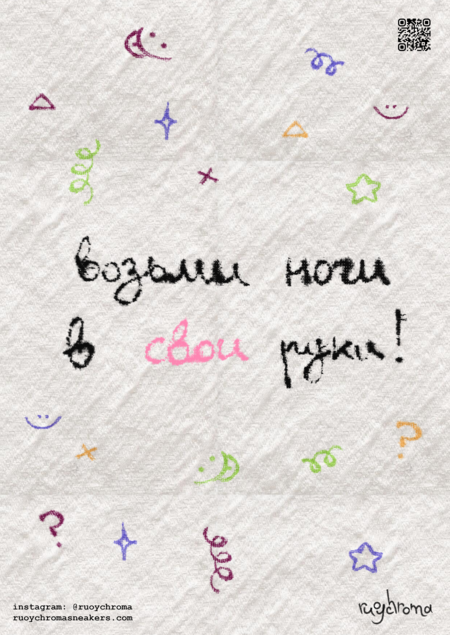
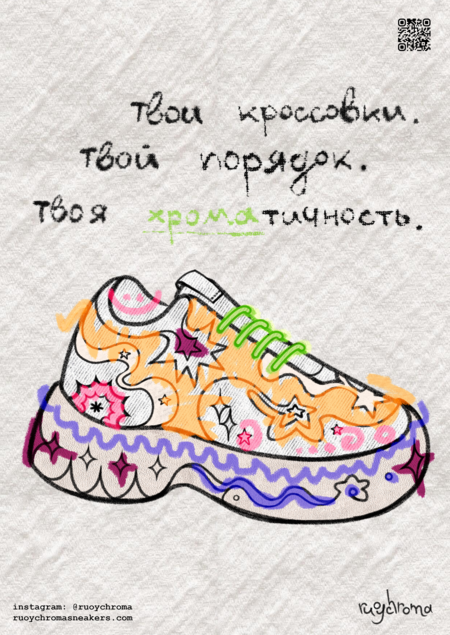
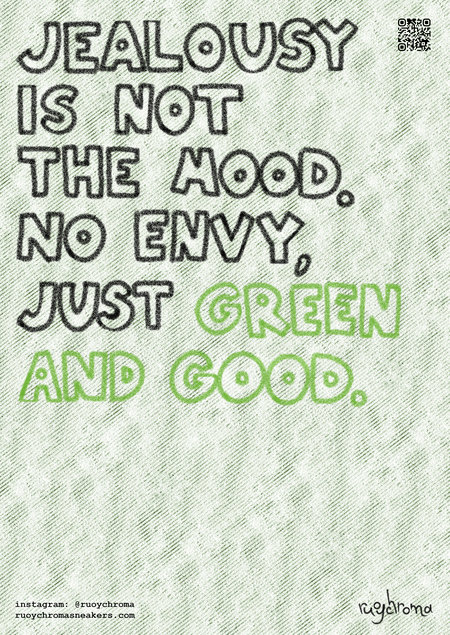
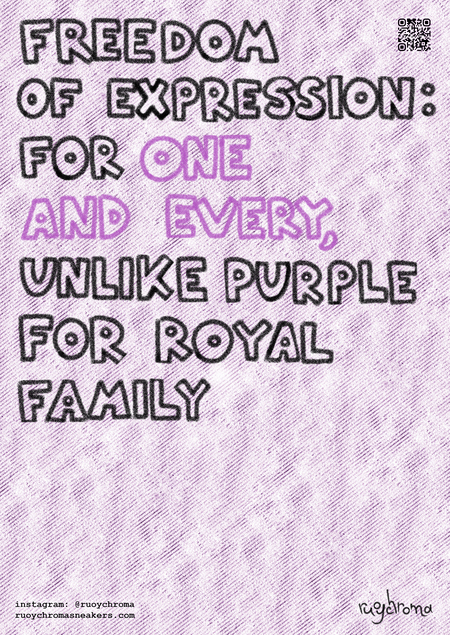
затем бренд кроссовок стал не для ангелов, а для кастомизации, всеми, кто захочет.
надписи сделаны по ткани вручную
Original size 2480x3500
Original size 4896x3264
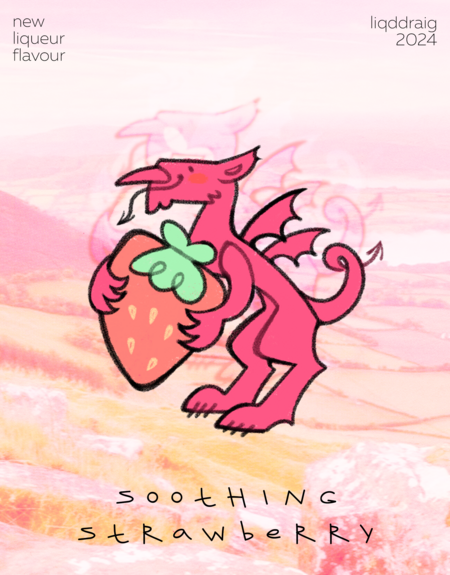
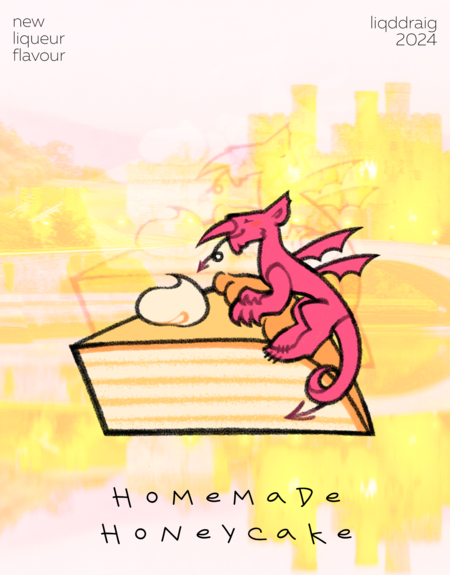
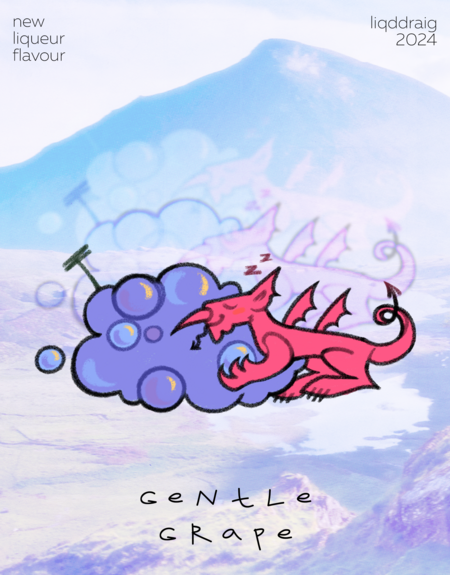
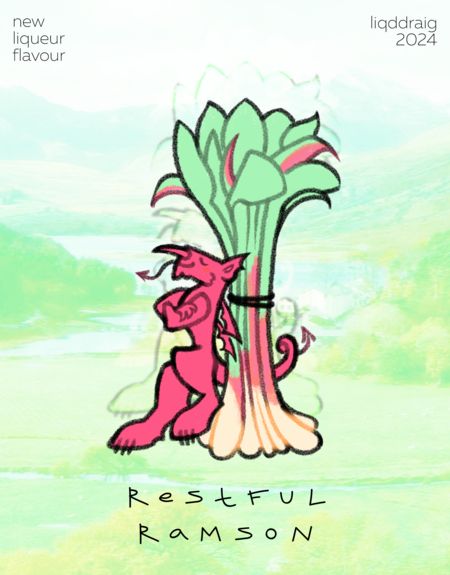
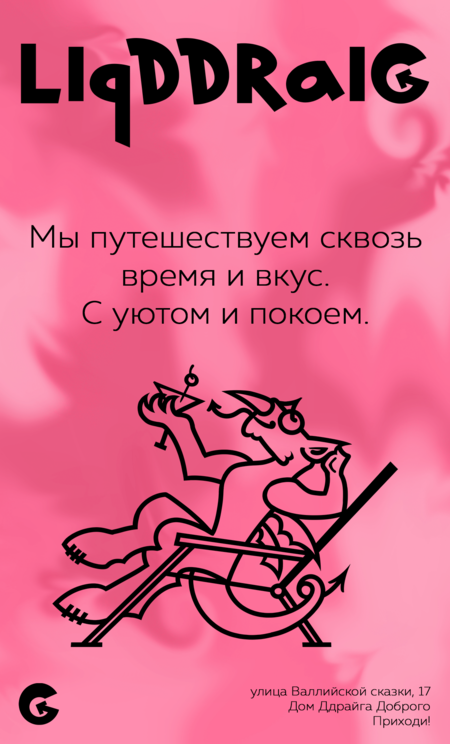
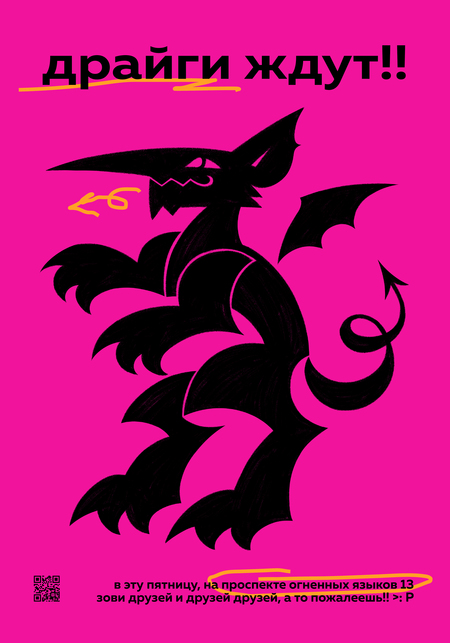
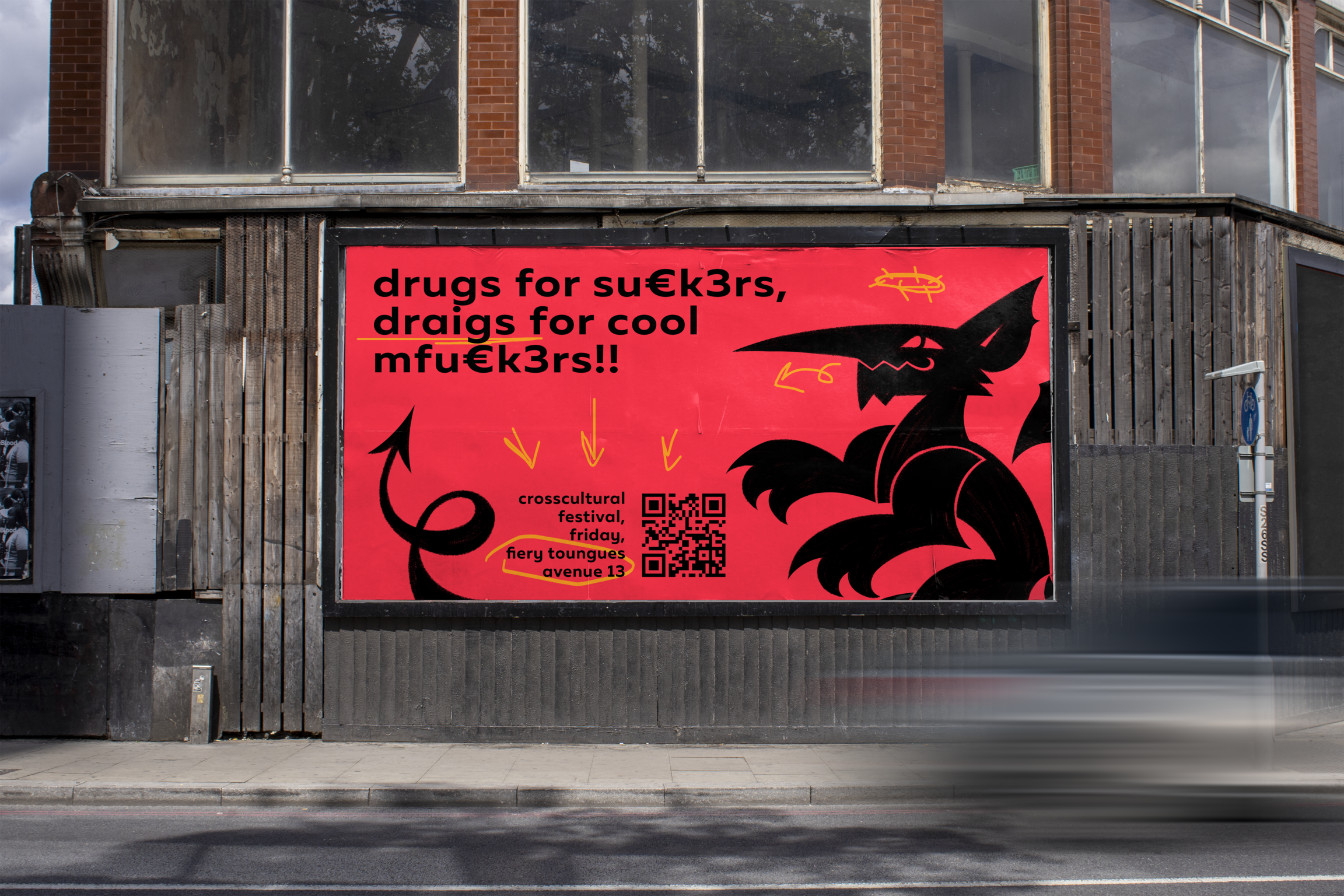
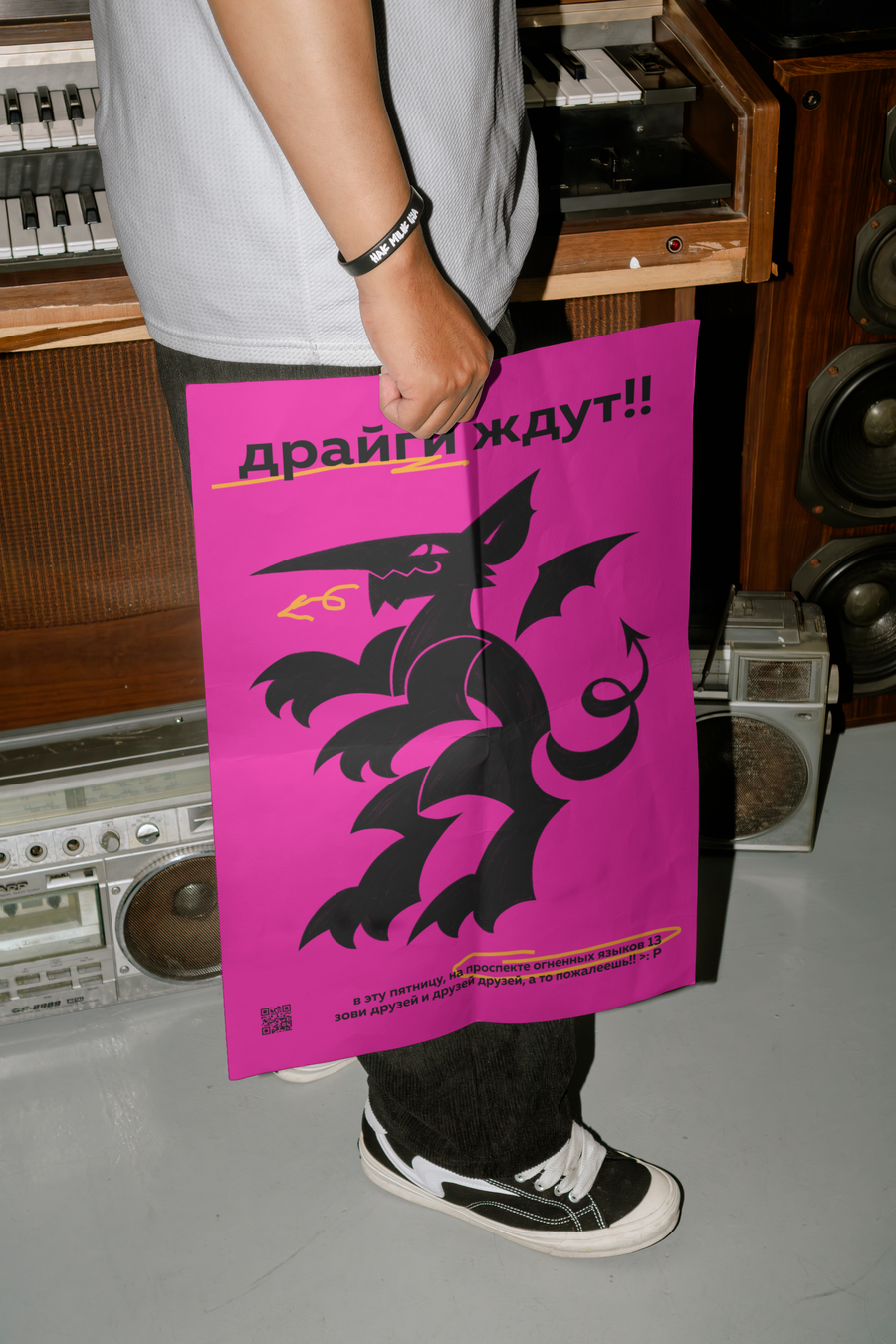
ликёрный бренд из уэльса, где маскот — валлийский дракон. яркие цвета уходят от строгости тех же классических виски с содовой, создавая более игривый и расслабленный образ.
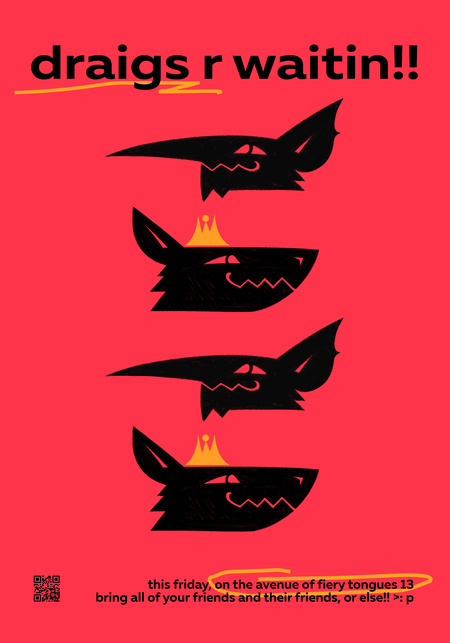
а затем бренд превратился в дерзкий и задорный кросскультурный фестиваль казани и уэльса. он бы понравился всем, кто обожает драконов и хочет узнать больше о казанском зиланте и валлийском и-драйг гохе!!
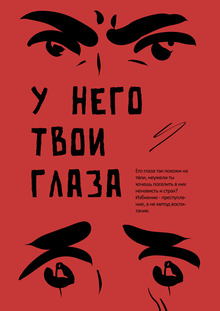
«У него твои глаза» — серия социальных плакатов против домашнего насилия в отношении детей. Это учебный проект, выполненный в рамках дисциплины «Выпуск учебных медиа».
Digital platform for creating presentations. An innovative online constructor where everyone can showcase their projects, proposals or educational courses in spectacular way.
We use cookies to improve the operation of the HSE website and to enhance its usability. More detailed information on the use of cookies can be fou...
Show more
Press space bar to start a drag.
When dragging you can use the arrow keys to move the item around and escape to cancel.
Some screen readers may require you to be in focus mode or to use your pass through key
Press space bar to start a drag.
When dragging you can use the arrow keys to move the item around and escape to cancel.
Some screen readers may require you to be in focus mode or to use your pass through key
Press space bar to start a drag.
When dragging you can use the arrow keys to move the item around and escape to cancel.
Some screen readers may require you to be in focus mode or to use your pass through key
Press space bar to start a drag.
When dragging you can use the arrow keys to move the item around and escape to cancel.
Some screen readers may require you to be in focus mode or to use your pass through key
Press space bar to start a drag.
When dragging you can use the arrow keys to move the item around and escape to cancel.
Some screen readers may require you to be in focus mode or to use your pass through key
Press space bar to start a drag.
When dragging you can use the arrow keys to move the item around and escape to cancel.
Some screen readers may require you to be in focus mode or to use your pass through key
Press space bar to start a drag.
When dragging you can use the arrow keys to move the item around and escape to cancel.
Some screen readers may require you to be in focus mode or to use your pass through key
Press space bar to start a drag.
When dragging you can use the arrow keys to move the item around and escape to cancel.
Some screen readers may require you to be in focus mode or to use your pass through key
Press space bar to start a drag.
When dragging you can use the arrow keys to move the item around and escape to cancel.
Some screen readers may require you to be in focus mode or to use your pass through key
Press space bar to start a drag.
When dragging you can use the arrow keys to move the item around and escape to cancel.
Some screen readers may require you to be in focus mode or to use your pass through key
Press space bar to start a drag.
When dragging you can use the arrow keys to move the item around and escape to cancel.
Some screen readers may require you to be in focus mode or to use your pass through key
Press space bar to start a drag.
When dragging you can use the arrow keys to move the item around and escape to cancel.
Some screen readers may require you to be in focus mode or to use your pass through key
Press space bar to start a drag.
When dragging you can use the arrow keys to move the item around and escape to cancel.
Some screen readers may require you to be in focus mode or to use your pass through key