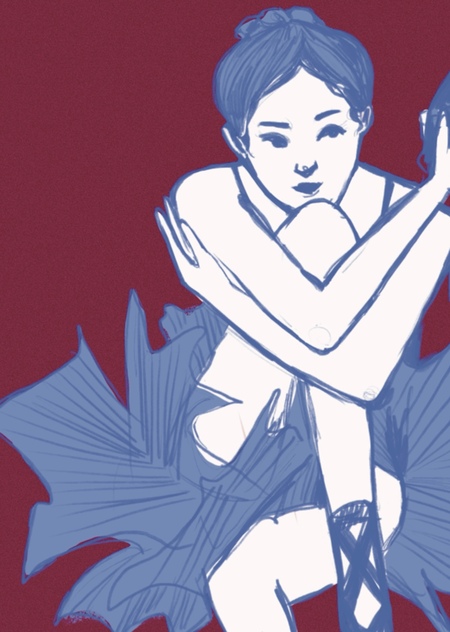
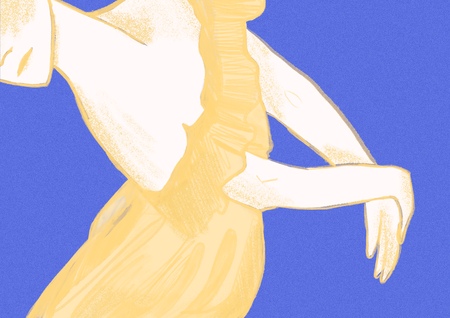
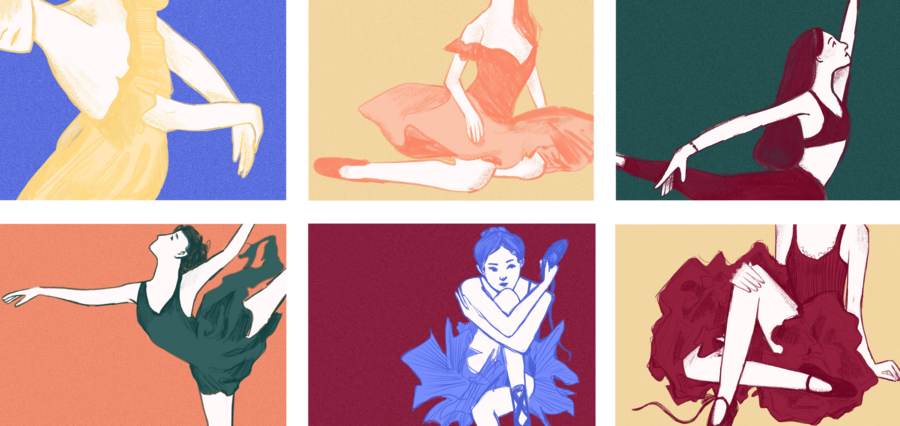
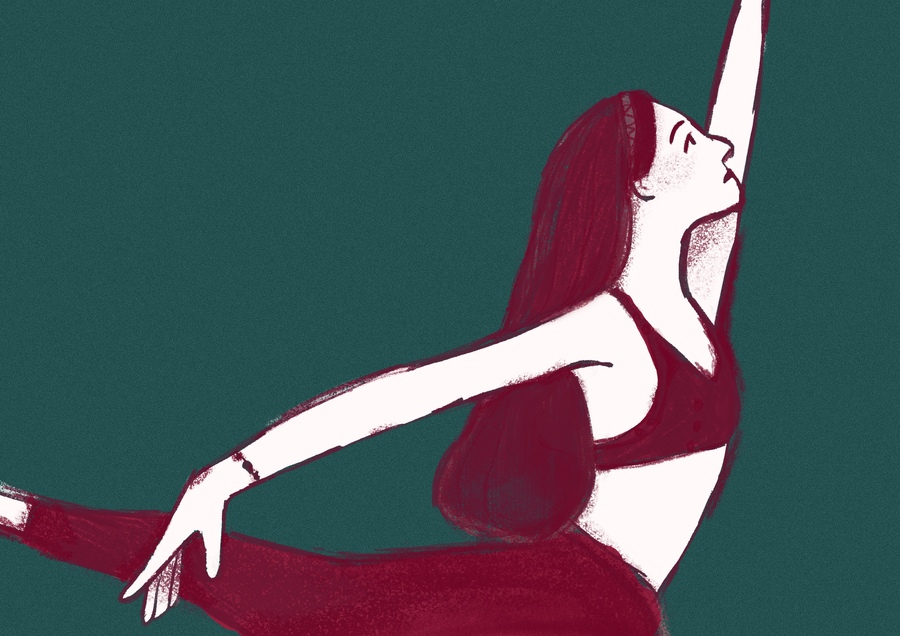
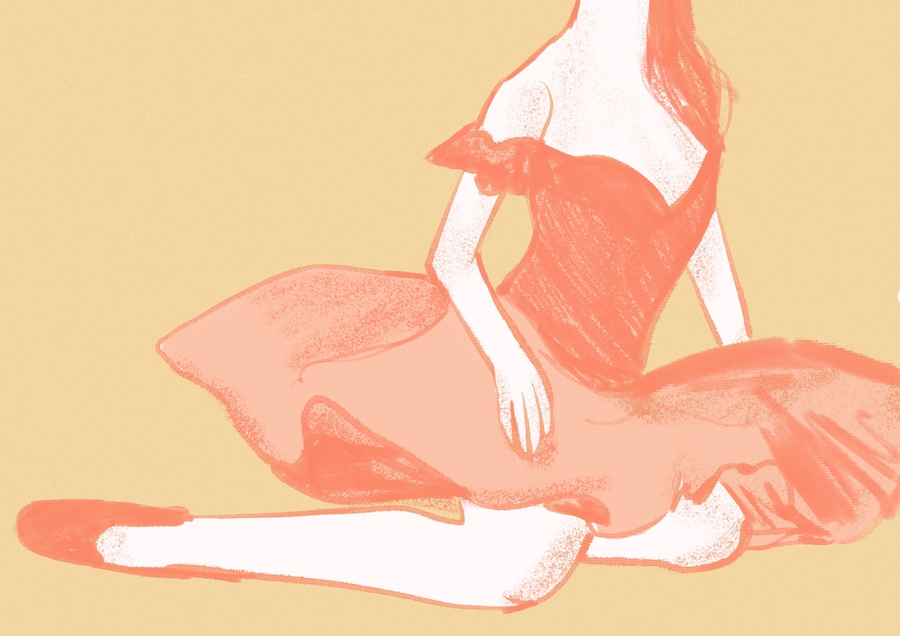
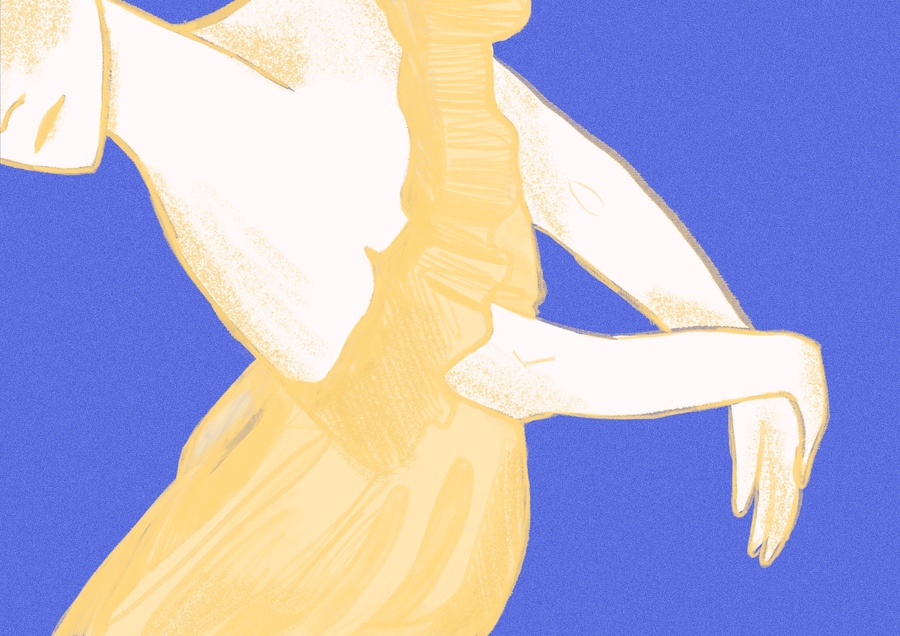
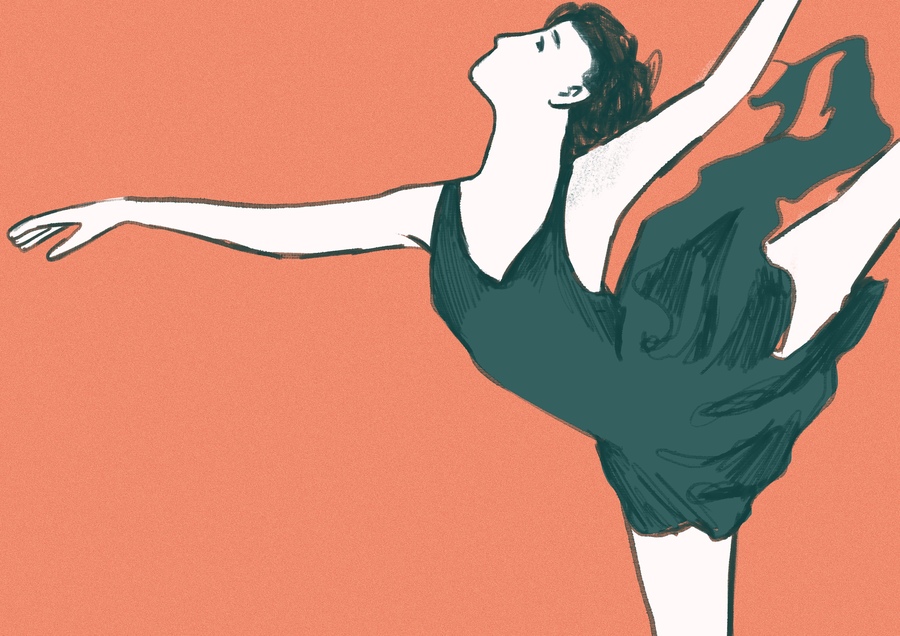
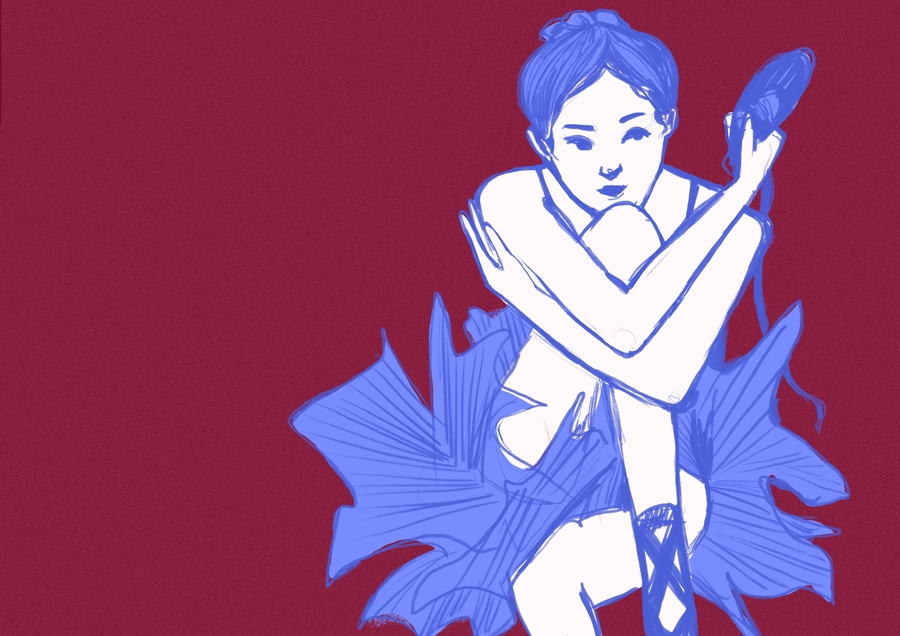
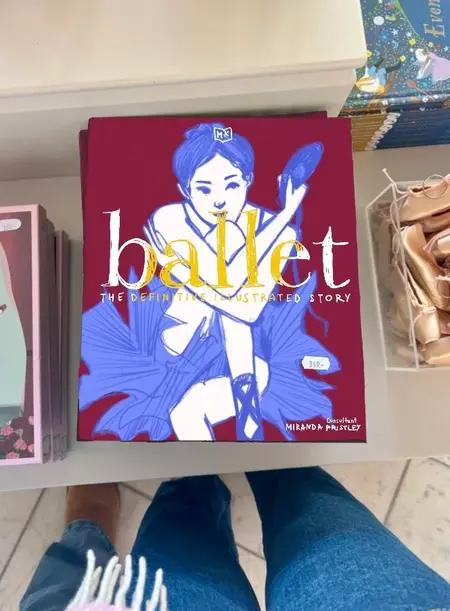
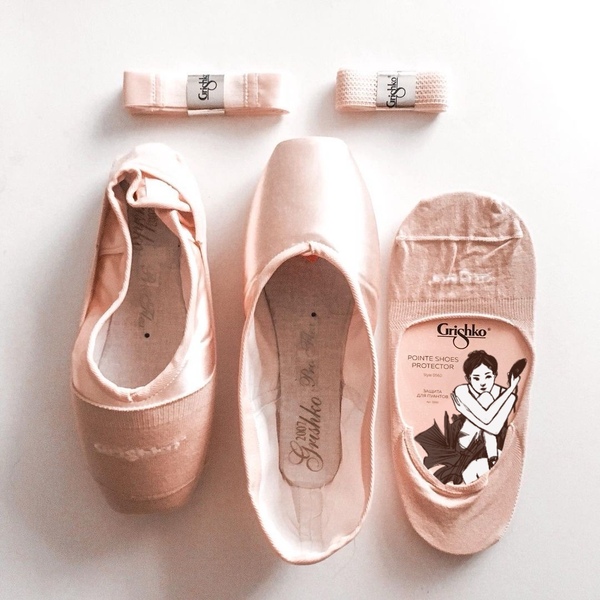
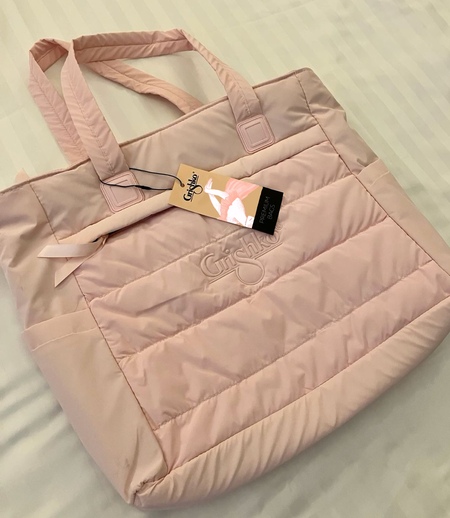
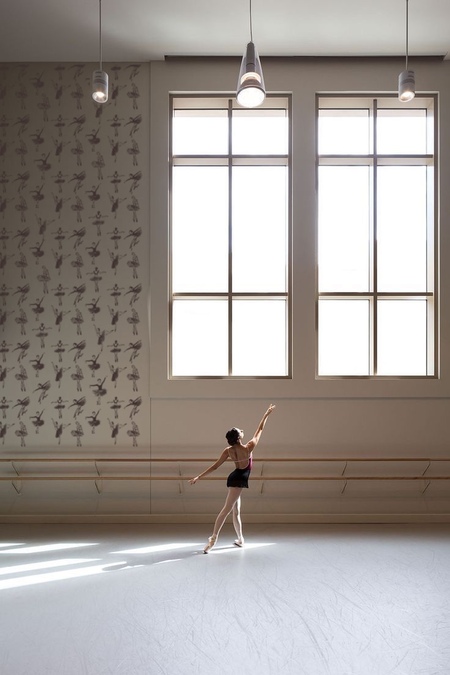
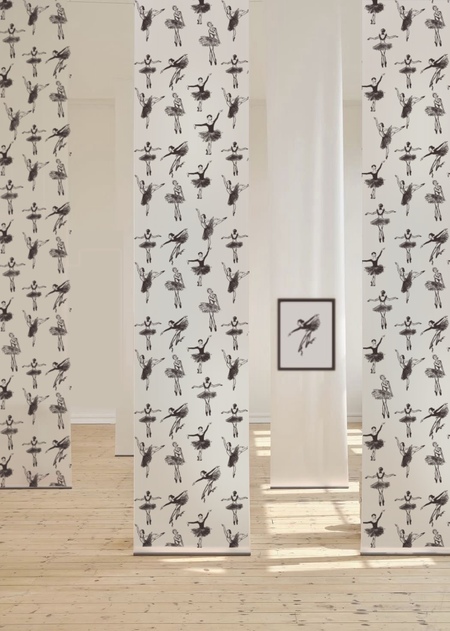
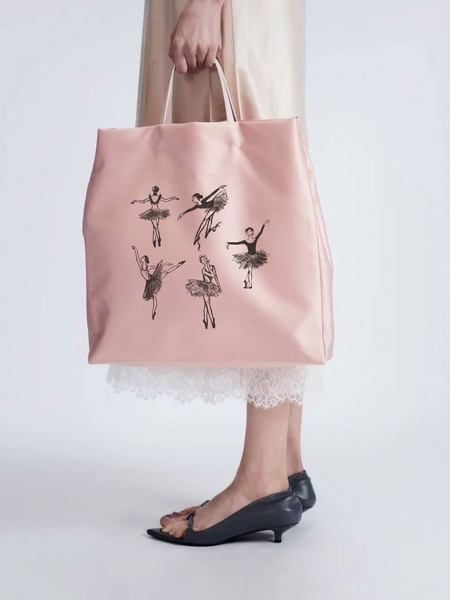
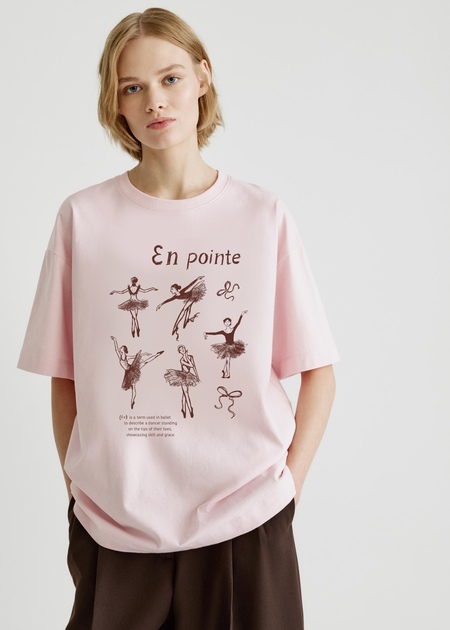
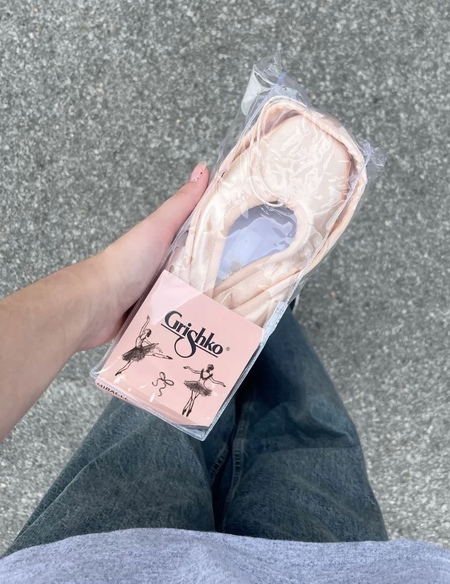
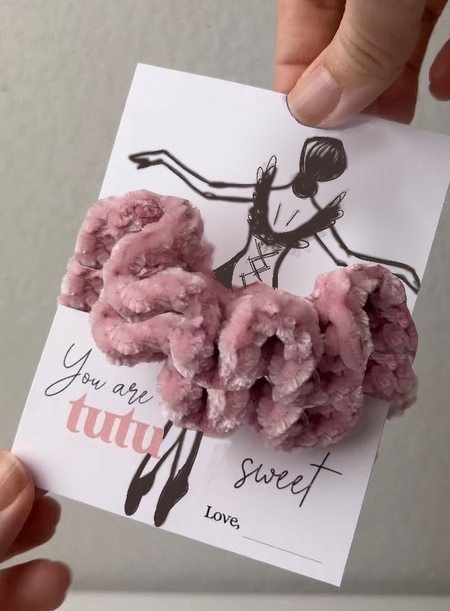
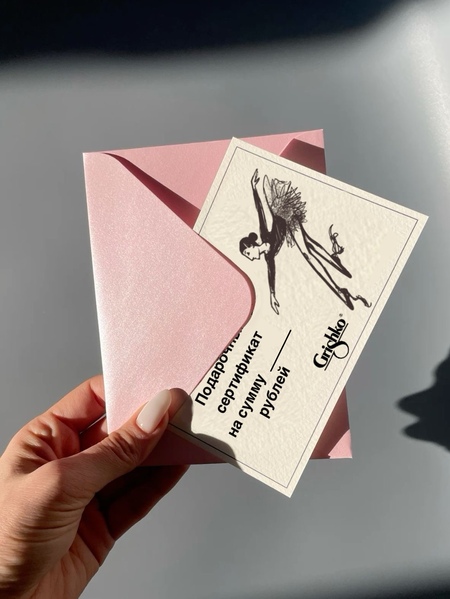
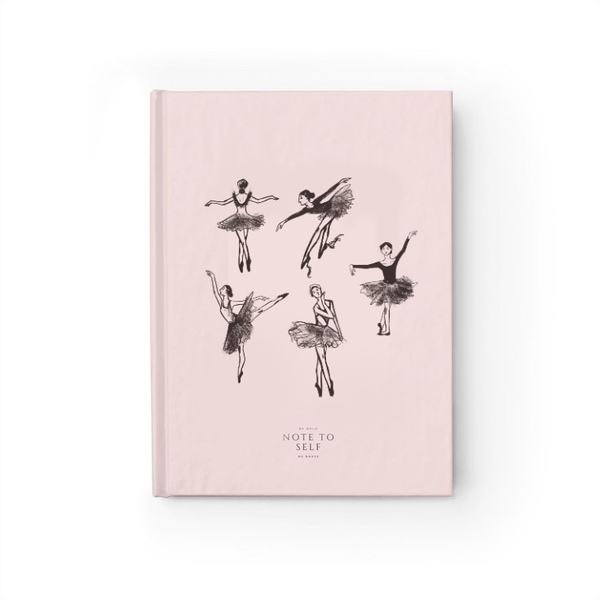
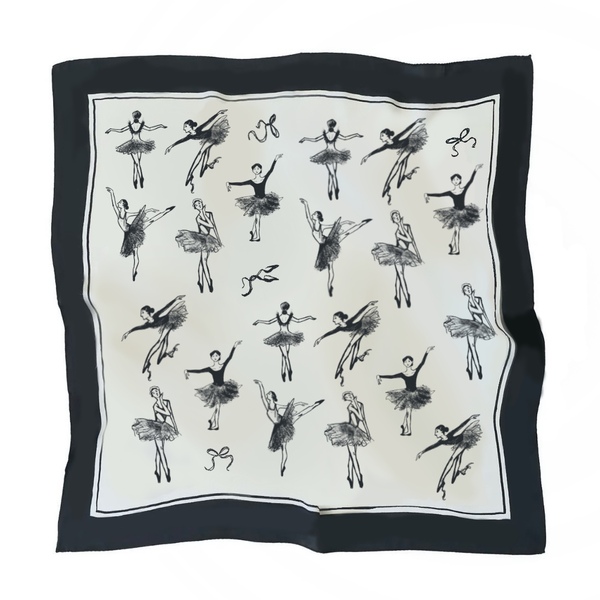
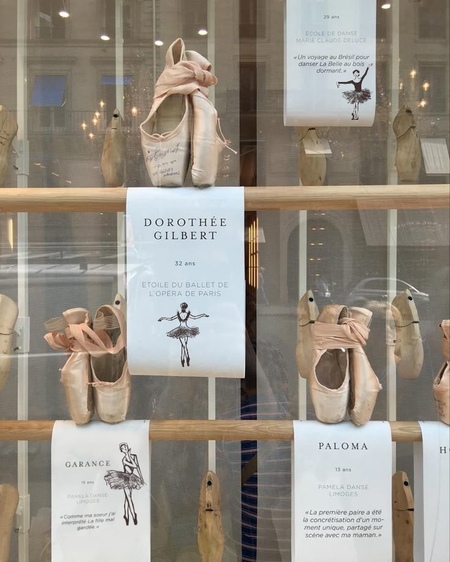
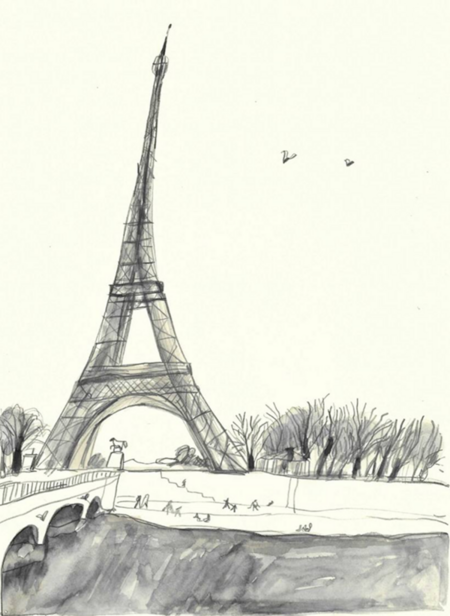
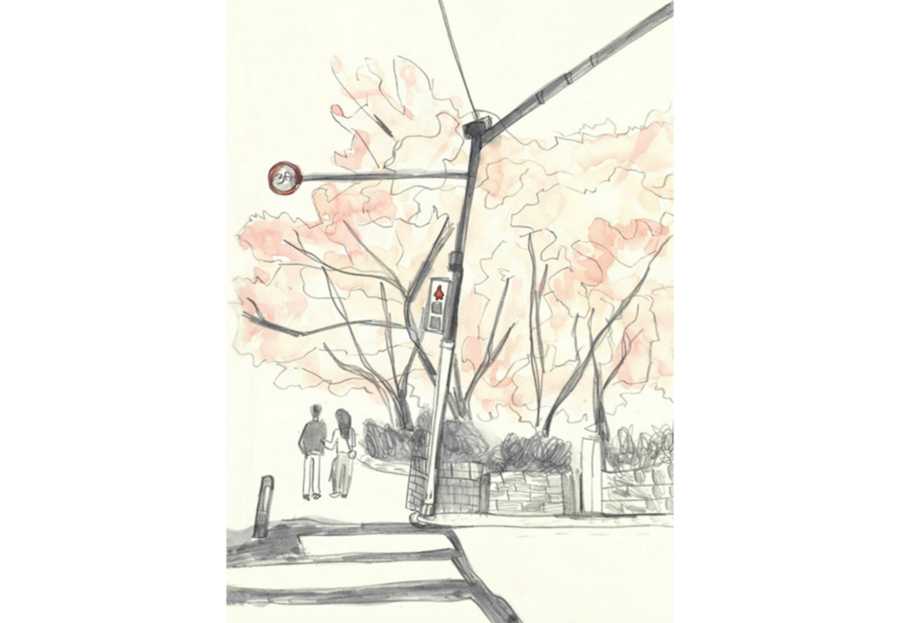
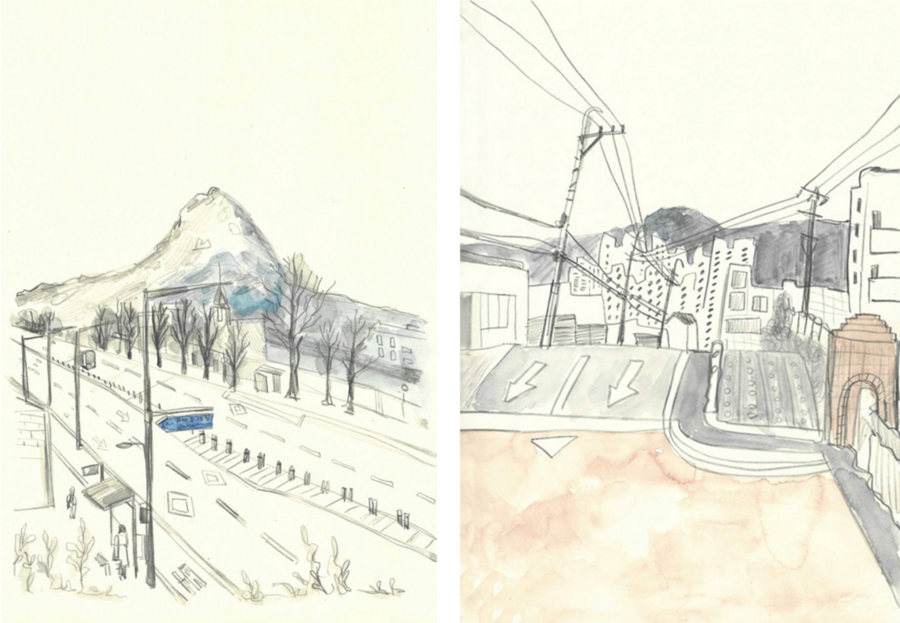
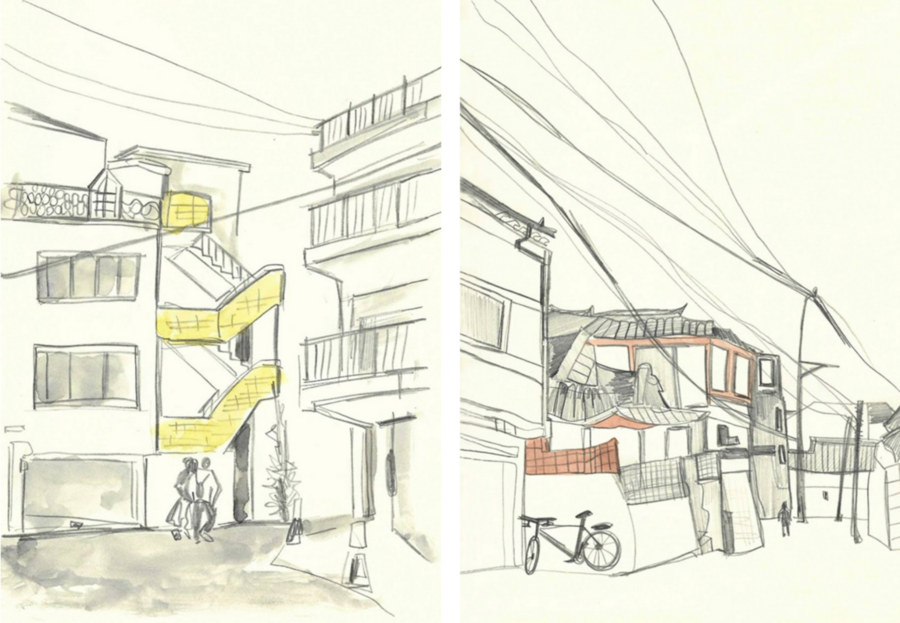
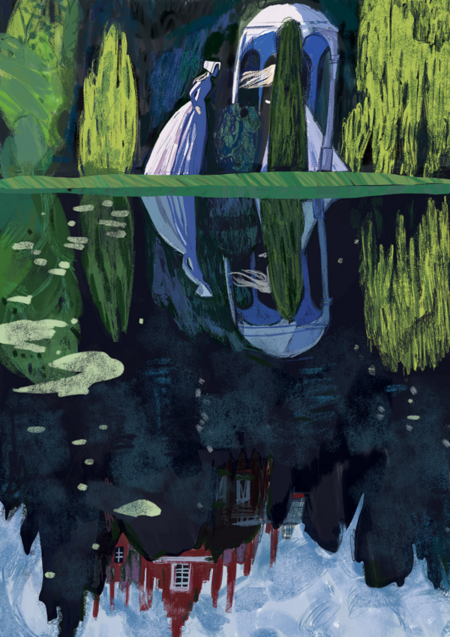
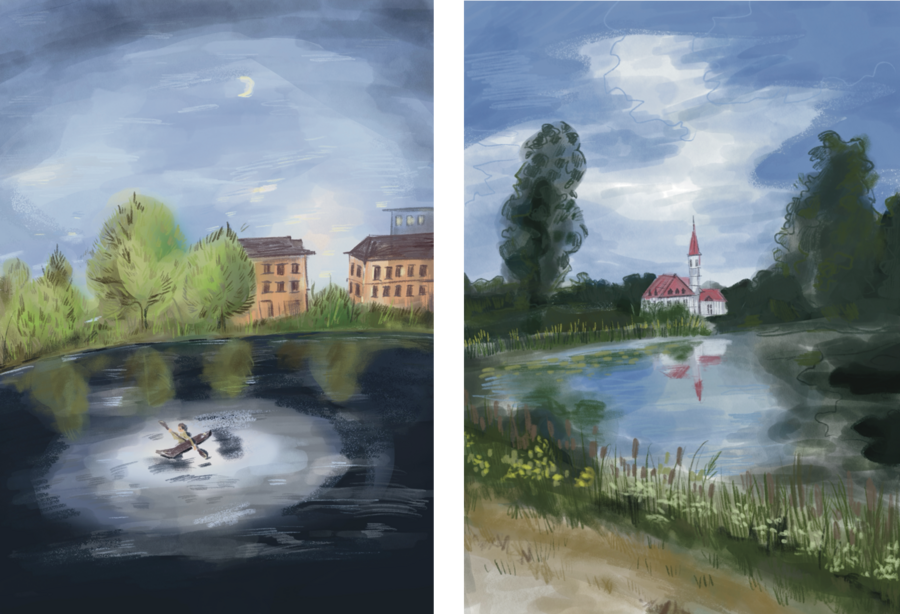
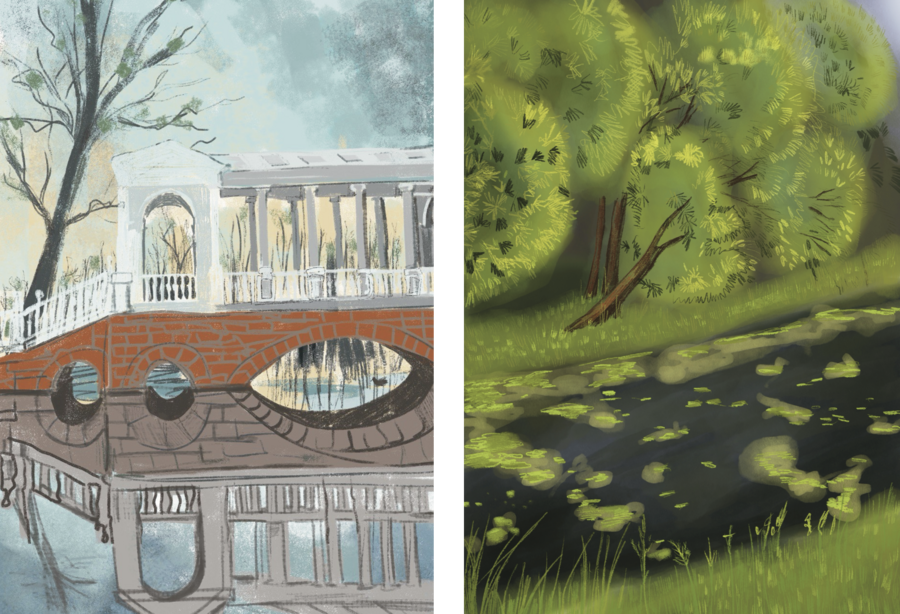
Проект состоит из двух частей: работа по брифу для бренда «Grisko» и визуальное исследование.
Grishko — известный производитель танцевальной обуви, одежды и аксессуаров для занятий балетом.
Концепция серии иллюстраций для бренда Grisko заключалась в развитии товаров с помощью коммерческой иллюстрации.
Original size 3410x1614
0
0
0
0
0
0
0
0
0
0
0
0
0
1/6
Original size 1920x1080
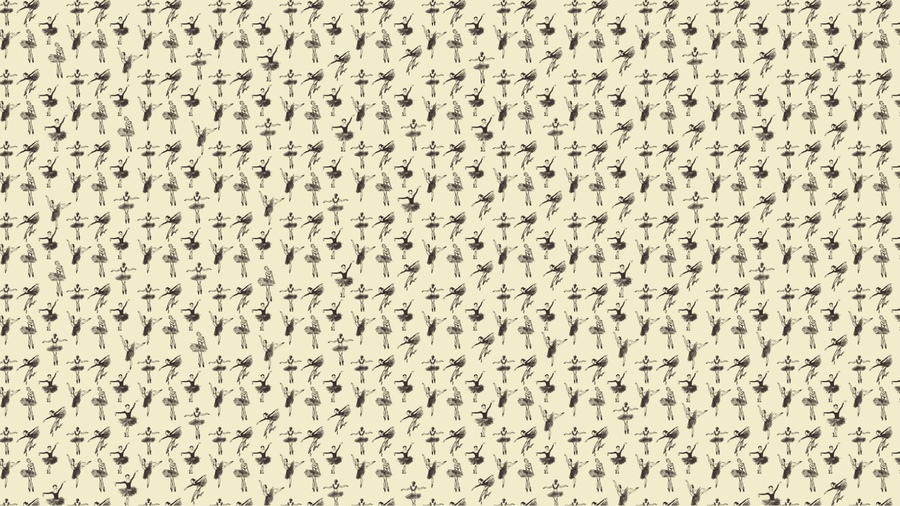
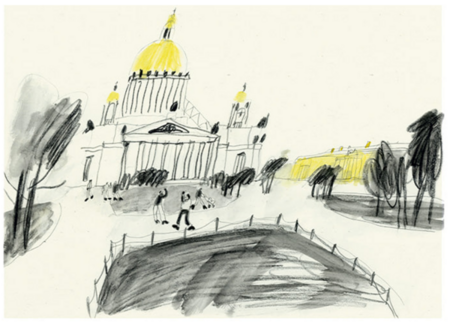
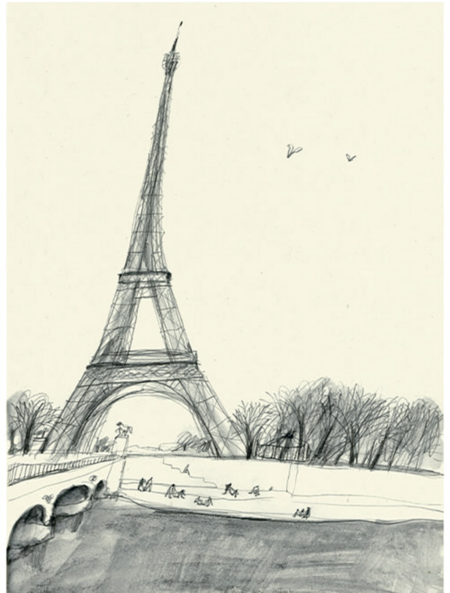
Два художника. Визуальное исследование
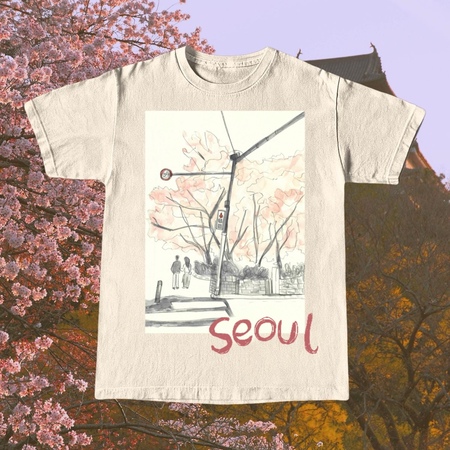
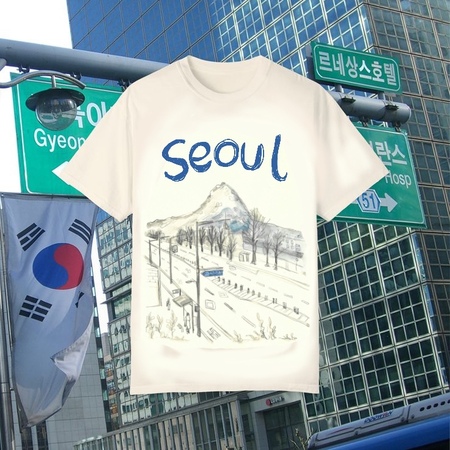
ЕЛЕНА РЕПЕТУР
Ценности автора:
— легкая линия
— простые формы
— движение в работах
— использование ограниченной палитры
оригинал и копия
0
0
0
0
0
0
0
1/3
работы в ценностях
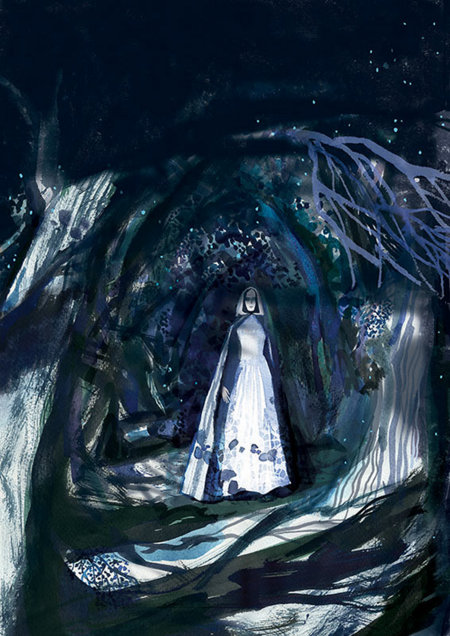
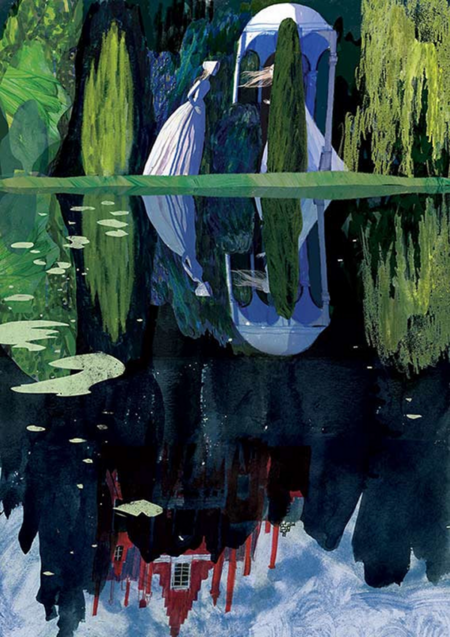
ВИКТОРИЯ СЕМЫКИНА
Ценности автора:
— использование смешанных техник
— сказочные и мистические сюжеты
— работа с цветом и фактурами
Digital platform for creating presentations. An innovative online constructor where everyone can showcase their projects, proposals or educational courses in spectacular way.
lecture
landing
presentation
presentation of the course
tutorial
explainer
We use cookies to improve the operation of the HSE website and to enhance its usability. More detailed information on the use of cookies can be fou...
Show more
Press space bar to start a drag.
When dragging you can use the arrow keys to move the item around and escape to cancel.
Some screen readers may require you to be in focus mode or to use your pass through key
Press space bar to start a drag.
When dragging you can use the arrow keys to move the item around and escape to cancel.
Some screen readers may require you to be in focus mode or to use your pass through key
Press space bar to start a drag.
When dragging you can use the arrow keys to move the item around and escape to cancel.
Some screen readers may require you to be in focus mode or to use your pass through key
Press space bar to start a drag.
When dragging you can use the arrow keys to move the item around and escape to cancel.
Some screen readers may require you to be in focus mode or to use your pass through key
Press space bar to start a drag.
When dragging you can use the arrow keys to move the item around and escape to cancel.
Some screen readers may require you to be in focus mode or to use your pass through key
Press space bar to start a drag.
When dragging you can use the arrow keys to move the item around and escape to cancel.
Some screen readers may require you to be in focus mode or to use your pass through key
Press space bar to start a drag.
When dragging you can use the arrow keys to move the item around and escape to cancel.
Some screen readers may require you to be in focus mode or to use your pass through key
Press space bar to start a drag.
When dragging you can use the arrow keys to move the item around and escape to cancel.
Some screen readers may require you to be in focus mode or to use your pass through key
Press space bar to start a drag.
When dragging you can use the arrow keys to move the item around and escape to cancel.
Some screen readers may require you to be in focus mode or to use your pass through key
Press space bar to start a drag.
When dragging you can use the arrow keys to move the item around and escape to cancel.
Some screen readers may require you to be in focus mode or to use your pass through key