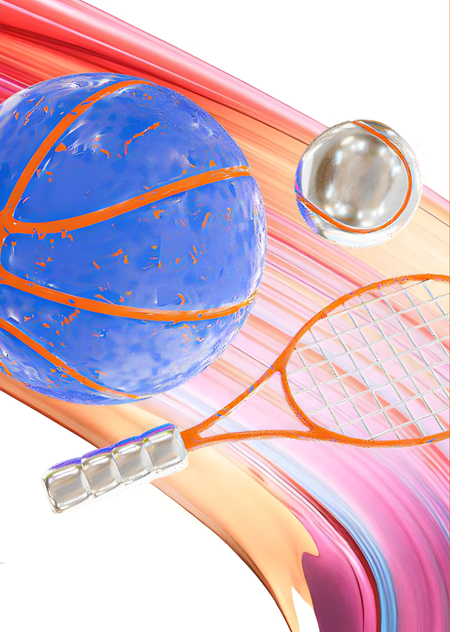
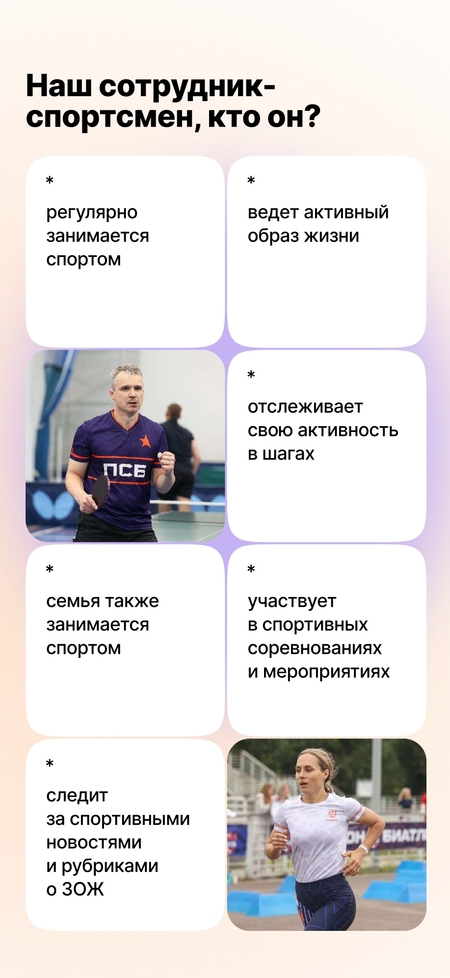
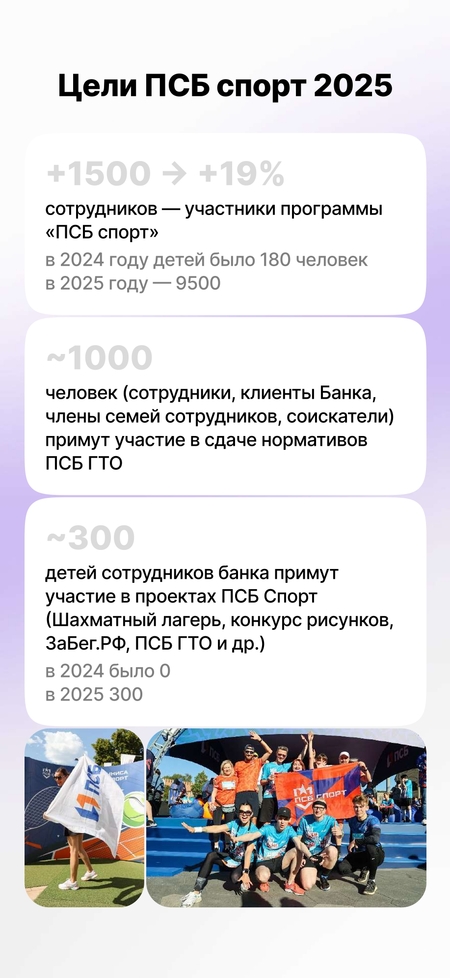
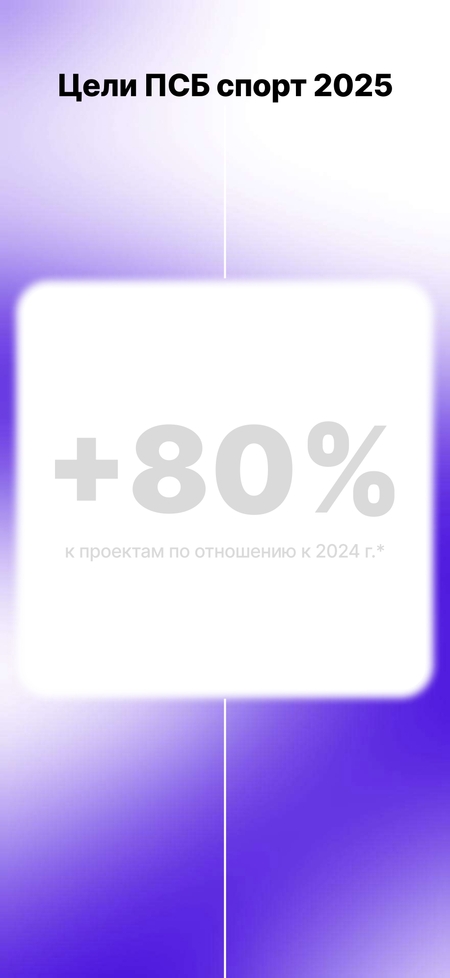
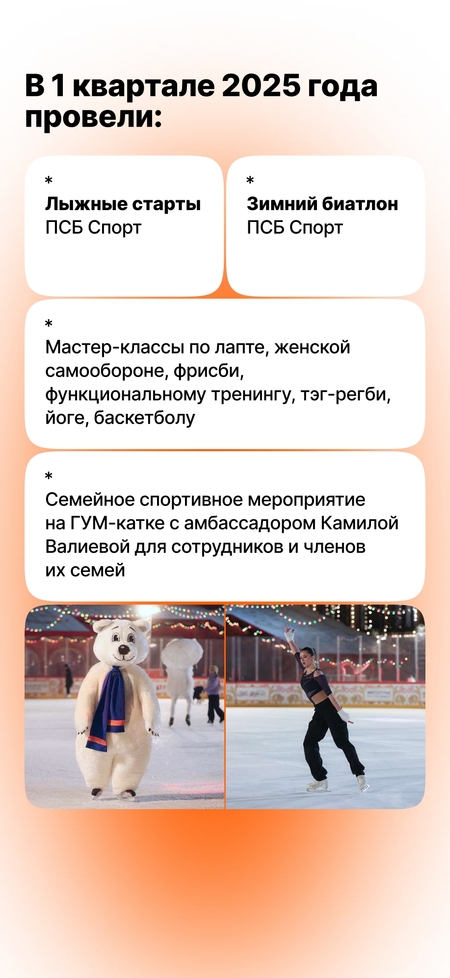
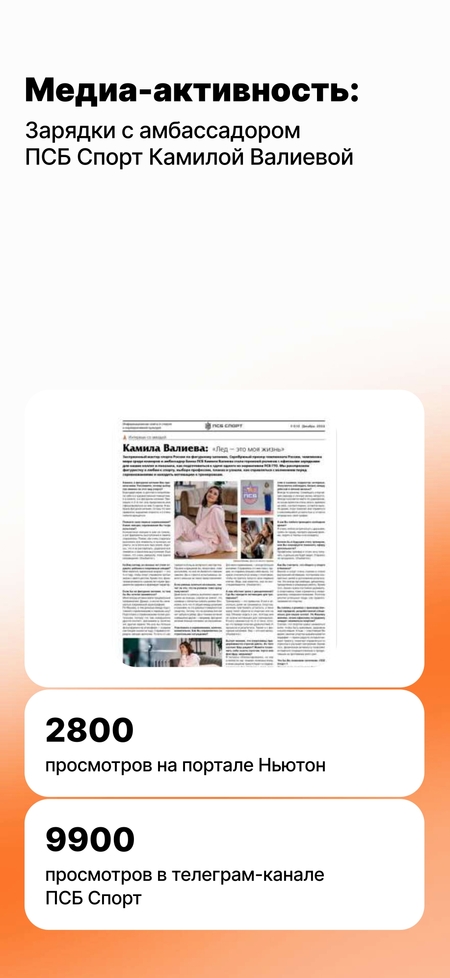
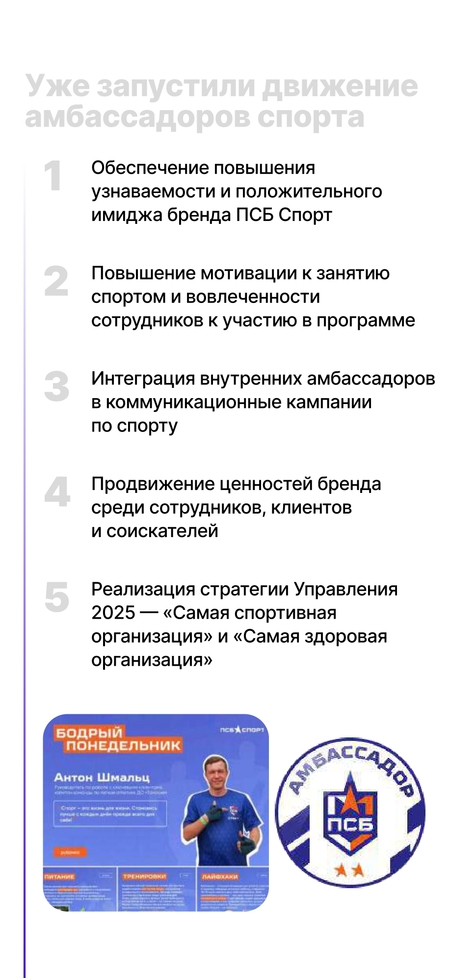
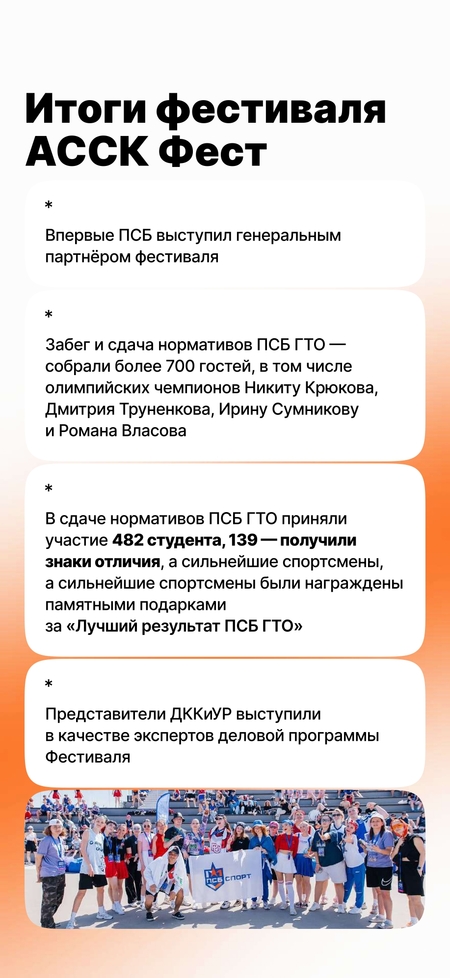
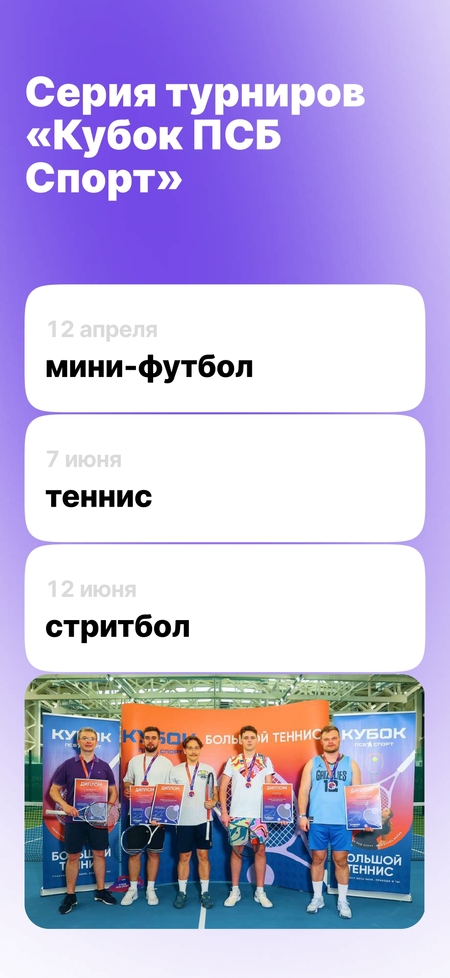
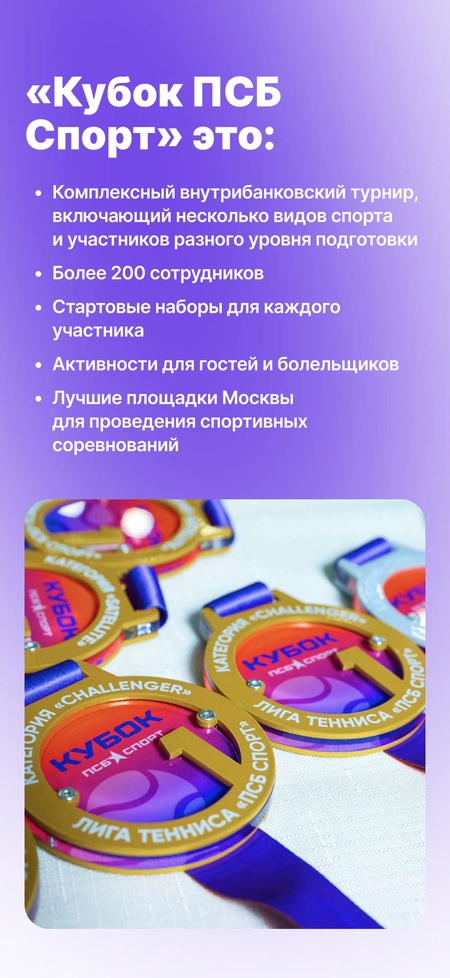
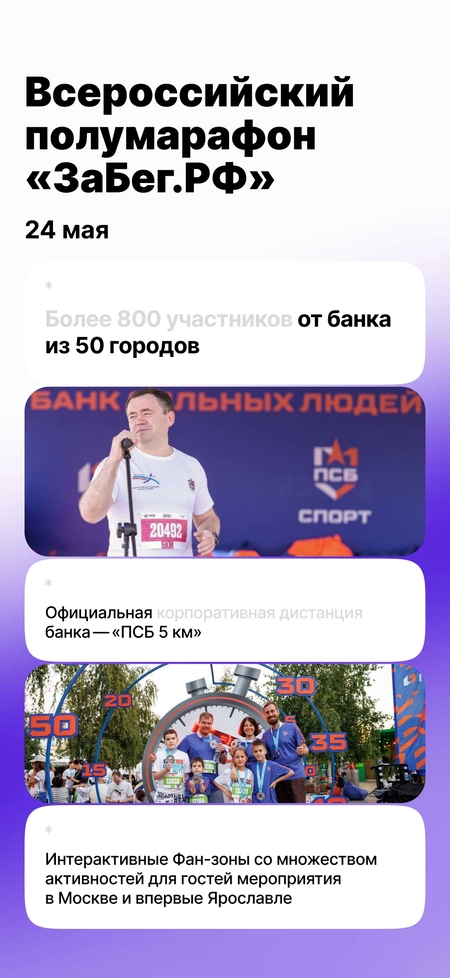
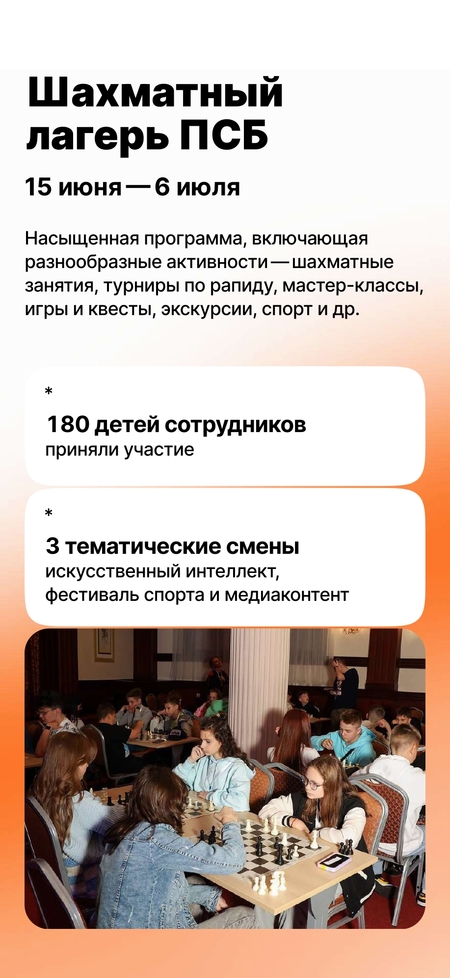
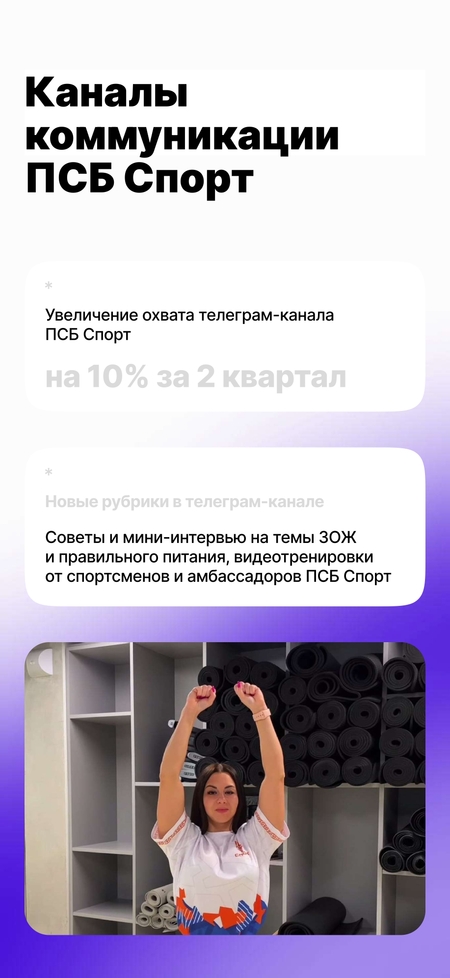
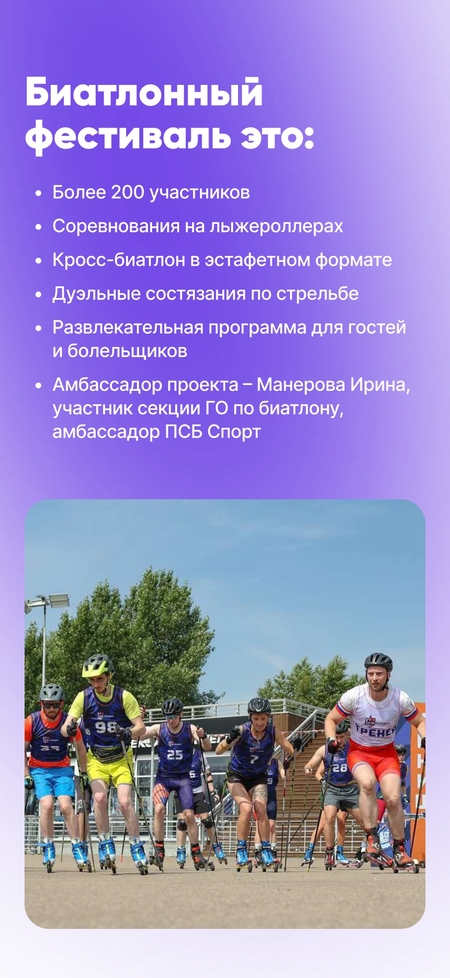
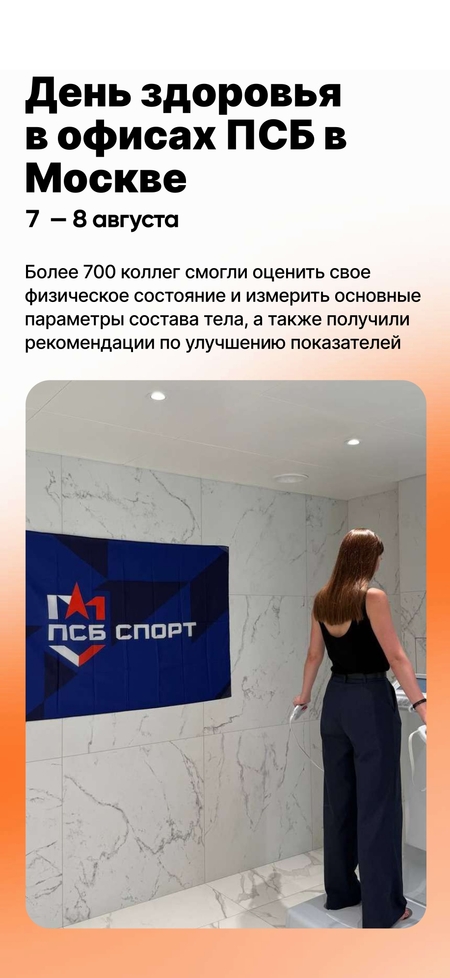
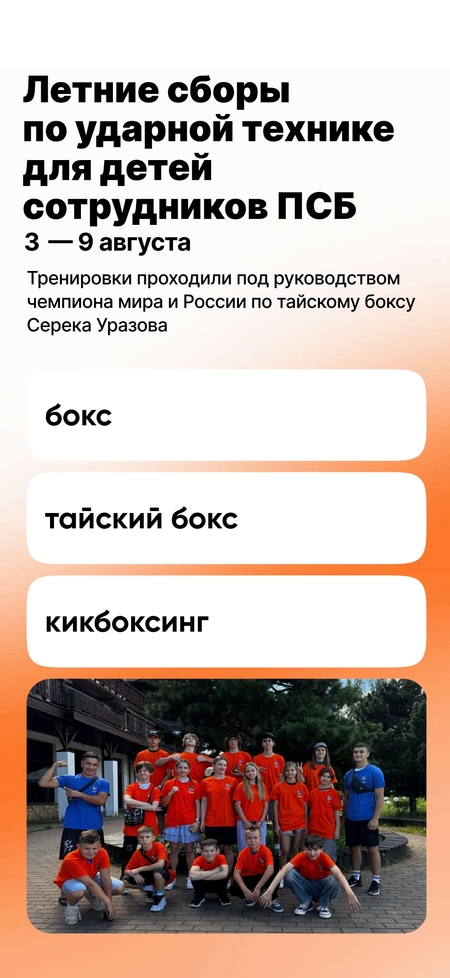
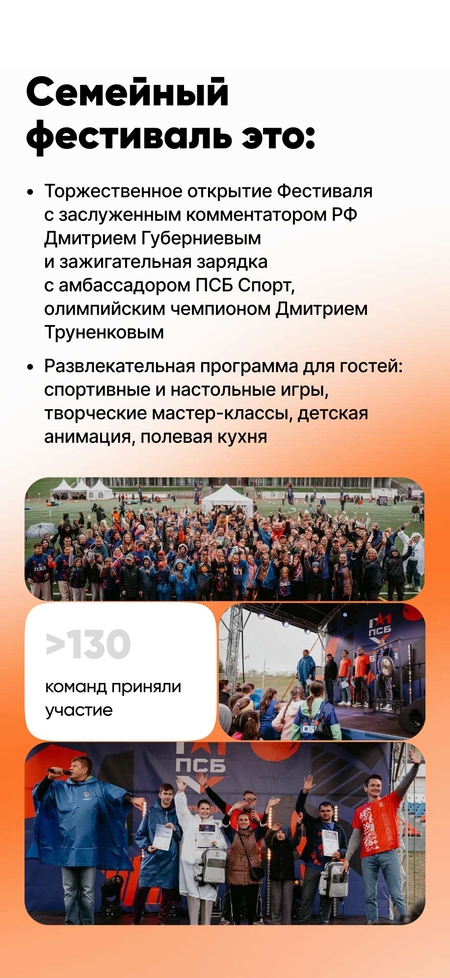
ПСБ Спорт — это масштабная внутрибанковская и клиентская спортивная экосистема.
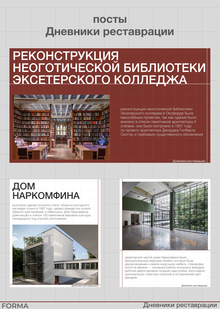
Передо мной стояла задача — создать единую визуальную экосистему, которая:
- Объединит десятки разноплановых мероприятий в единый узнаваемый бренд. — Будет работать как в офлайн-среде (баннеры, мерч, зоны активностей), так и в цифре (соцсети, портал Ньютон, презентации). — Сохранит ДНК банка ПСБ, но заговорит на языке спорта и движения. — Вовлечет разные аудитории: от топ-менеджеров до детей сотрудников.
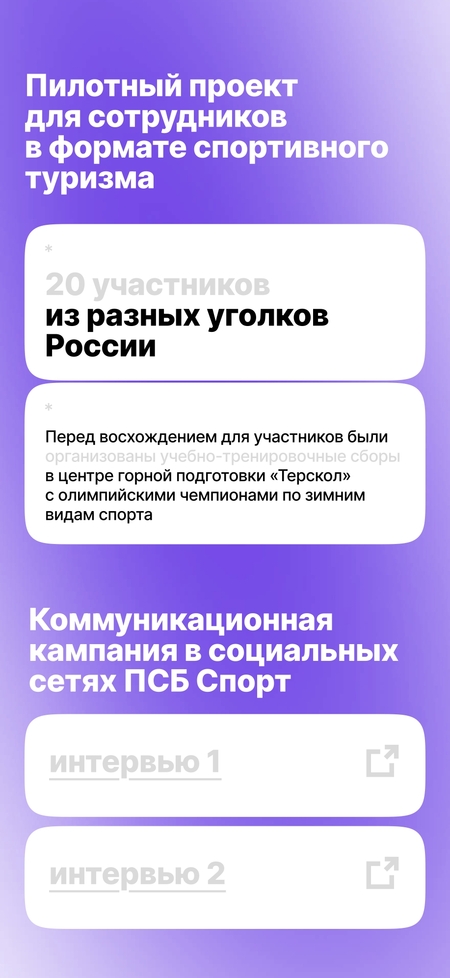
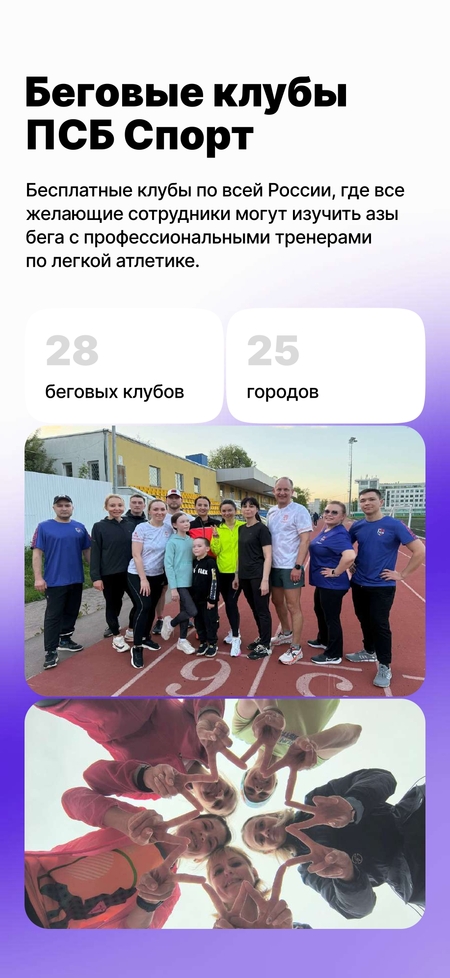
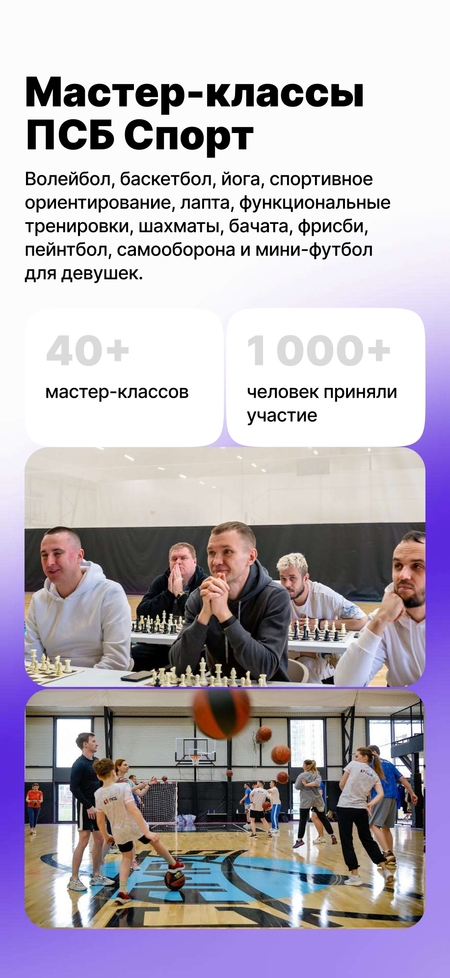
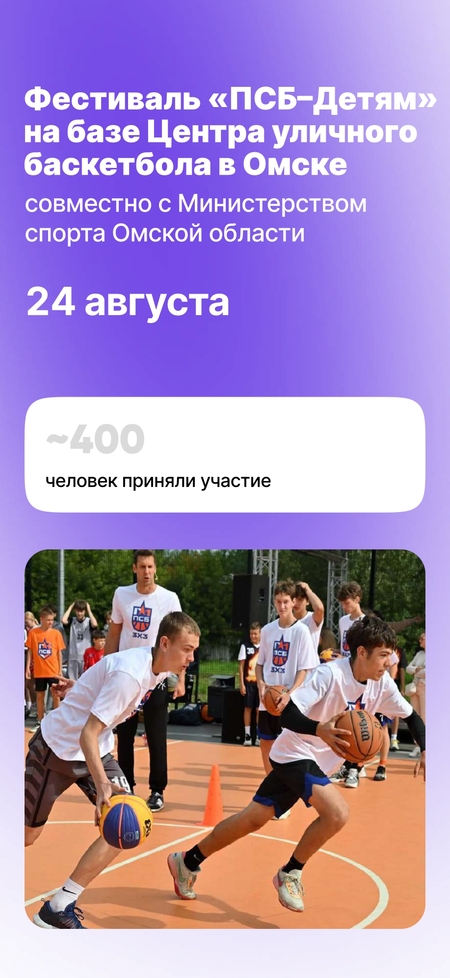
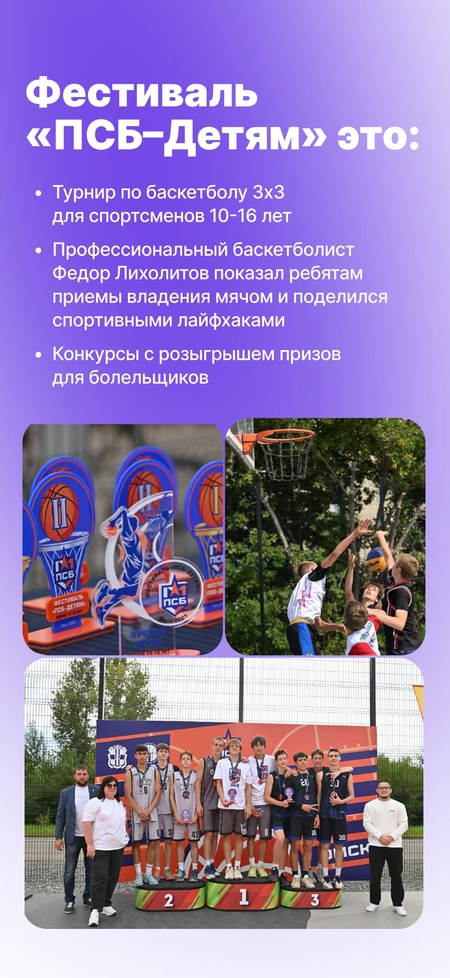
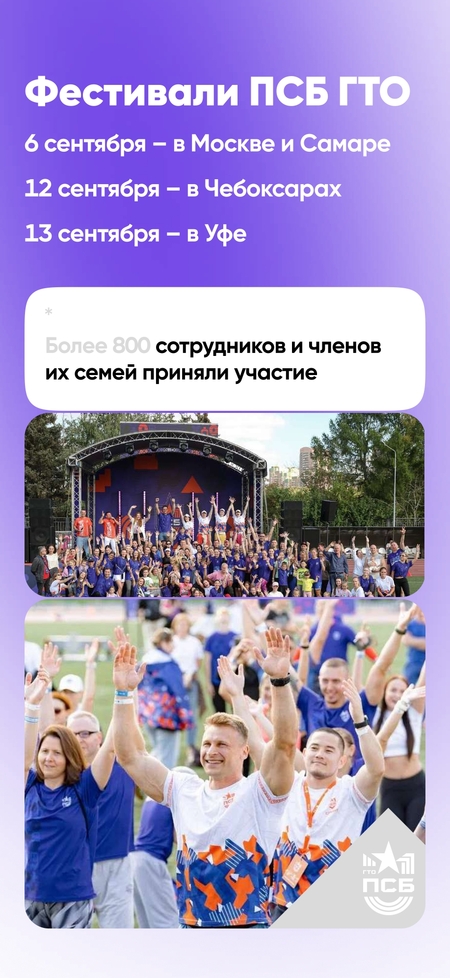
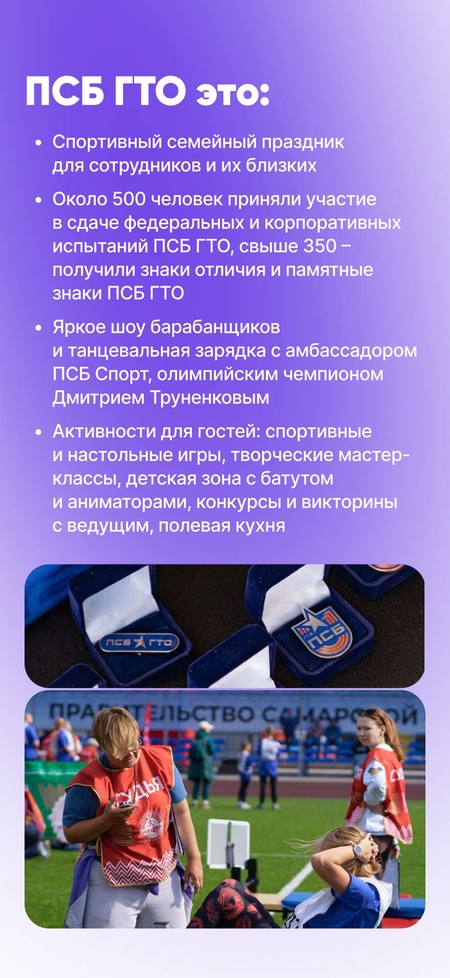
Я разработал визуальную экосистему для масштабного спортивного проекта ПСБ, объединившего 20+ городов, 9500+ участников и 40+ мероприятий.
Моя задача — создать единый узнаваемый язык между офлайн-площадками (стадионы, парки, фан-зоны) и цифровой средой (соцсети, портал, презентации).
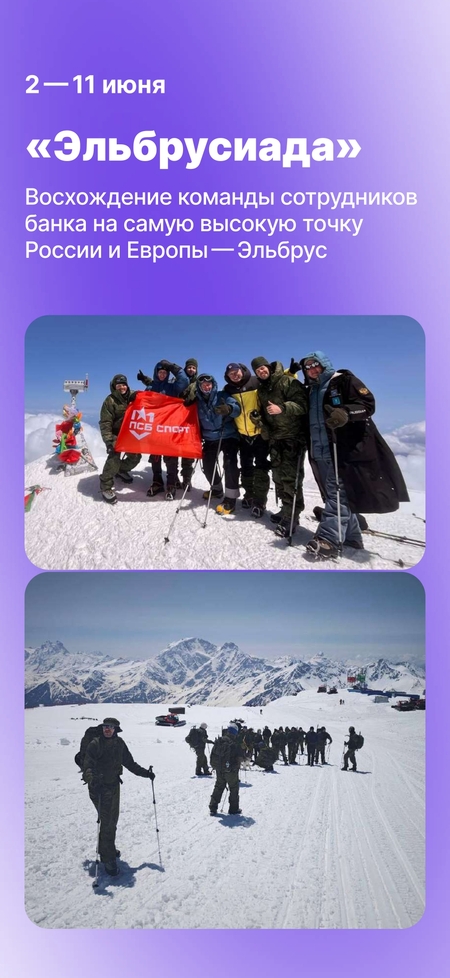
Результат — целостный бренд, который работает от детского шахматного лагеря до восхождения на Эльбрус. Каждый элемент системы: от паттерна на футболке до афиши турнира — говорит о движении, победе и энергии бренда ПСБ.
Digital platform for creating presentations. An innovative online constructor where everyone can showcase their projects, proposals or educational courses in spectacular way.
We use cookies to improve the operation of the HSE website and to enhance its usability. More detailed information on the use of cookies can be fou...
Show more
Press space bar to start a drag.
When dragging you can use the arrow keys to move the item around and escape to cancel.
Some screen readers may require you to be in focus mode or to use your pass through key
Press space bar to start a drag.
When dragging you can use the arrow keys to move the item around and escape to cancel.
Some screen readers may require you to be in focus mode or to use your pass through key
Press space bar to start a drag.
When dragging you can use the arrow keys to move the item around and escape to cancel.
Some screen readers may require you to be in focus mode or to use your pass through key
Press space bar to start a drag.
When dragging you can use the arrow keys to move the item around and escape to cancel.
Some screen readers may require you to be in focus mode or to use your pass through key
Press space bar to start a drag.
When dragging you can use the arrow keys to move the item around and escape to cancel.
Some screen readers may require you to be in focus mode or to use your pass through key
Press space bar to start a drag.
When dragging you can use the arrow keys to move the item around and escape to cancel.
Some screen readers may require you to be in focus mode or to use your pass through key
Press space bar to start a drag.
When dragging you can use the arrow keys to move the item around and escape to cancel.
Some screen readers may require you to be in focus mode or to use your pass through key
Press space bar to start a drag.
When dragging you can use the arrow keys to move the item around and escape to cancel.
Some screen readers may require you to be in focus mode or to use your pass through key
Press space bar to start a drag.
When dragging you can use the arrow keys to move the item around and escape to cancel.
Some screen readers may require you to be in focus mode or to use your pass through key
Press space bar to start a drag.
When dragging you can use the arrow keys to move the item around and escape to cancel.
Some screen readers may require you to be in focus mode or to use your pass through key
Press space bar to start a drag.
When dragging you can use the arrow keys to move the item around and escape to cancel.
Some screen readers may require you to be in focus mode or to use your pass through key
Press space bar to start a drag.
When dragging you can use the arrow keys to move the item around and escape to cancel.
Some screen readers may require you to be in focus mode or to use your pass through key
Press space bar to start a drag.
When dragging you can use the arrow keys to move the item around and escape to cancel.
Some screen readers may require you to be in focus mode or to use your pass through key
Press space bar to start a drag.
When dragging you can use the arrow keys to move the item around and escape to cancel.
Some screen readers may require you to be in focus mode or to use your pass through key
Press space bar to start a drag.
When dragging you can use the arrow keys to move the item around and escape to cancel.
Some screen readers may require you to be in focus mode or to use your pass through key