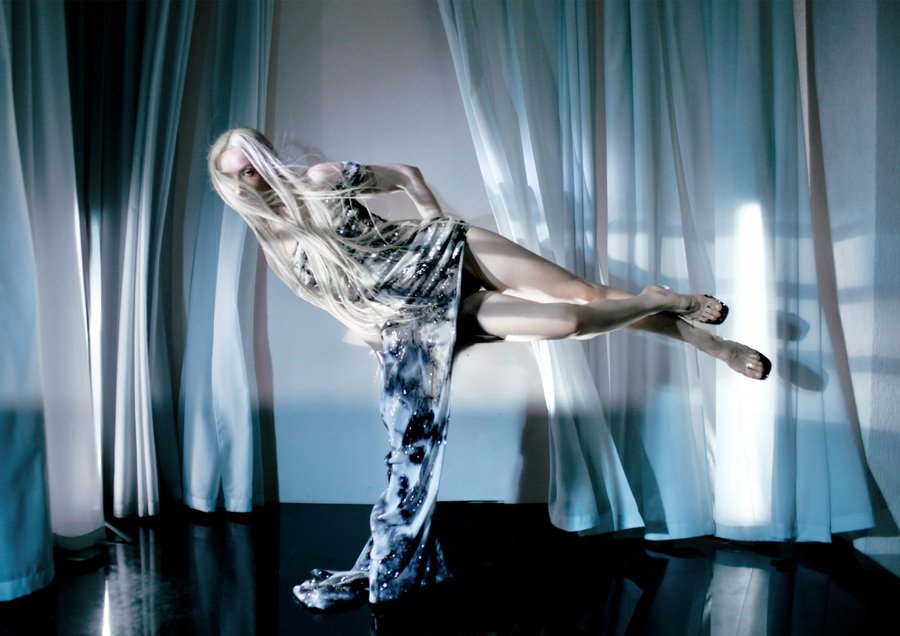
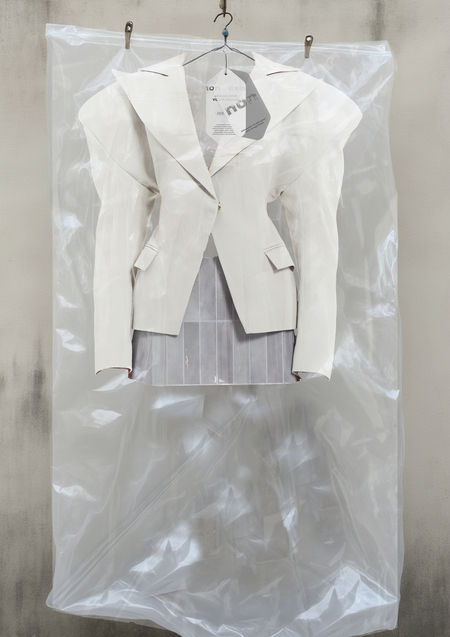
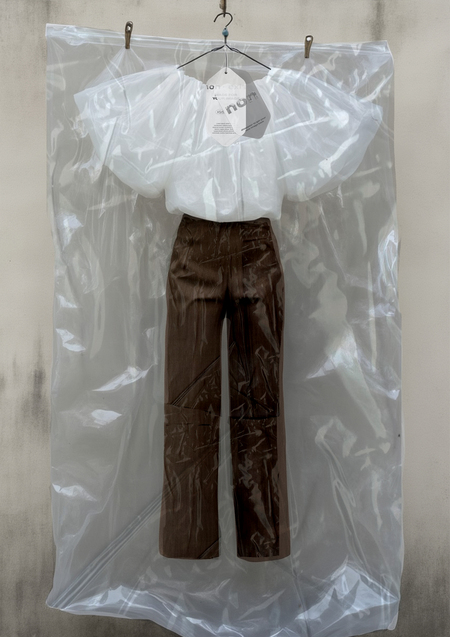
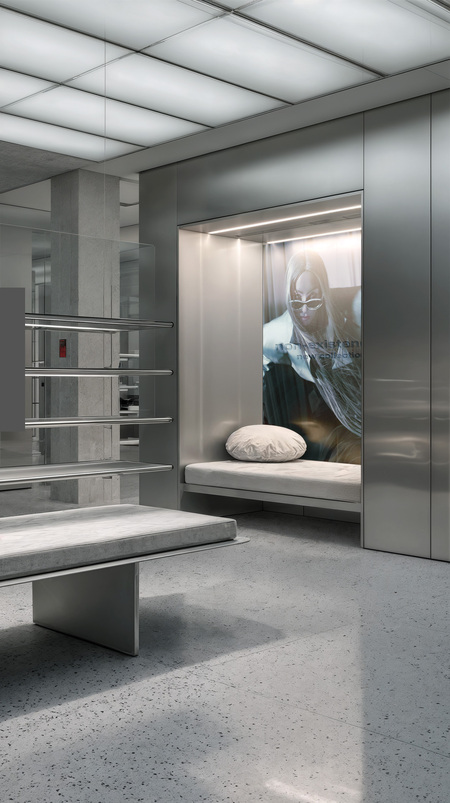
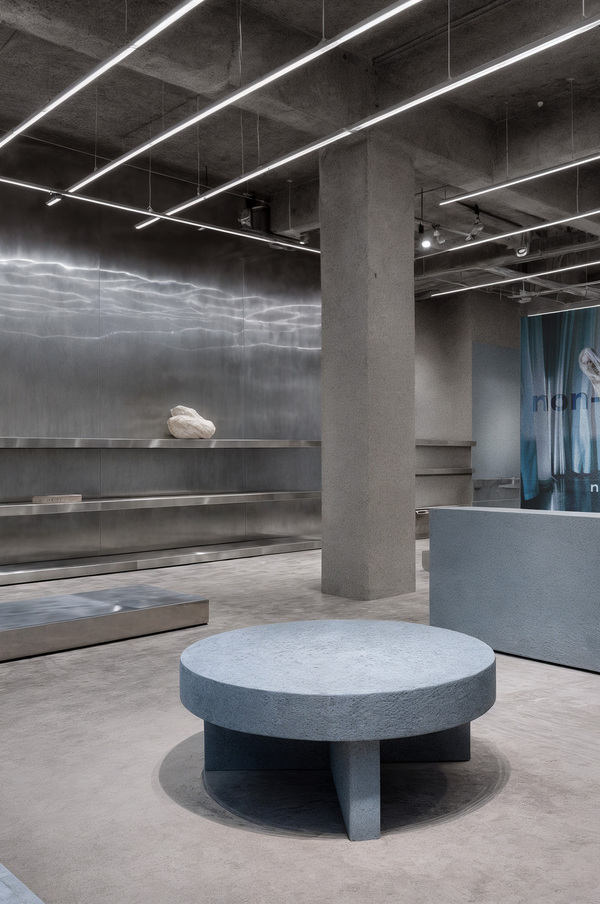
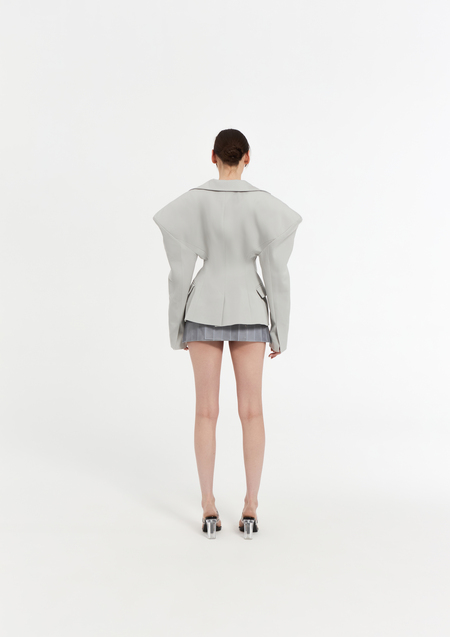
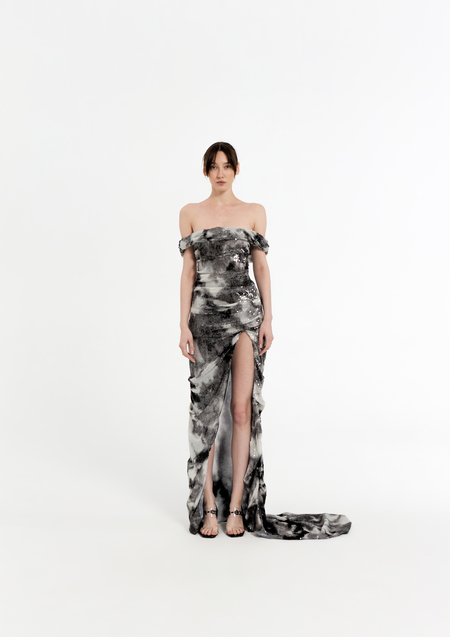
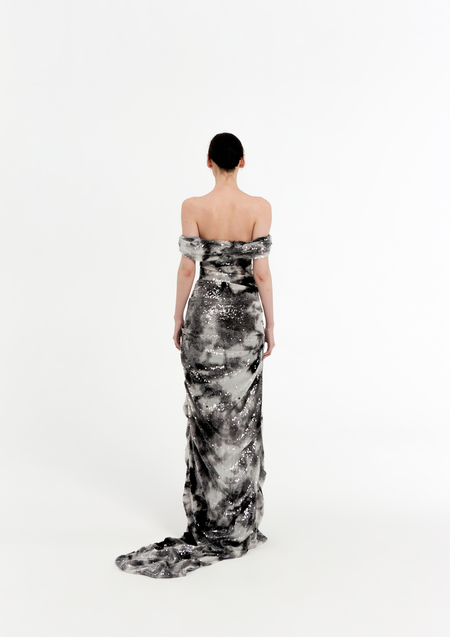
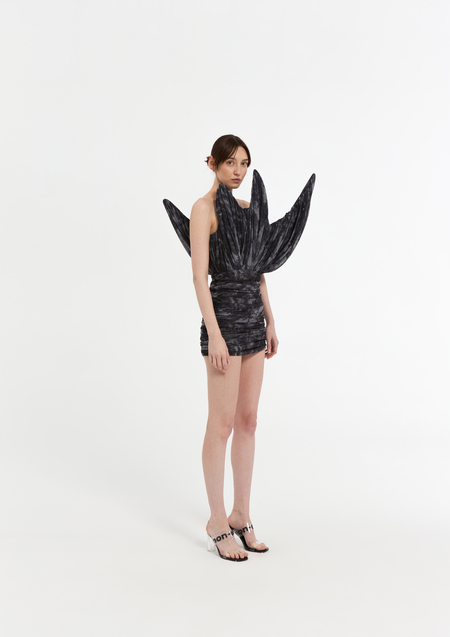
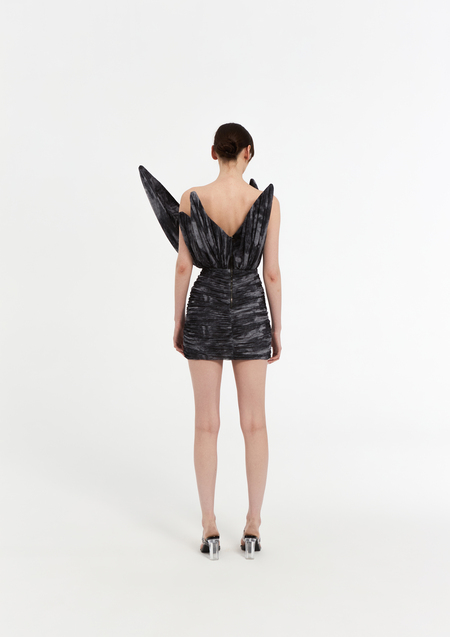
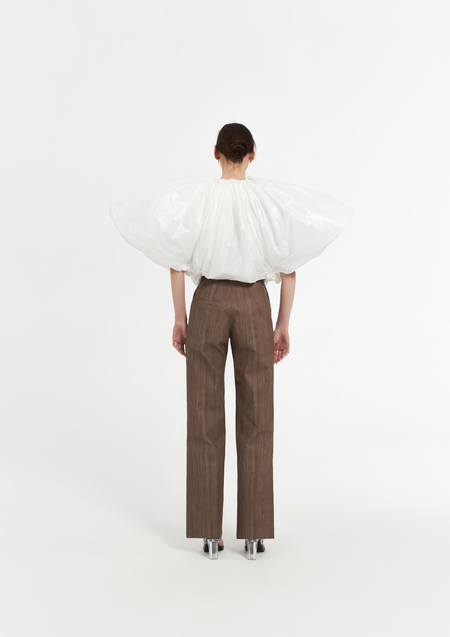
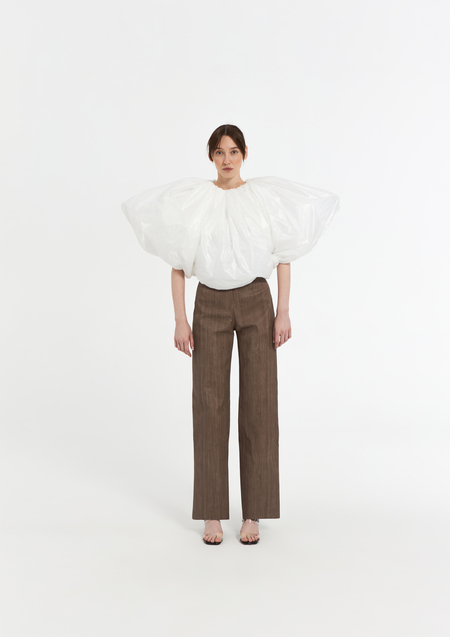
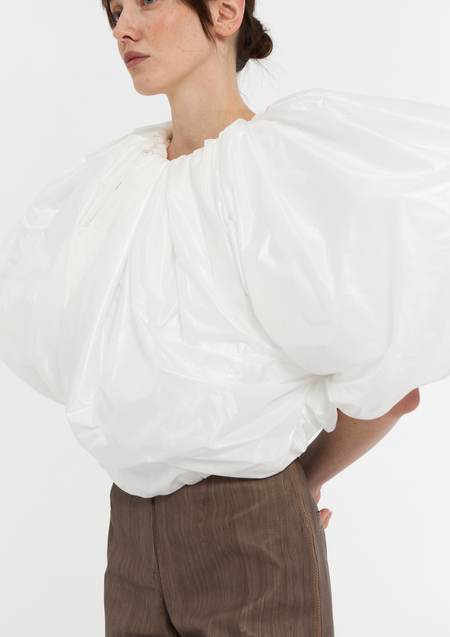
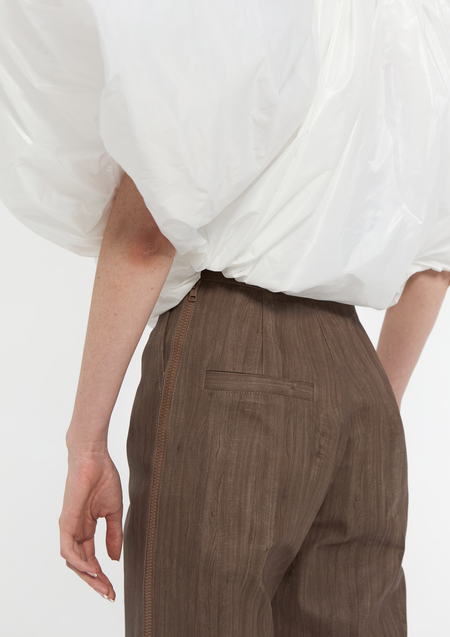
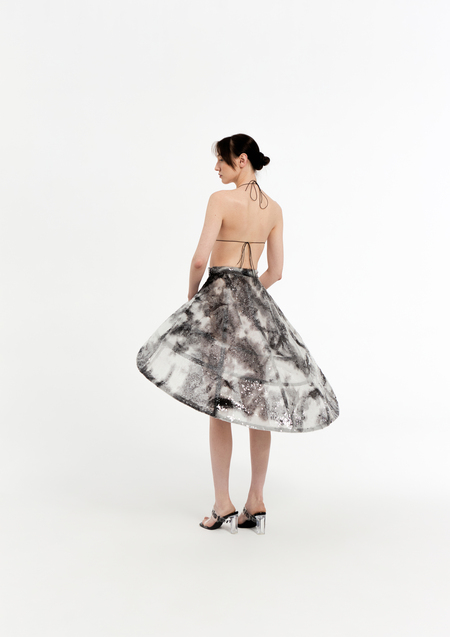
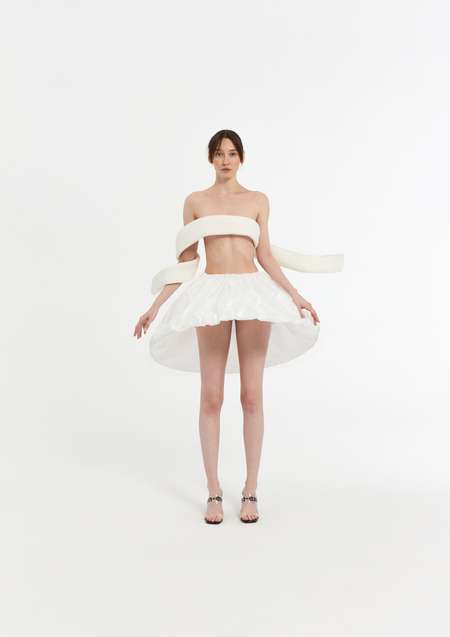
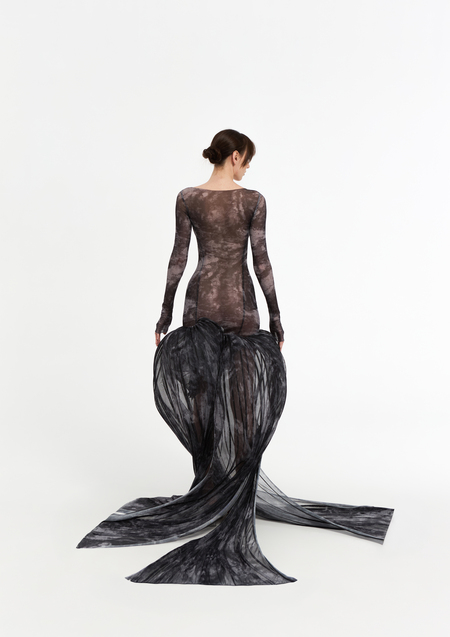
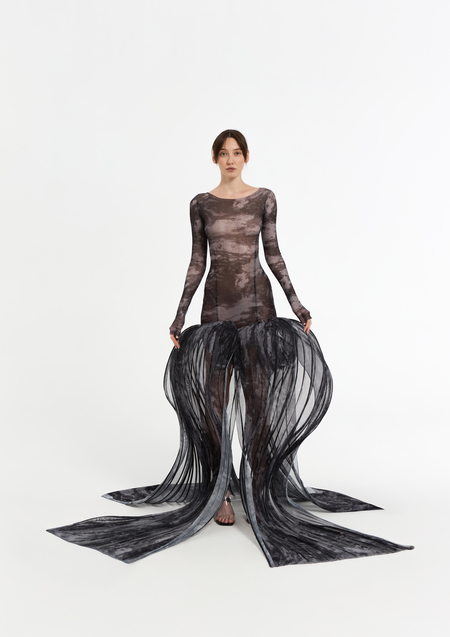
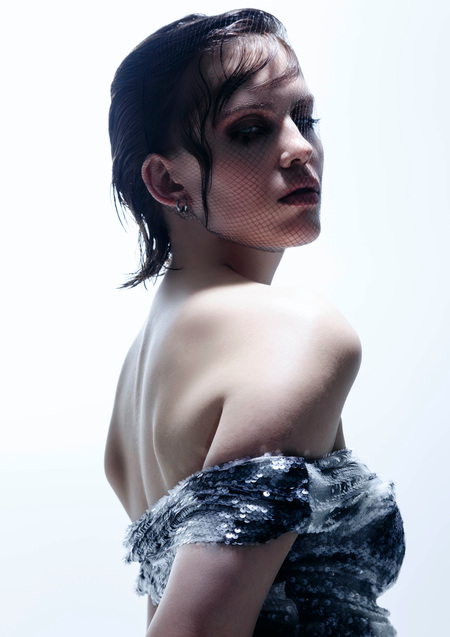
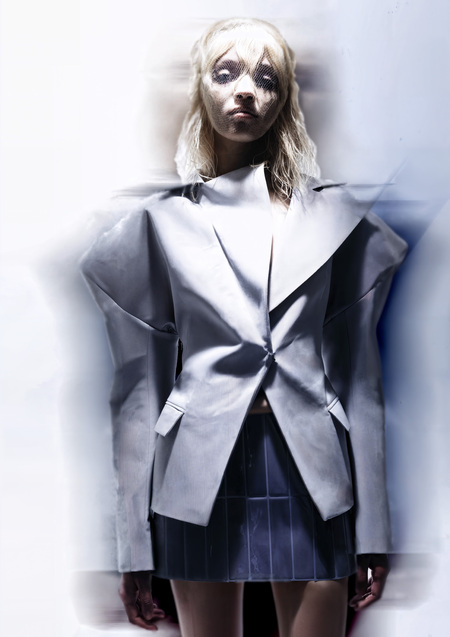
NON — EXISTENCE — это бренд сценической / кутюрной одежды премиум-класса.
Его эстетика строится на грани между видимым
и неуловимым, где одежда становится пространством — эфемерным, структурным, существующим только в моменте.
Это оболочка для артистов, созданная для проявления и растворения на сцене.
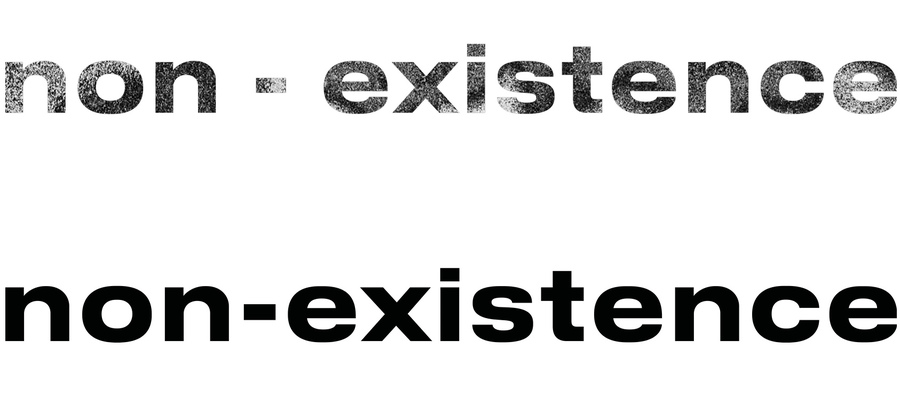
Бренд NON — EXISTENCE. Разработка платформы и коллекции для бренда.
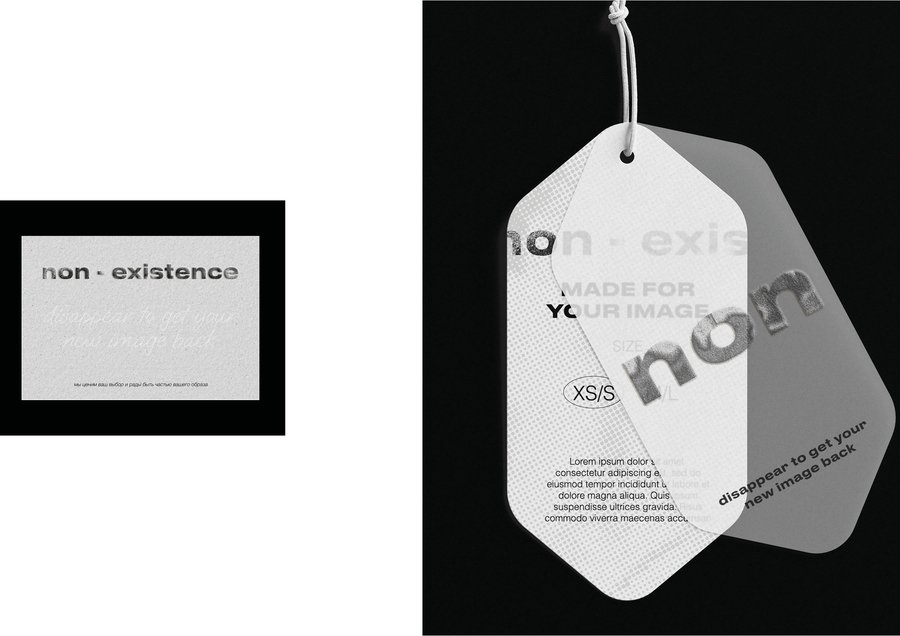
Кристина Щербатых создала платформу и коллекцию для бренда NON - EXISTENCE. Проект включает в себя разработку брендинга, бутика, поп-апа, лукбука и кампании для премиум-сценической одежды.
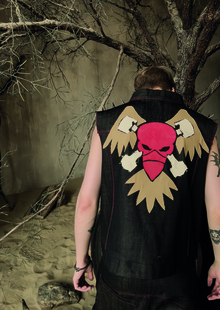
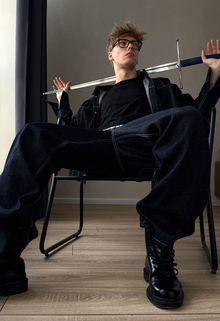
Егор Касилов создал проект «Ghetto Knights», объединяющий образ рыцаря и молодого человека из гетто в модном контексте. Проект представляет собой текстовую публикацию, исследующую синергию маскулинности и стиля в двух противоположных образах.
Галина Канкулова создала авторскую коллекцию для бренда LUZEEN, включая разработку лекал и образцов-эталонов. Для каждой модели были созданы уникальные конструкции и промышленный комплект лекал для массового производства.
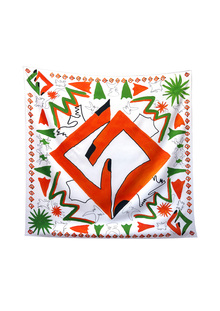
Анастасия Черкасская создала платок «И1», посвящённый ценности коммуникаций между людьми. На ткани напечатана живописная акриловая работа с яркими элементами, расположенными по закономерной «ковровой» системе.
pro.hsedesign
Digital platform for creating presentations. An innovative online constructor where everyone can showcase their projects, proposals or educational courses in spectacular way.
We use cookies to improve the operation of the HSE website and to enhance its usability. More detailed information on the use of cookies can be fou...
Show more
Press space bar to start a drag.
When dragging you can use the arrow keys to move the item around and escape to cancel.
Some screen readers may require you to be in focus mode or to use your pass through key
Press space bar to start a drag.
When dragging you can use the arrow keys to move the item around and escape to cancel.
Some screen readers may require you to be in focus mode or to use your pass through key
Press space bar to start a drag.
When dragging you can use the arrow keys to move the item around and escape to cancel.
Some screen readers may require you to be in focus mode or to use your pass through key
Press space bar to start a drag.
When dragging you can use the arrow keys to move the item around and escape to cancel.
Some screen readers may require you to be in focus mode or to use your pass through key
Press space bar to start a drag.
When dragging you can use the arrow keys to move the item around and escape to cancel.
Some screen readers may require you to be in focus mode or to use your pass through key
Press space bar to start a drag.
When dragging you can use the arrow keys to move the item around and escape to cancel.
Some screen readers may require you to be in focus mode or to use your pass through key
Press space bar to start a drag.
When dragging you can use the arrow keys to move the item around and escape to cancel.
Some screen readers may require you to be in focus mode or to use your pass through key
Press space bar to start a drag.
When dragging you can use the arrow keys to move the item around and escape to cancel.
Some screen readers may require you to be in focus mode or to use your pass through key
Press space bar to start a drag.
When dragging you can use the arrow keys to move the item around and escape to cancel.
Some screen readers may require you to be in focus mode or to use your pass through key
Press space bar to start a drag.
When dragging you can use the arrow keys to move the item around and escape to cancel.
Some screen readers may require you to be in focus mode or to use your pass through key
Press space bar to start a drag.
When dragging you can use the arrow keys to move the item around and escape to cancel.
Some screen readers may require you to be in focus mode or to use your pass through key
Press space bar to start a drag.
When dragging you can use the arrow keys to move the item around and escape to cancel.
Some screen readers may require you to be in focus mode or to use your pass through key
Press space bar to start a drag.
When dragging you can use the arrow keys to move the item around and escape to cancel.
Some screen readers may require you to be in focus mode or to use your pass through key