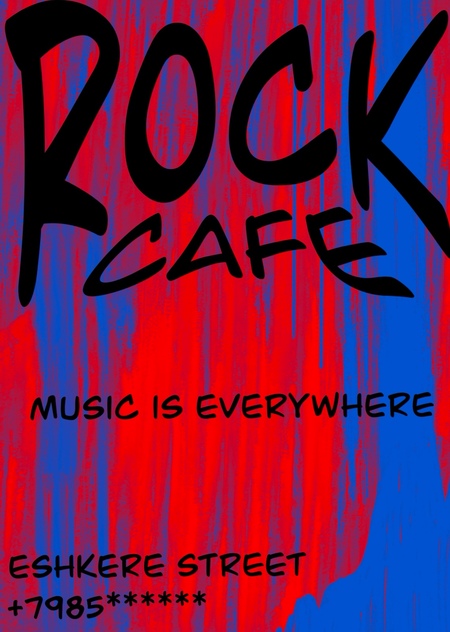
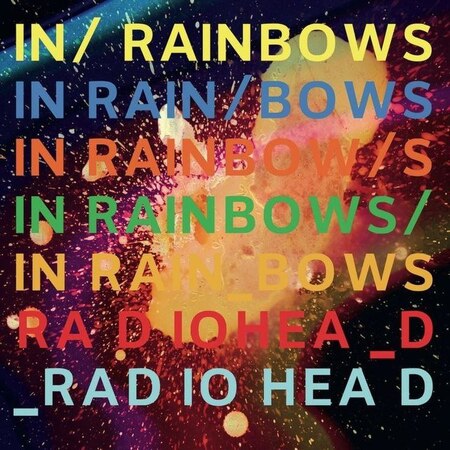
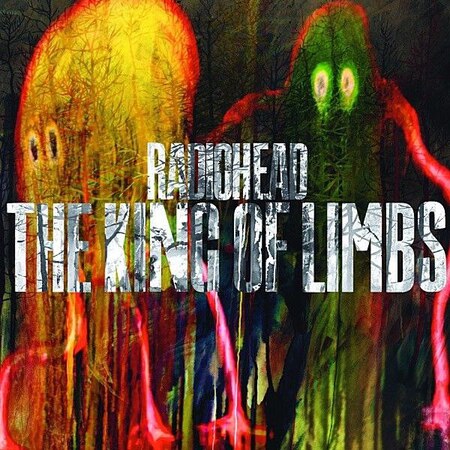
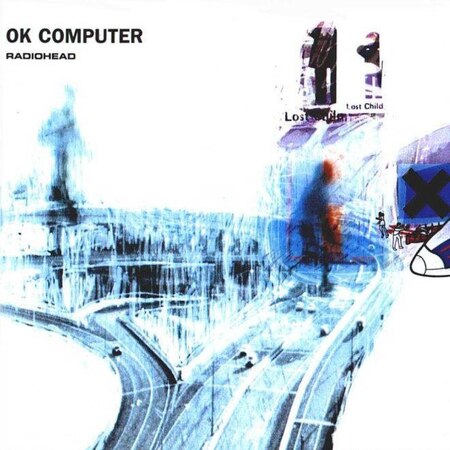
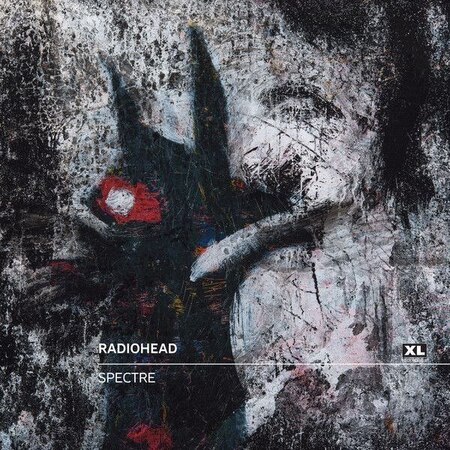
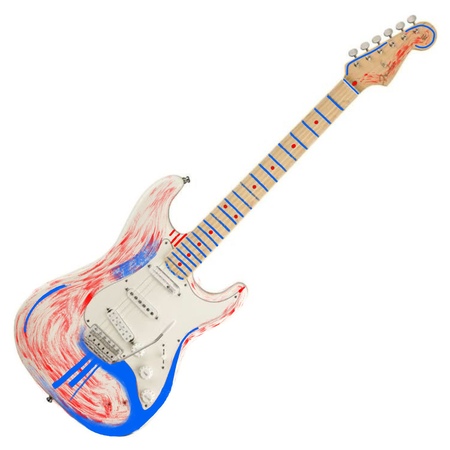
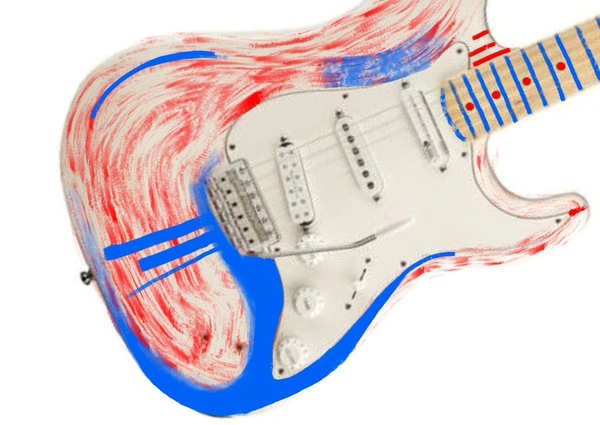
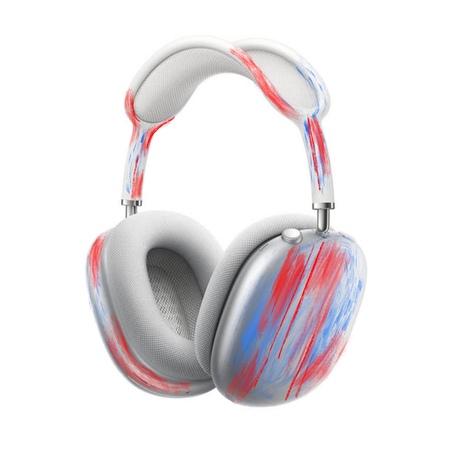
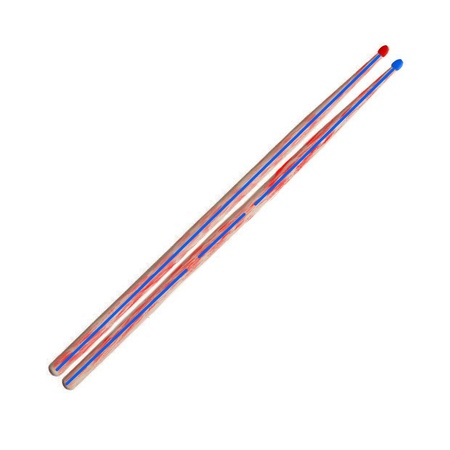
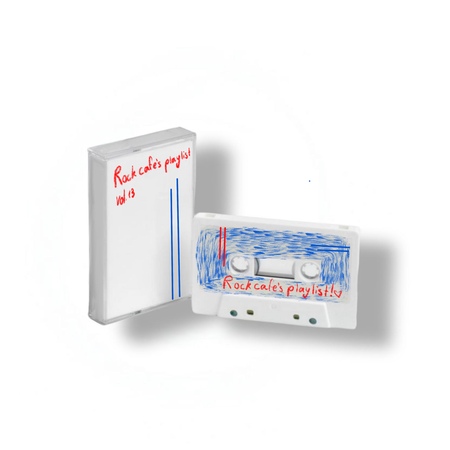
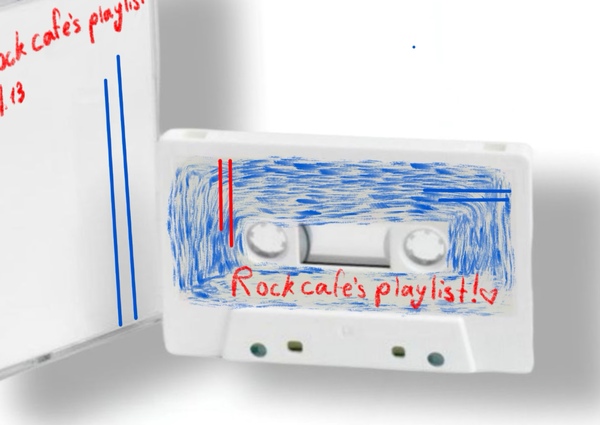
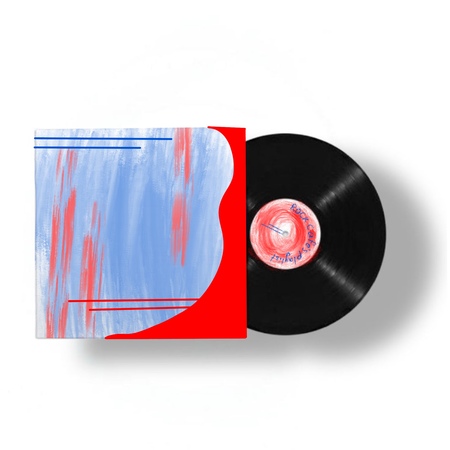
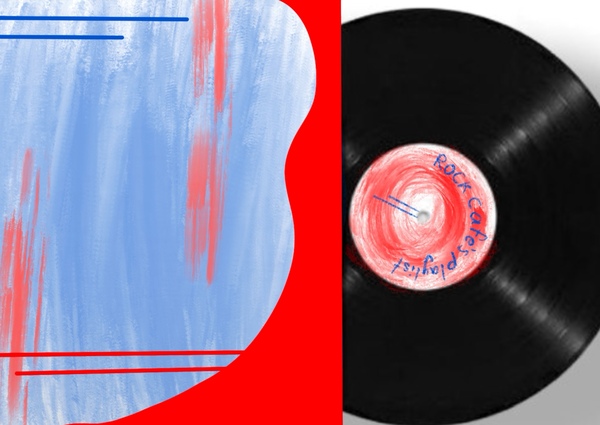
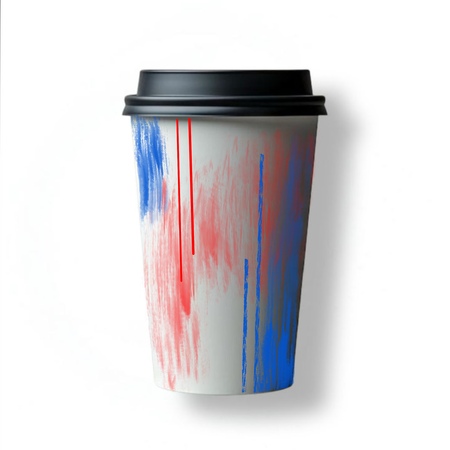
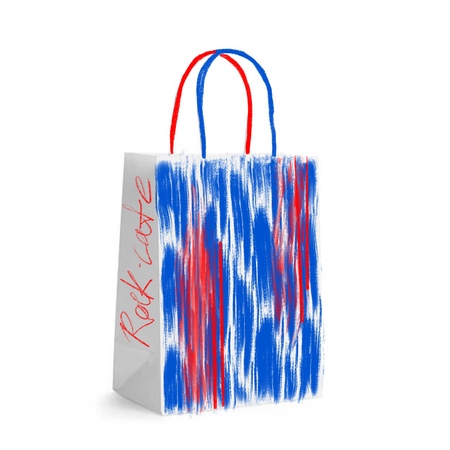
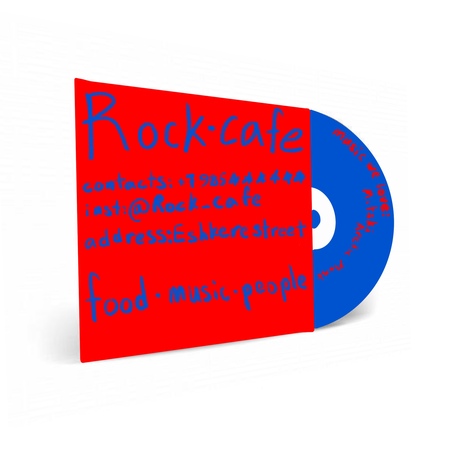
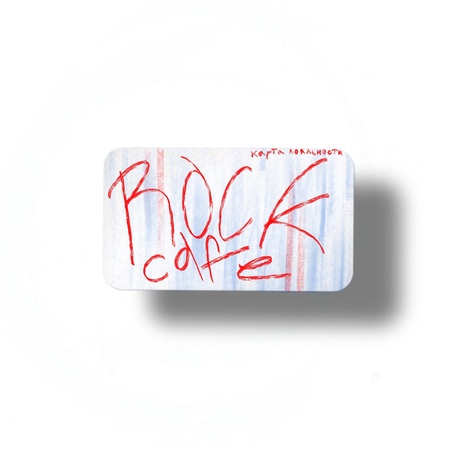
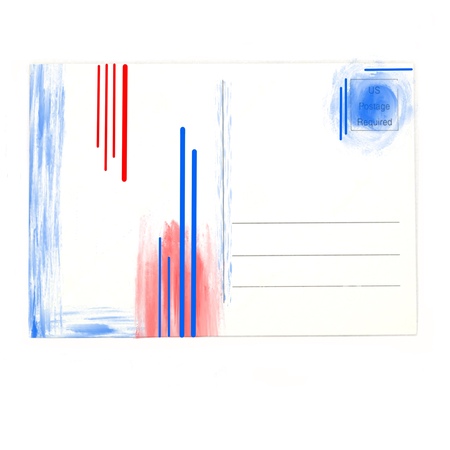
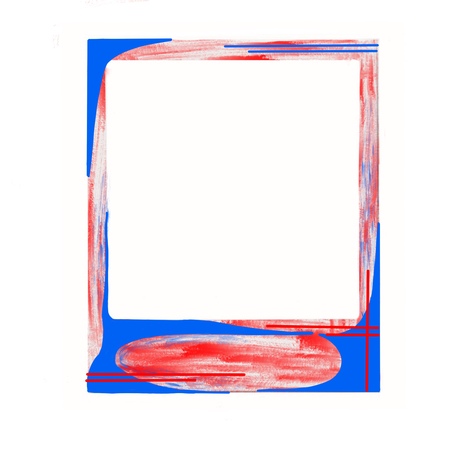
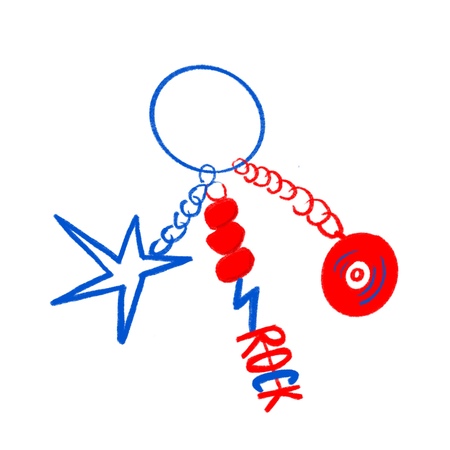
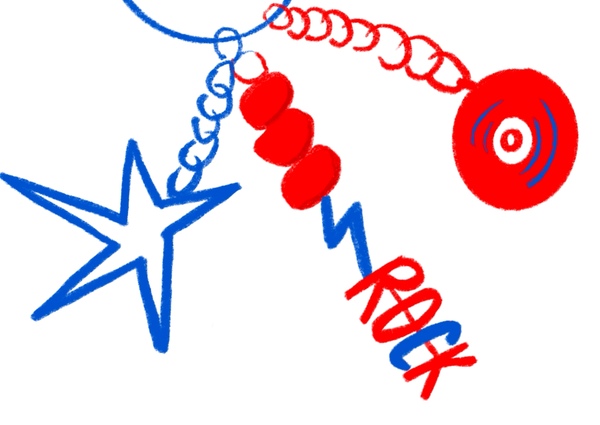
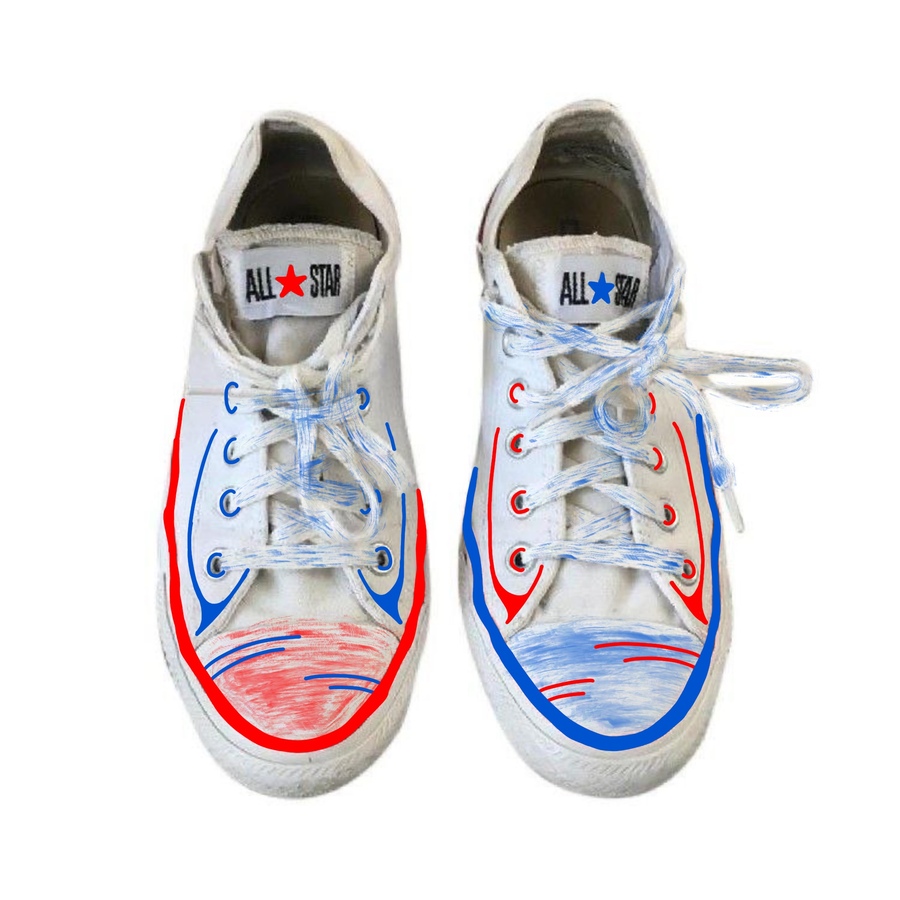
Софья Касимова создала проект «Rock cafe», вдохновлённый обложками альбомов группы Radiohead. Проект включает в себя виниловую пластинку, кассету и другие элементы, отражающие рок-тематику заведения.
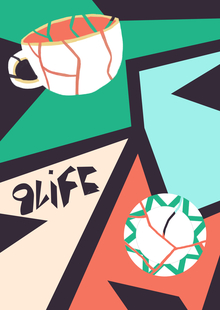
Ксения Красько создала проект 9LIFE, который превращает разбитую посуду в уникальные изделия. Проект включает мастер-классы по склеиванию осколков и продажу готовых изделий из керамики.
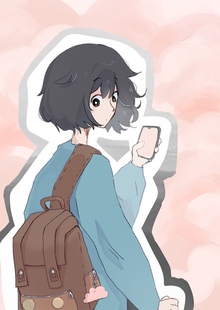
Дарья Мусихина создала мультфильм "FOLLOW THE CAT" и его носители. Проект включает в себя раскадровку, описание персонажей и локаций, а также синопсис с двумя параллельными сюжетными линиями.
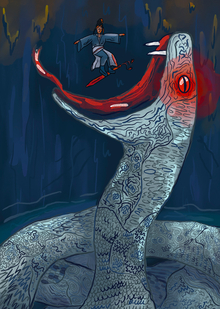
Мария Свирина создала фанфик о магической горе, населённой заклинателями, которые развивают свои способности различными способами. Проект включает описание жизни персонажей и идеи мерча, таких как наклейки, блокноты и постеры, популярные среди фанатов.
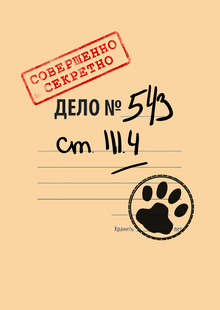
Анастасия Манжелий создала проект «Кошачий патруль», представляющий собой фантастическую концепцию особого отряда, состоящего из котов, помогающих людям в сложных ситуациях. Проект описывает конкретных котов с уникальными особенностями характера, которые могут оказывать психологическую поддержку и способствовать раскрытию правды в допросах.
pro.hsedesign
Digital platform for creating presentations. An innovative online constructor where everyone can showcase their projects, proposals or educational courses in spectacular way.
lecture
landing
presentation
presentation of the course
tutorial
explainer
We use cookies to improve the operation of the HSE website and to enhance its usability. More detailed information on the use of cookies can be fou...
Show more
Press space bar to start a drag.
When dragging you can use the arrow keys to move the item around and escape to cancel.
Some screen readers may require you to be in focus mode or to use your pass through key
Press space bar to start a drag.
When dragging you can use the arrow keys to move the item around and escape to cancel.
Some screen readers may require you to be in focus mode or to use your pass through key
Press space bar to start a drag.
When dragging you can use the arrow keys to move the item around and escape to cancel.
Some screen readers may require you to be in focus mode or to use your pass through key
Press space bar to start a drag.
When dragging you can use the arrow keys to move the item around and escape to cancel.
Some screen readers may require you to be in focus mode or to use your pass through key
Press space bar to start a drag.
When dragging you can use the arrow keys to move the item around and escape to cancel.
Some screen readers may require you to be in focus mode or to use your pass through key
Press space bar to start a drag.
When dragging you can use the arrow keys to move the item around and escape to cancel.
Some screen readers may require you to be in focus mode or to use your pass through key
Press space bar to start a drag.
When dragging you can use the arrow keys to move the item around and escape to cancel.
Some screen readers may require you to be in focus mode or to use your pass through key
Press space bar to start a drag.
When dragging you can use the arrow keys to move the item around and escape to cancel.
Some screen readers may require you to be in focus mode or to use your pass through key
Press space bar to start a drag.
When dragging you can use the arrow keys to move the item around and escape to cancel.
Some screen readers may require you to be in focus mode or to use your pass through key
Press space bar to start a drag.
When dragging you can use the arrow keys to move the item around and escape to cancel.
Some screen readers may require you to be in focus mode or to use your pass through key
Press space bar to start a drag.
When dragging you can use the arrow keys to move the item around and escape to cancel.
Some screen readers may require you to be in focus mode or to use your pass through key
Press space bar to start a drag.
When dragging you can use the arrow keys to move the item around and escape to cancel.
Some screen readers may require you to be in focus mode or to use your pass through key