в фэшн индустрии, в которой я работаю и учусь, сейчас очень актуальна тема
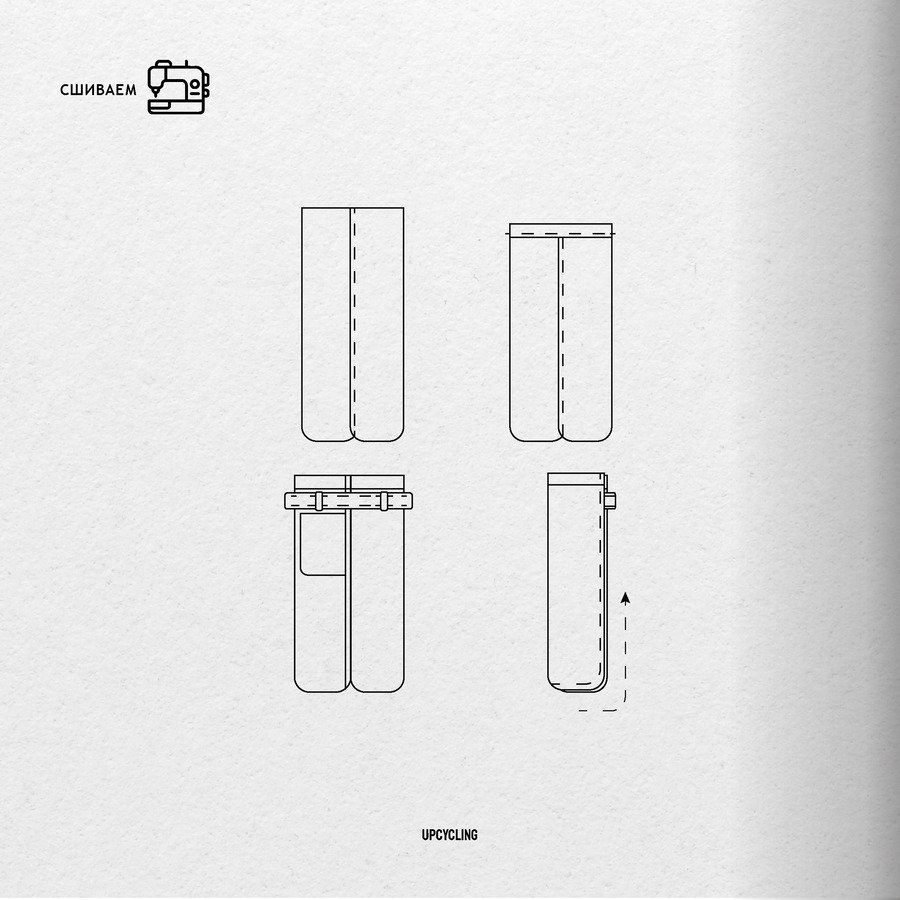
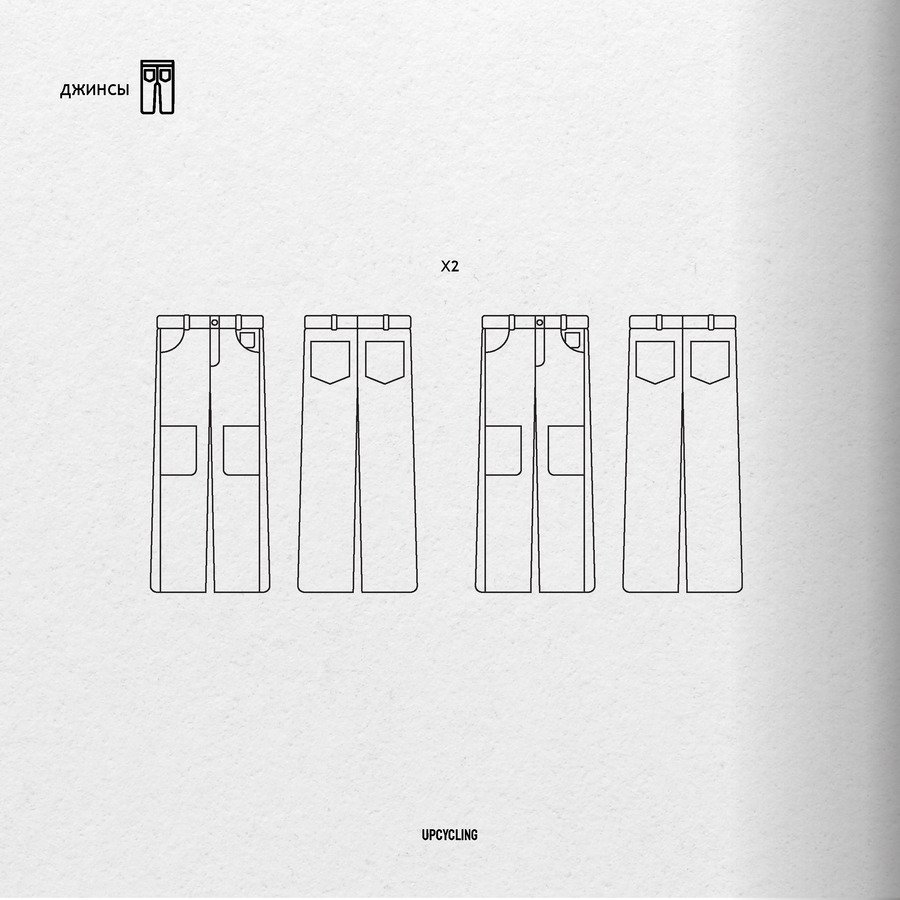
переработки. многие бренды выступают за эко-подход, создают коллекции из старой одежды и изобрели множество способов апсайклинга.
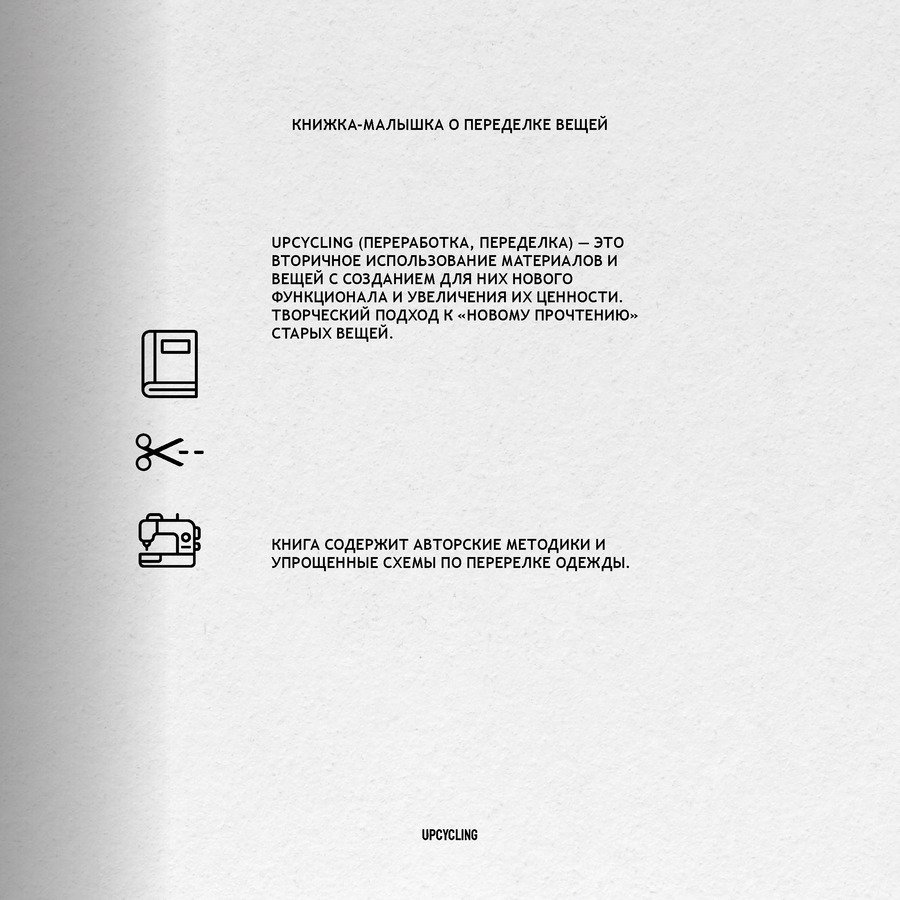
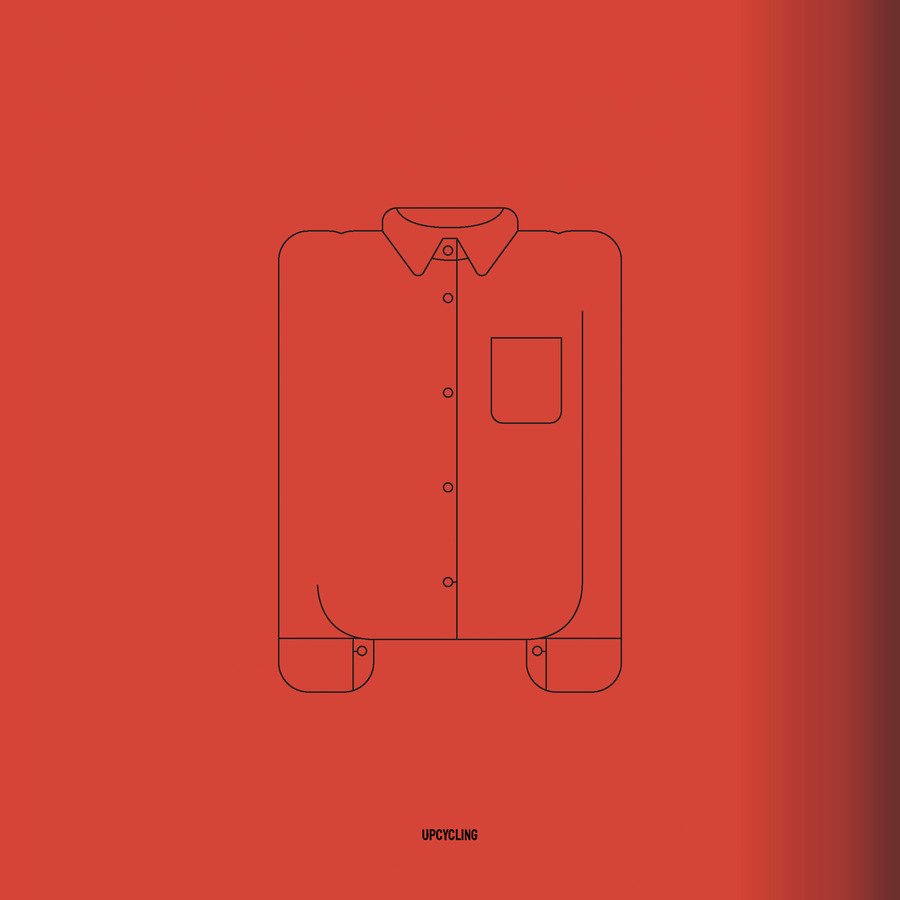
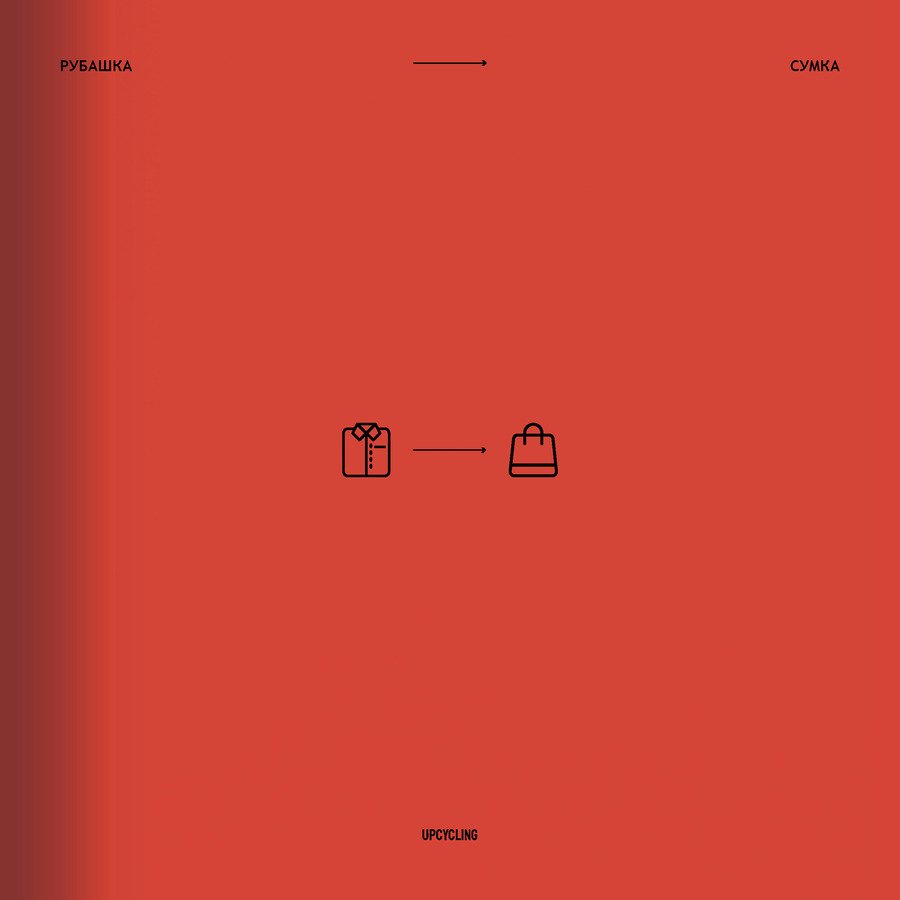
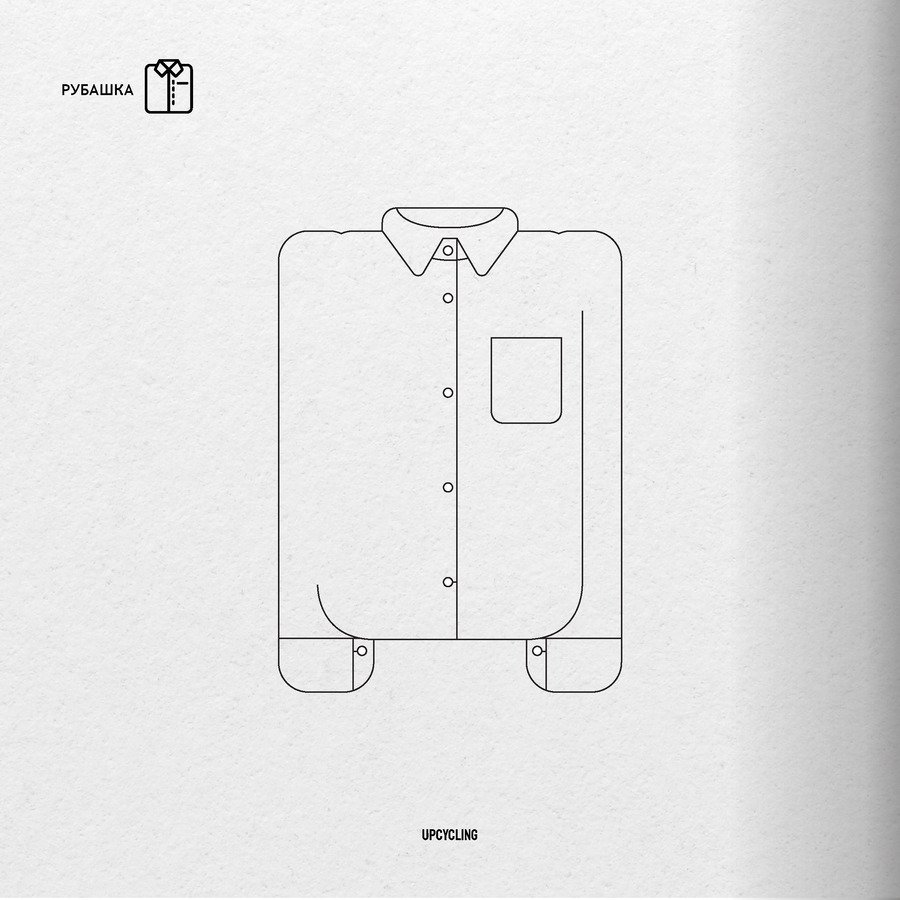
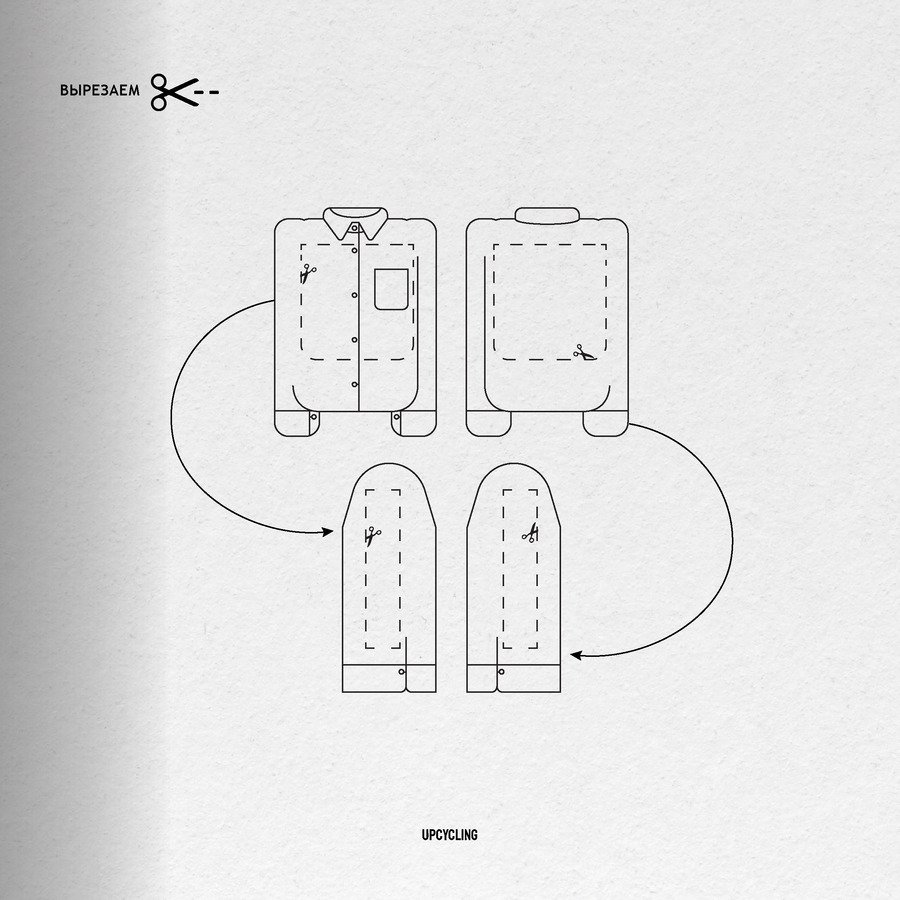
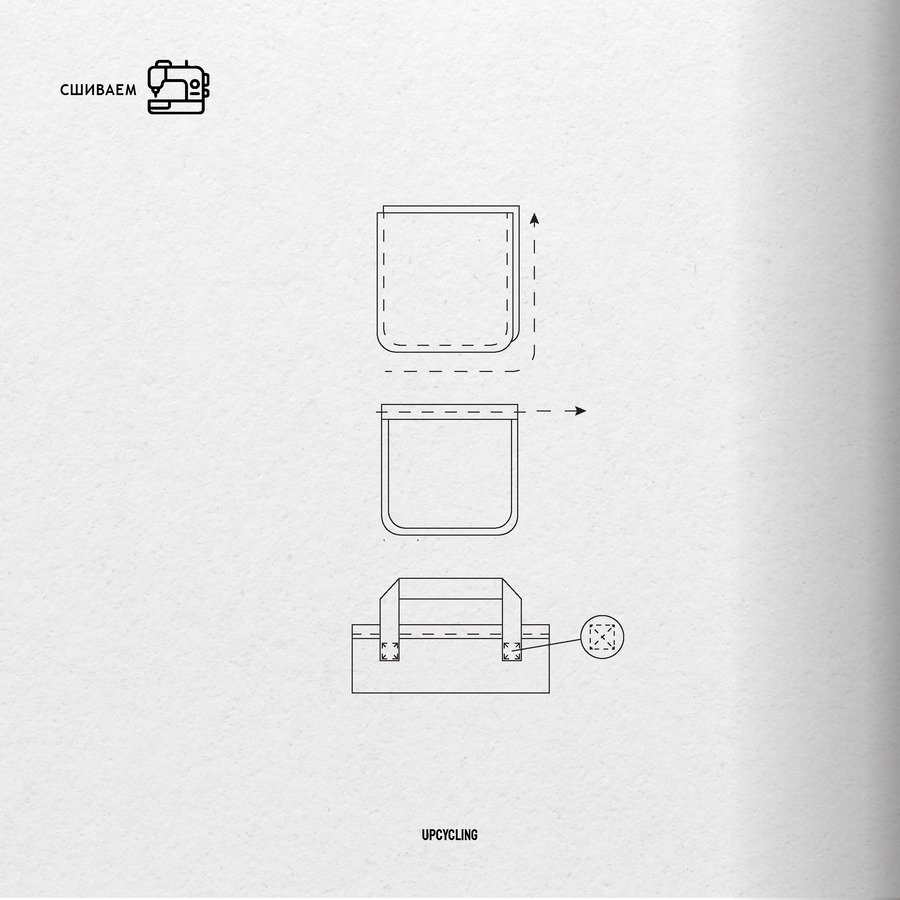
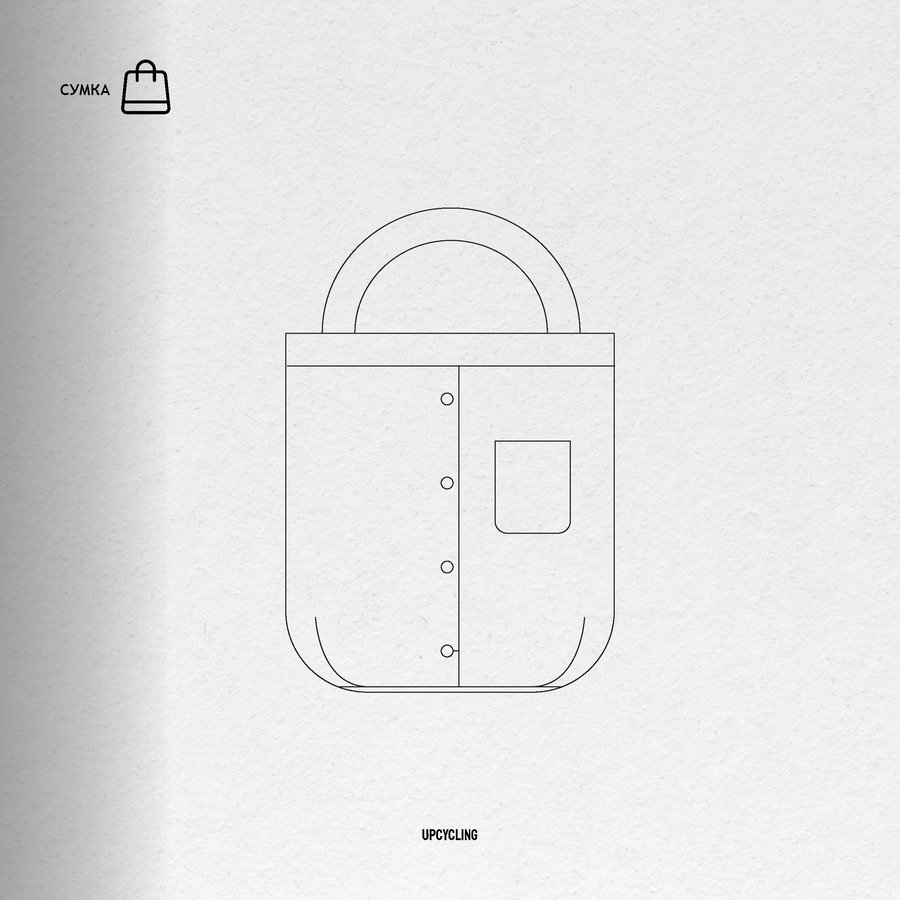
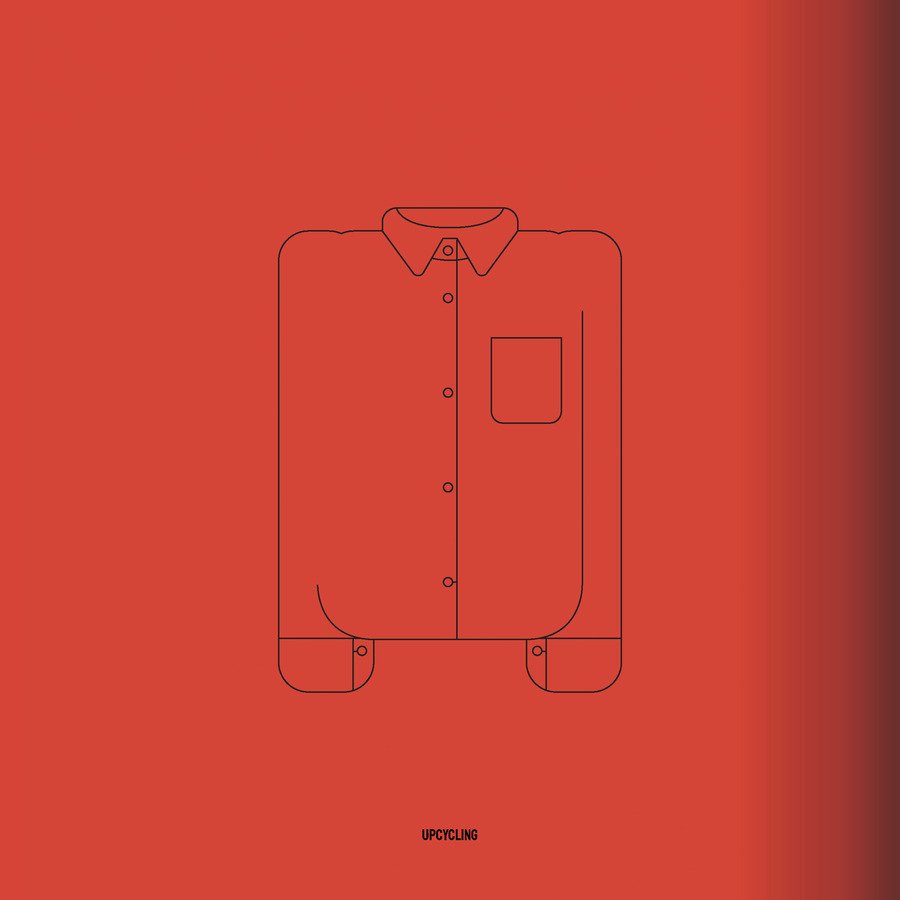
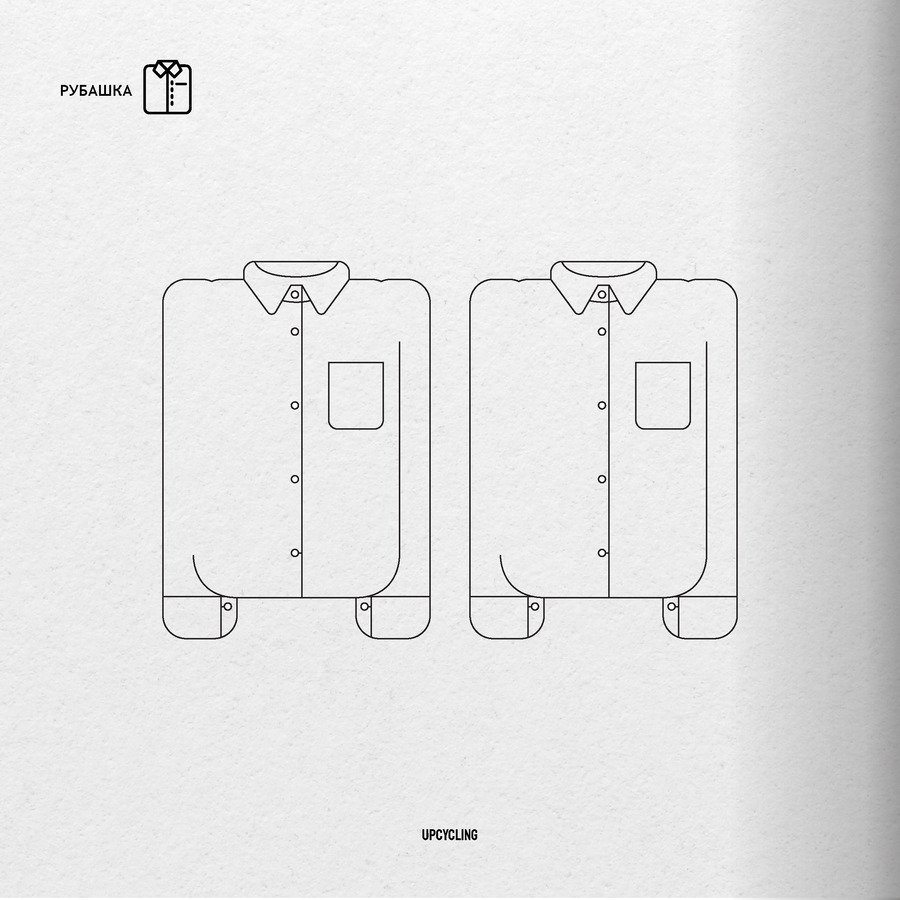
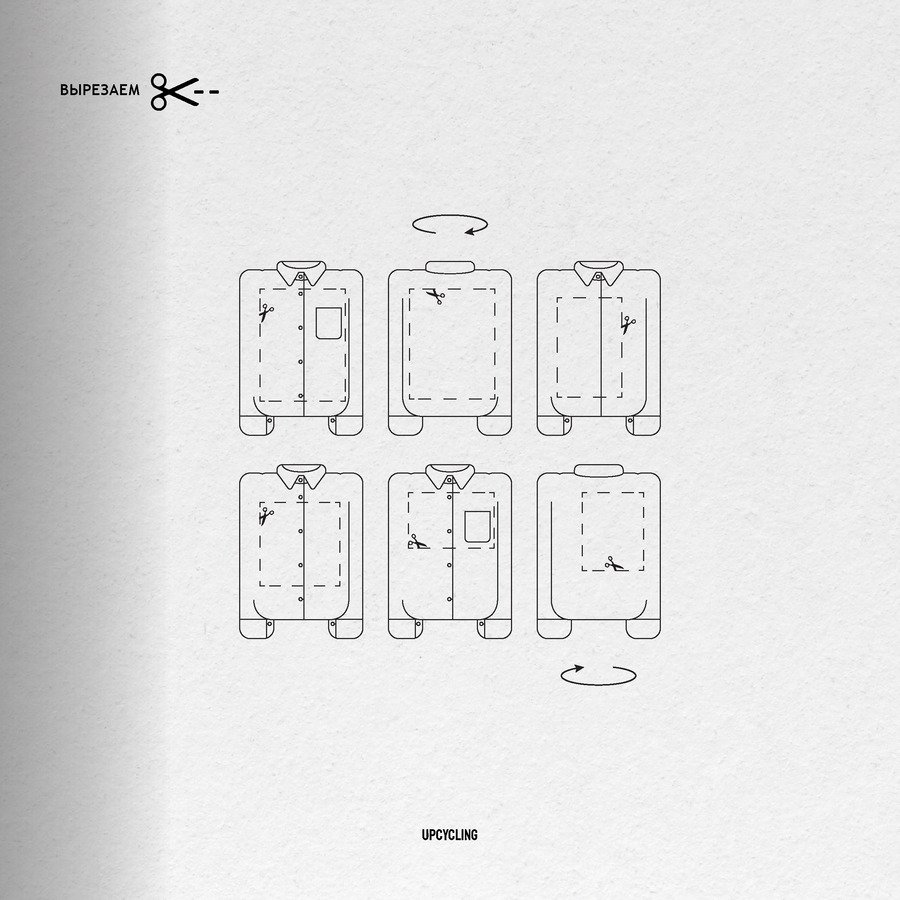
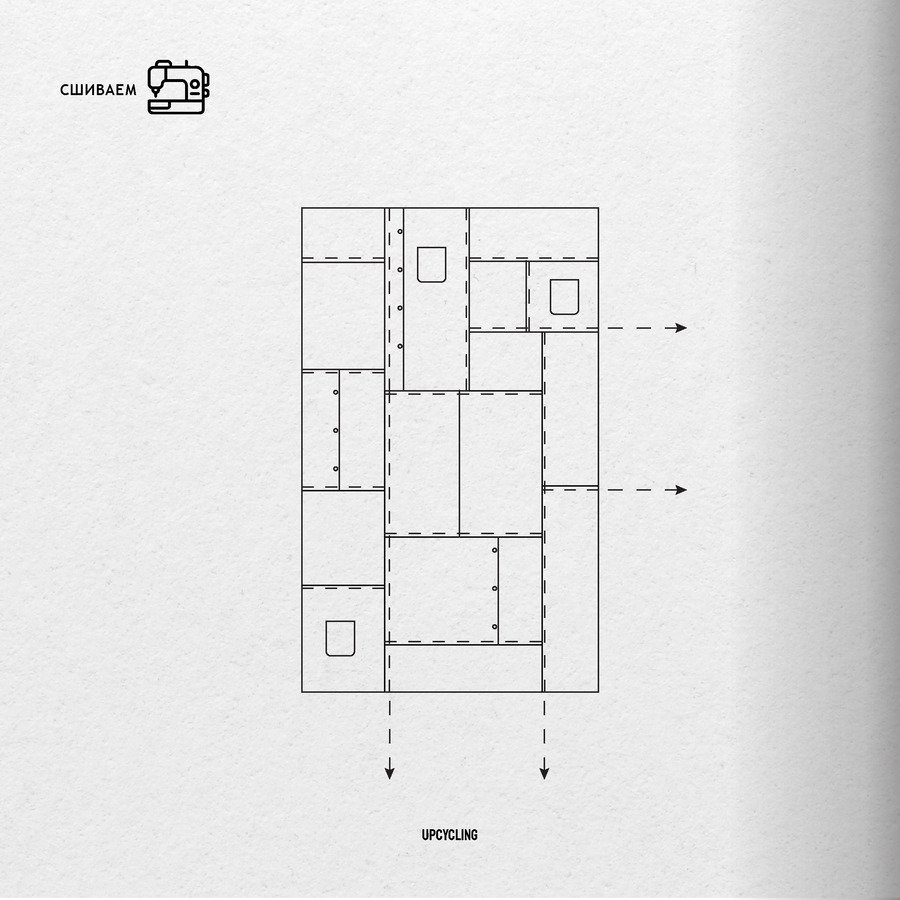
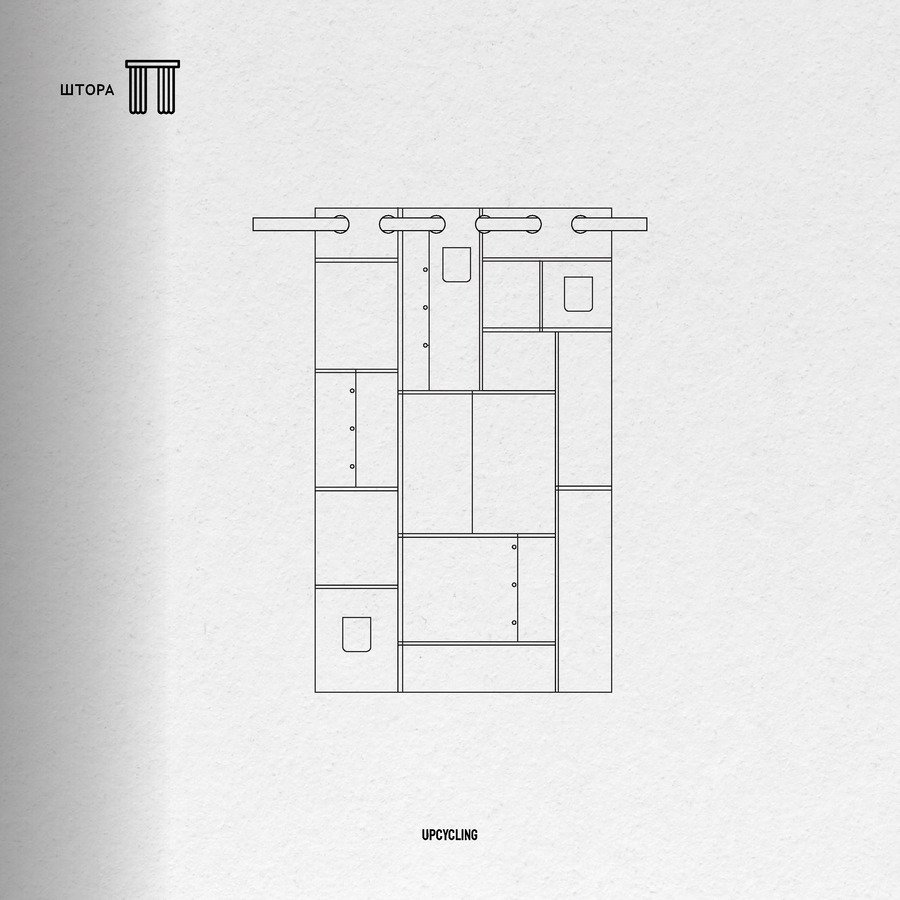
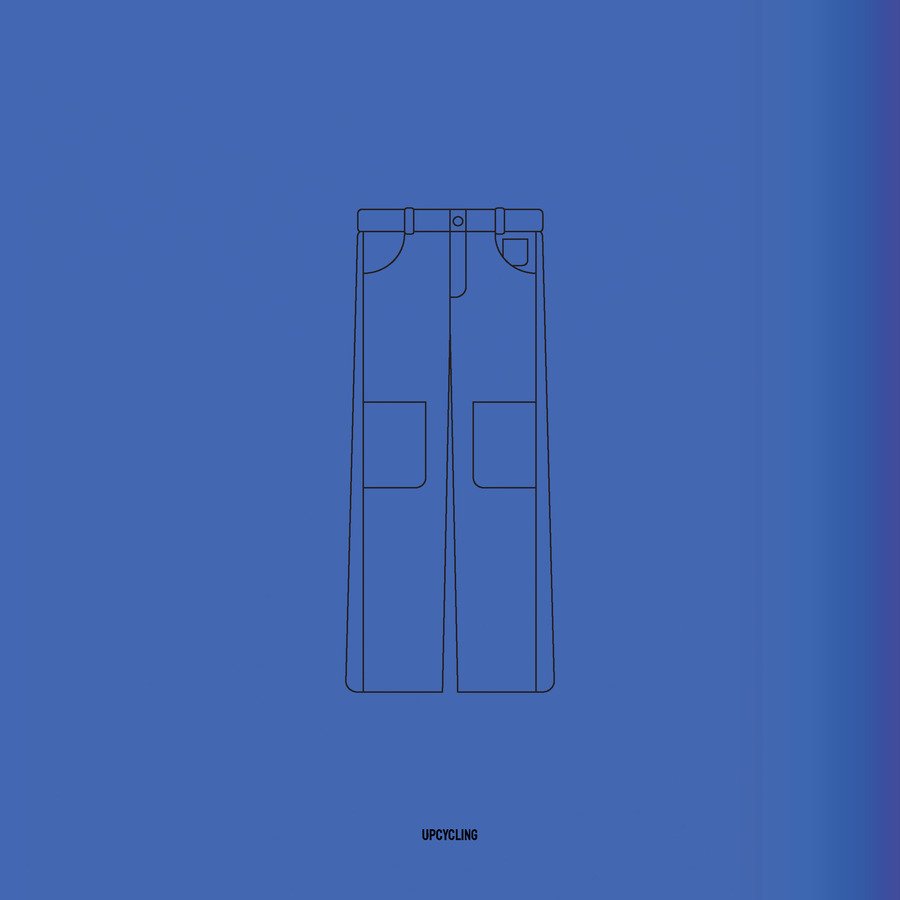
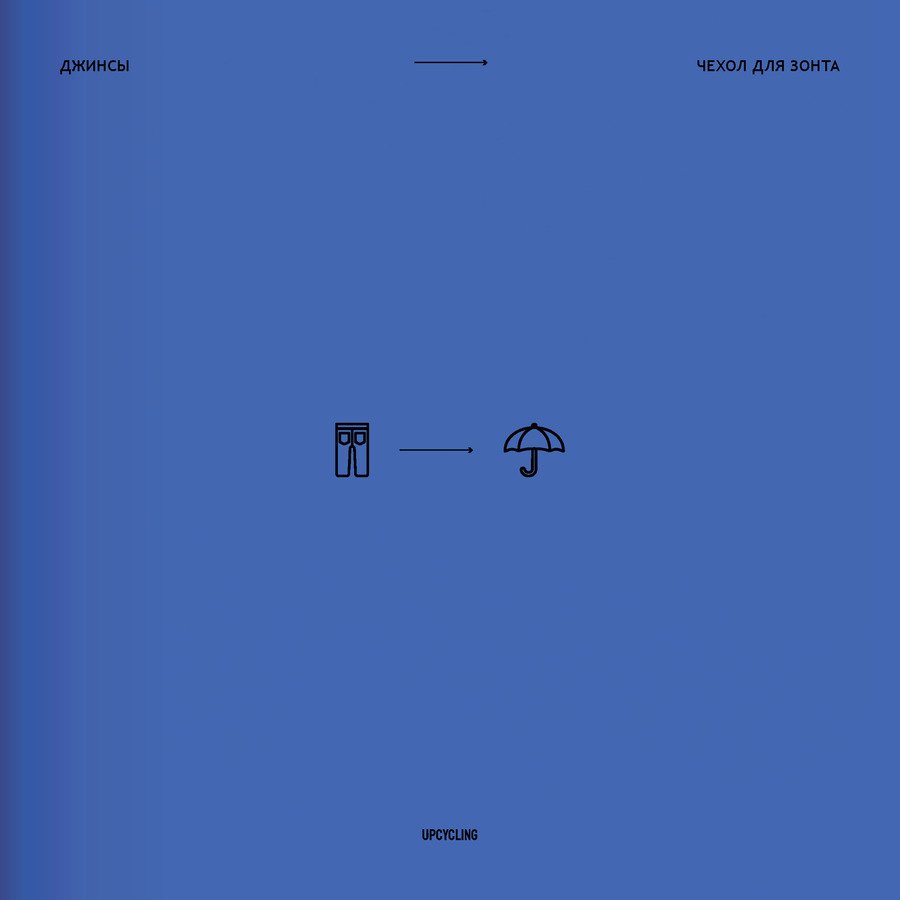
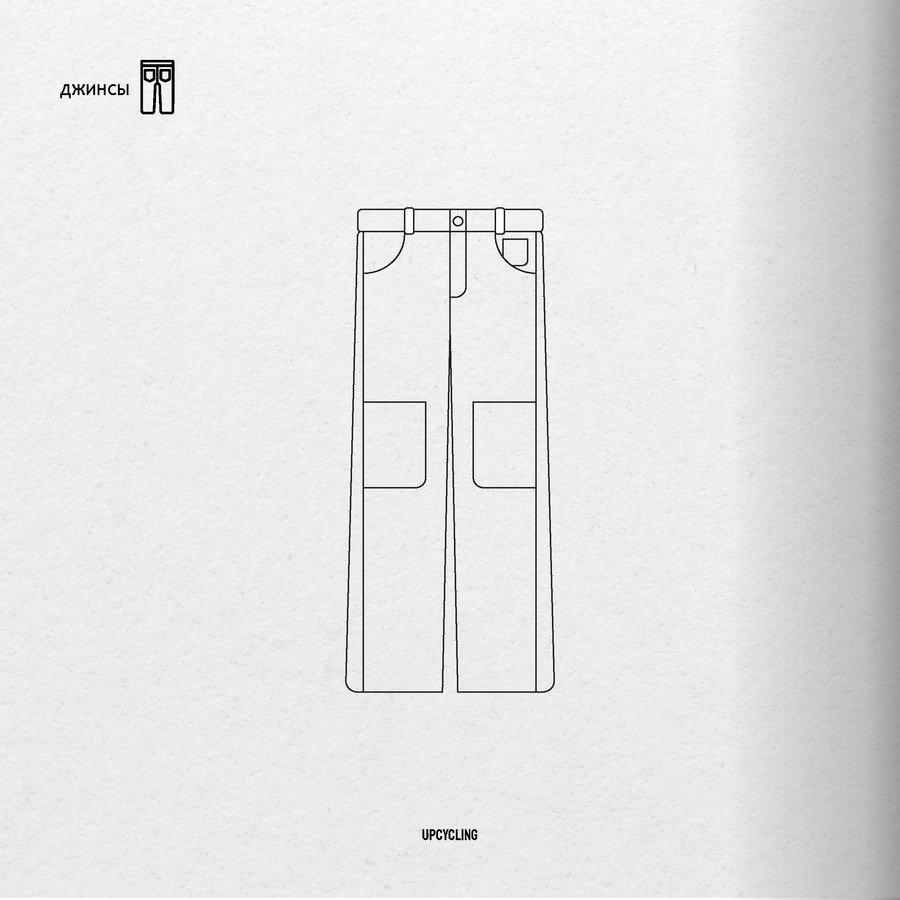
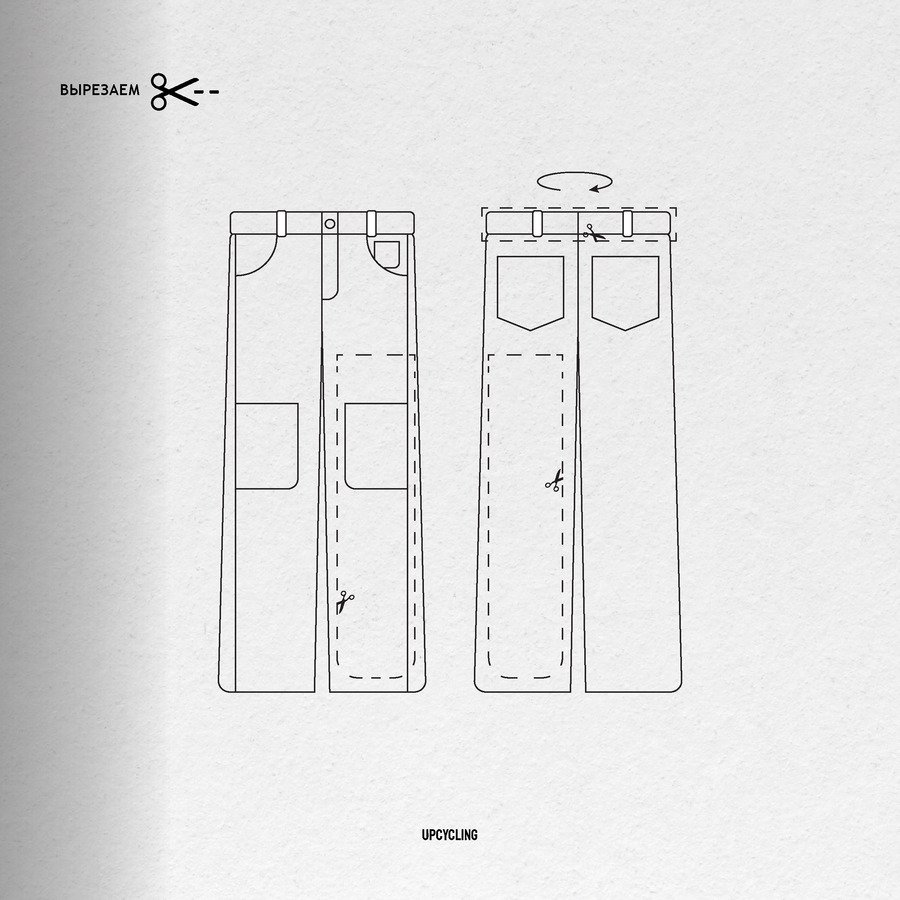
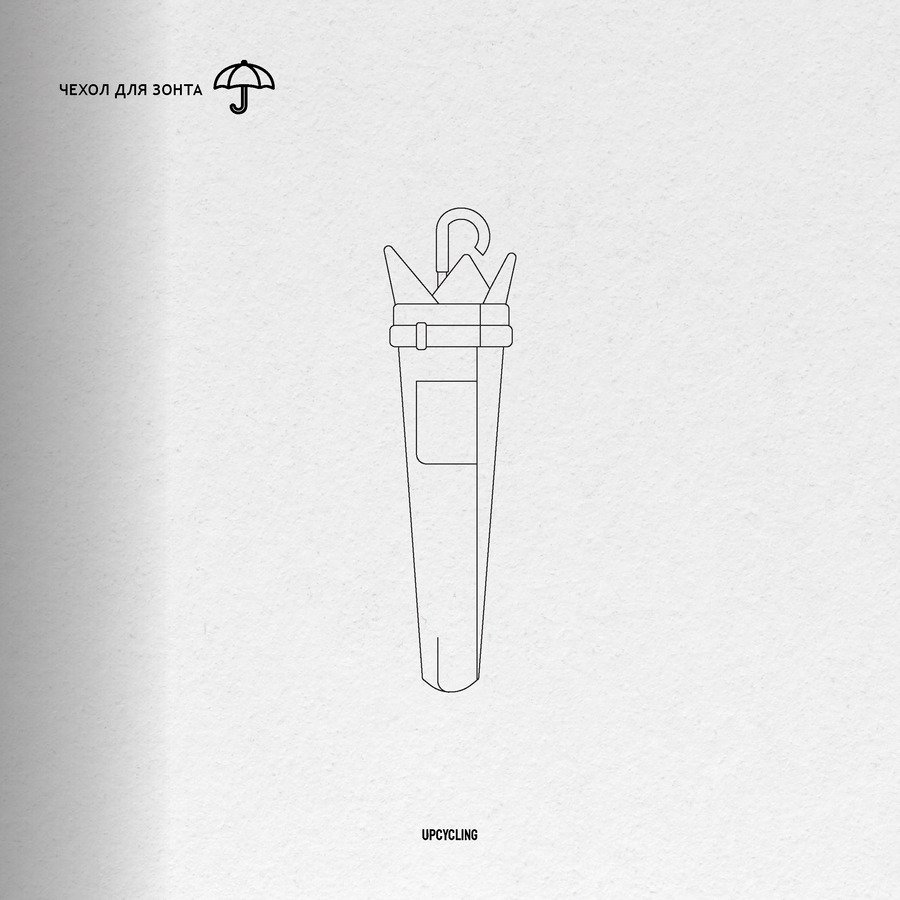
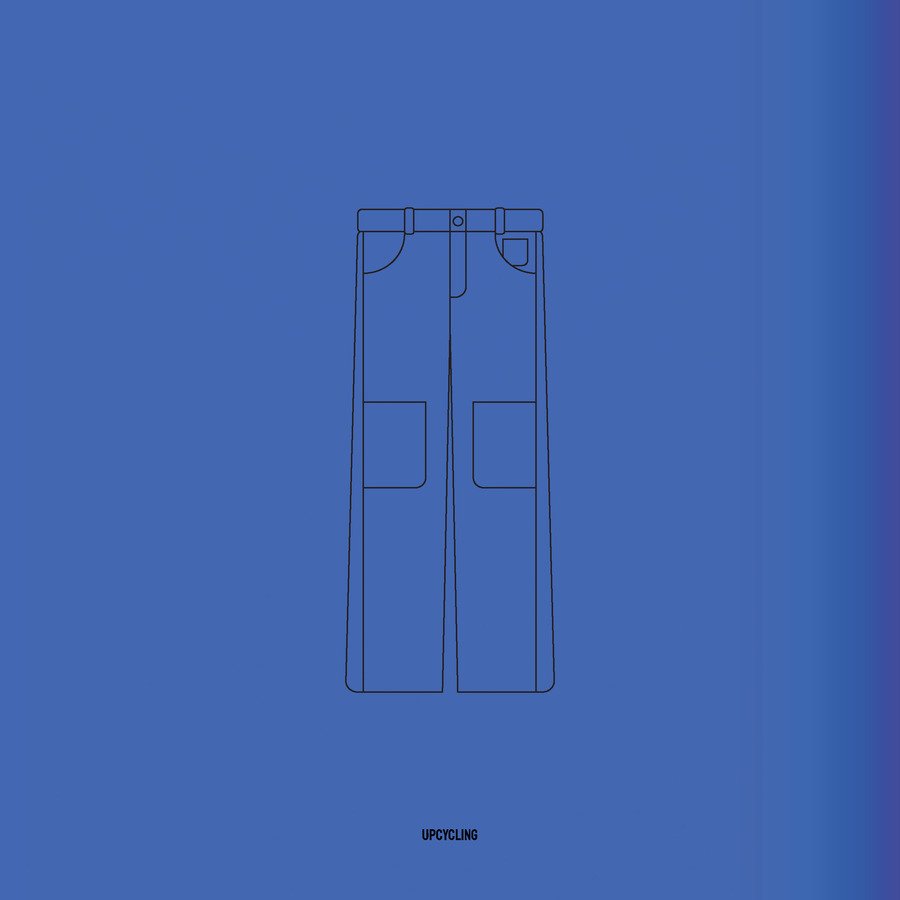
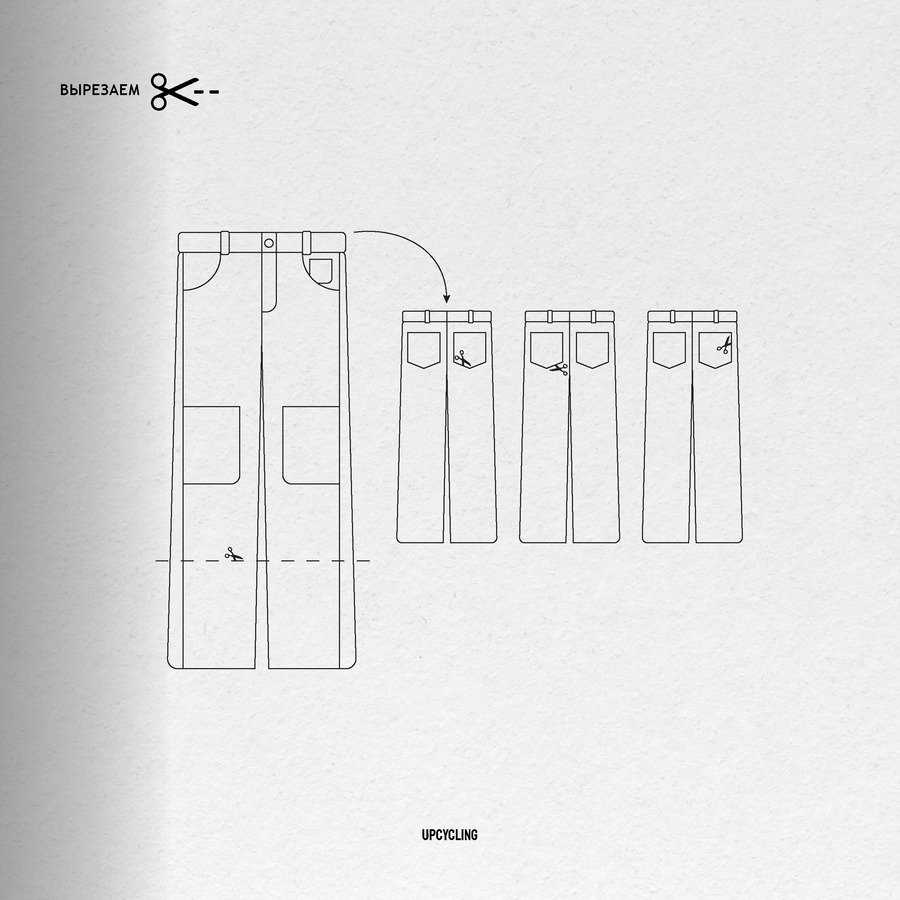
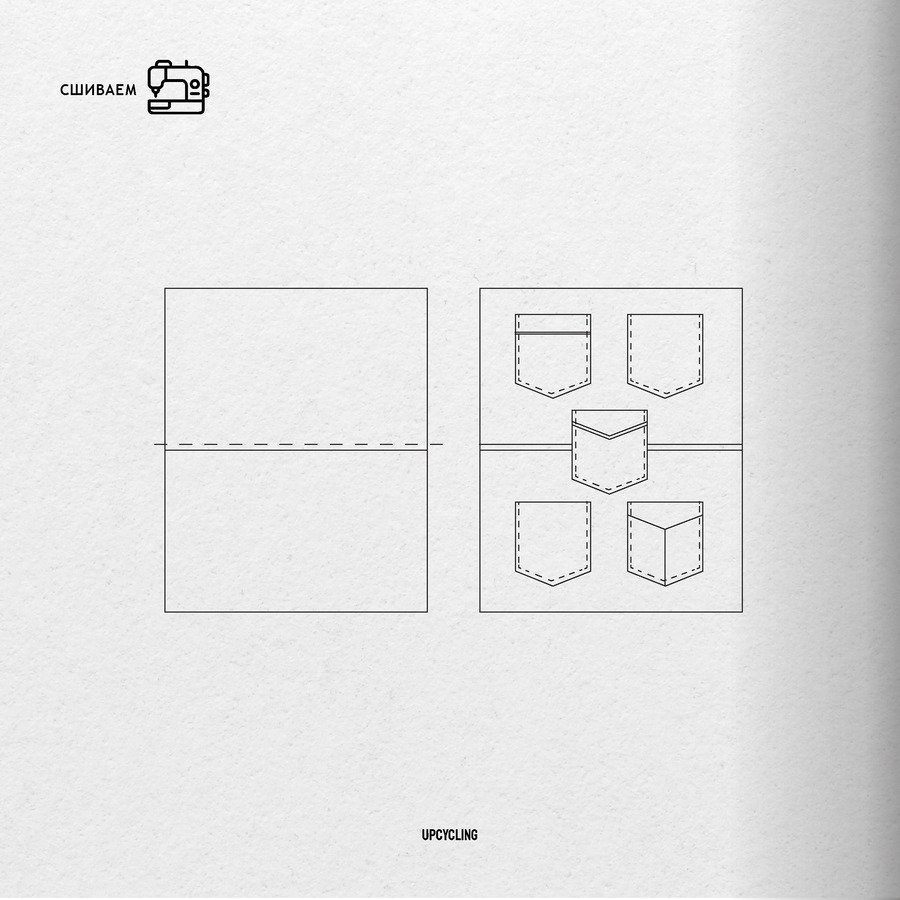
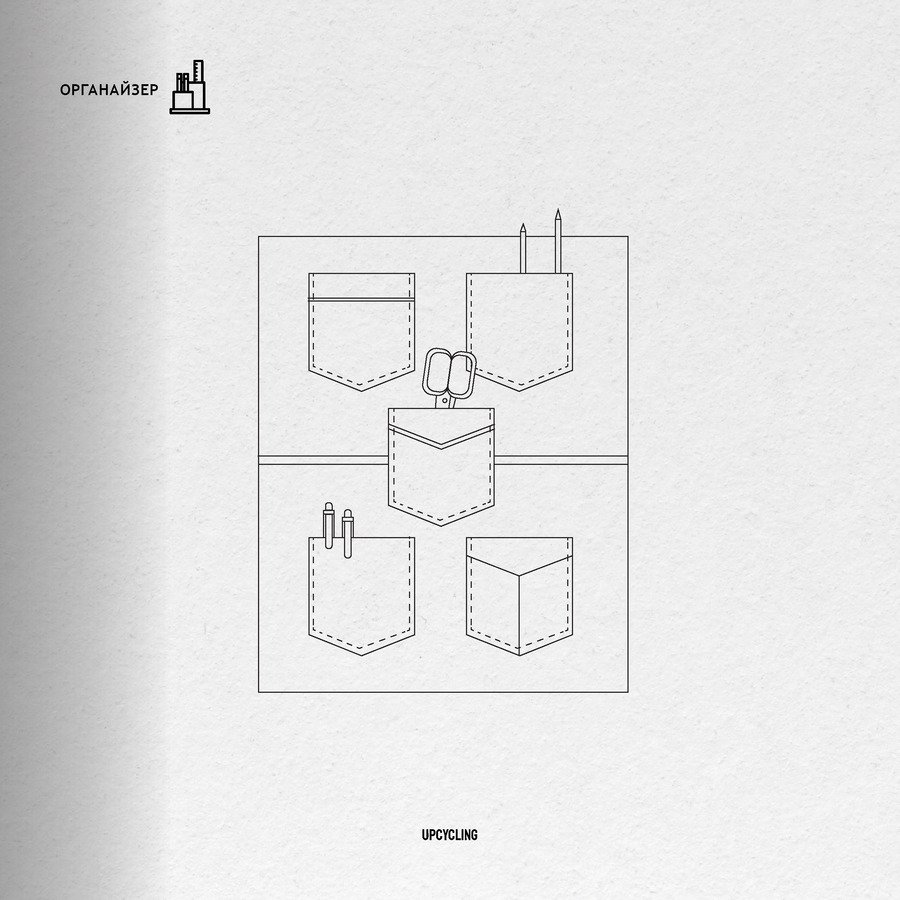
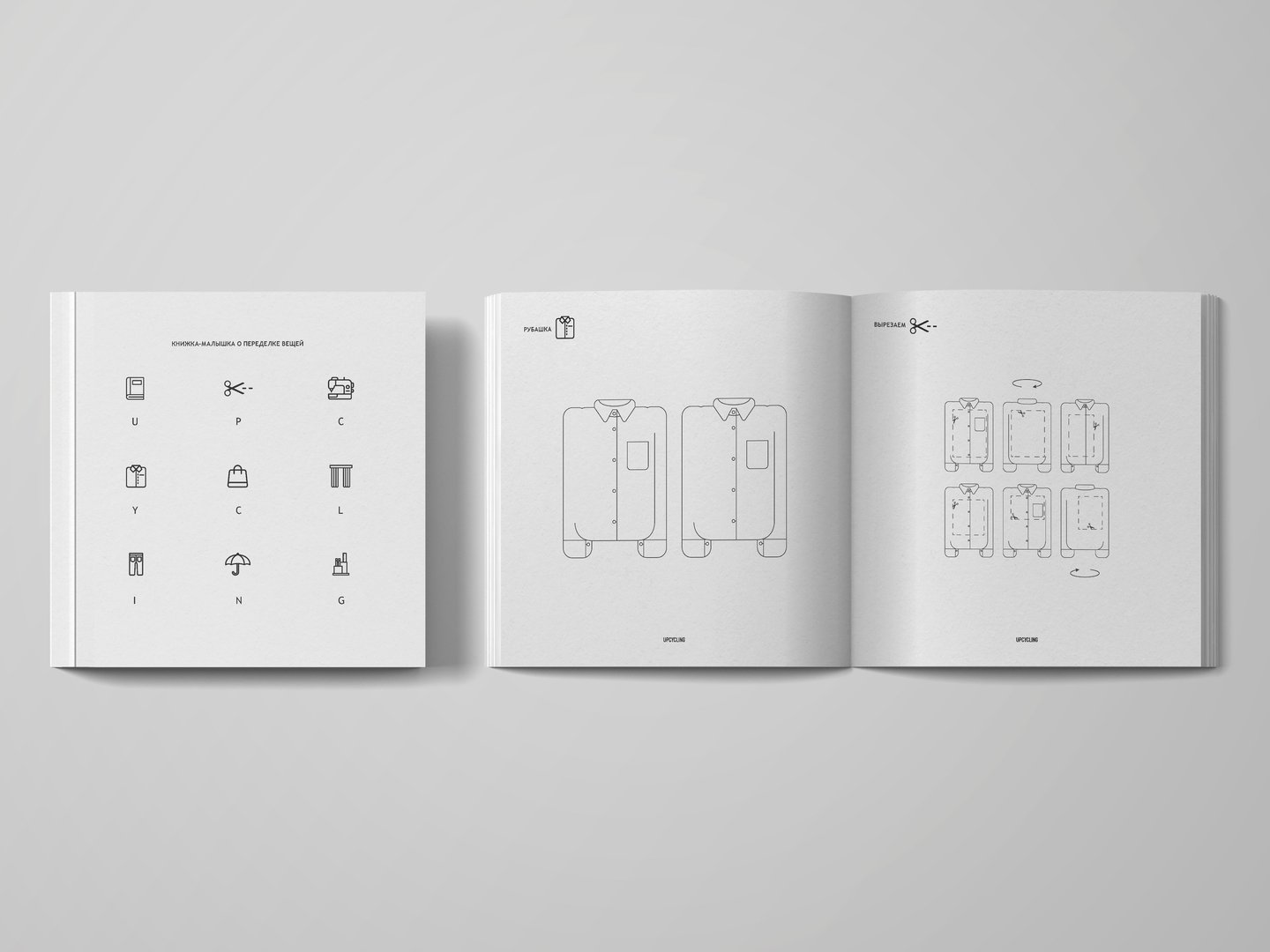
моя книжка содержит бытовые, но креативные способы по переделке одежды. своими простыми схемами я напоминаю о сложной проблеме
мирового перепроизводства и подталкиваю зрителя к созданию нового из старого.
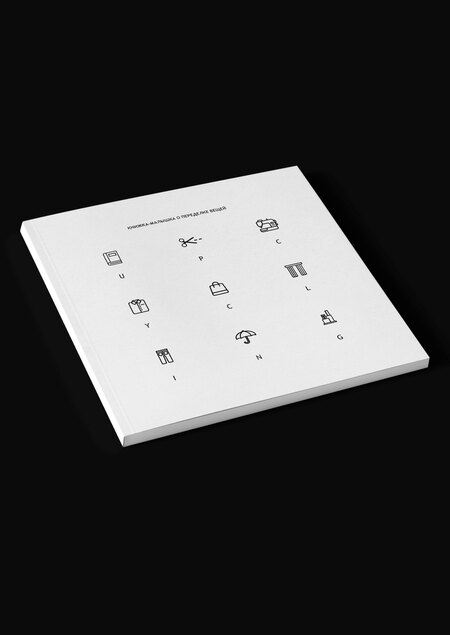
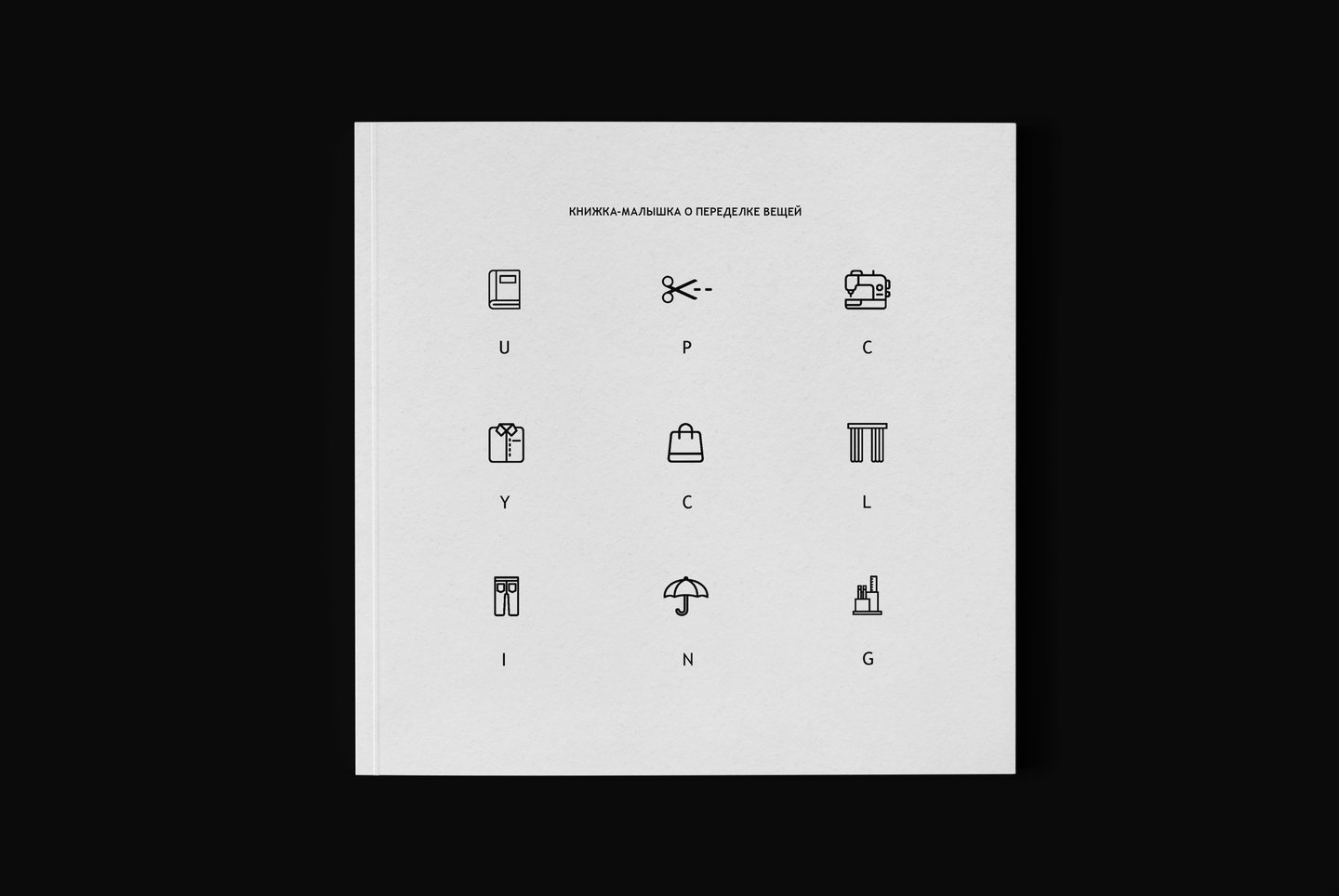
для еще большего упрощения и снижения градуса серьезности был выбран мини-формат: 10,5 на 10,5 сантиметров, а весь проект приобрел кодовое название «книжка-малышка».
Александра Туманина создала книжку-малышку о творческом подходе к переделке одежды. Проект представляет собой мини-формат размером 10,5 на 10,5 сантиметра с простыми схемами для апсайклинга.
Владимир Малючков создал инфографику, адаптированную для слепых людей, включая текст на Брайле и описание графиков. Проект включает тестирование с незрячим участником и анализ ошибок в альтернативных текстах для визуализаций.
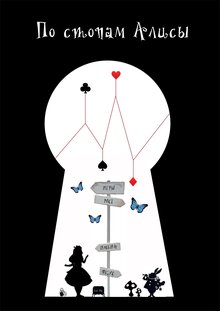
Анна Васильева создала инфографику, посвящённую визуализации ключевых элементов из книги Льюиса Кэрролла "Алиса в стране чудес". Проект включает диаграммы, графики и облако слов, основанные на анализе текста оригинального произведения.
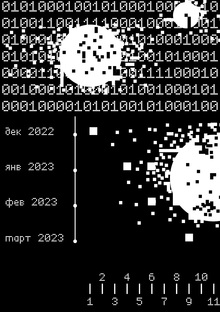
Анастасия Архипова создала брошюру на основе статьи Tech.co о утечках данных за 2022–2023 годы. Проект включает электронную версию и анализ рисков, связанных с цифровыми утечками персональной и конфиденциальной информации.
pro.hsedesign
Digital platform for creating presentations. An innovative online constructor where everyone can showcase their projects, proposals or educational courses in spectacular way.
lecture
landing
presentation
presentation of the course
tutorial
explainer
We use cookies to improve the operation of the HSE website and to enhance its usability. More detailed information on the use of cookies can be fou...
Show more
Press space bar to start a drag.
When dragging you can use the arrow keys to move the item around and escape to cancel.
Some screen readers may require you to be in focus mode or to use your pass through key
Press space bar to start a drag.
When dragging you can use the arrow keys to move the item around and escape to cancel.
Some screen readers may require you to be in focus mode or to use your pass through key
Press space bar to start a drag.
When dragging you can use the arrow keys to move the item around and escape to cancel.
Some screen readers may require you to be in focus mode or to use your pass through key
Press space bar to start a drag.
When dragging you can use the arrow keys to move the item around and escape to cancel.
Some screen readers may require you to be in focus mode or to use your pass through key
Press space bar to start a drag.
When dragging you can use the arrow keys to move the item around and escape to cancel.
Some screen readers may require you to be in focus mode or to use your pass through key
Press space bar to start a drag.
When dragging you can use the arrow keys to move the item around and escape to cancel.
Some screen readers may require you to be in focus mode or to use your pass through key
Press space bar to start a drag.
When dragging you can use the arrow keys to move the item around and escape to cancel.
Some screen readers may require you to be in focus mode or to use your pass through key
Press space bar to start a drag.
When dragging you can use the arrow keys to move the item around and escape to cancel.
Some screen readers may require you to be in focus mode or to use your pass through key
Press space bar to start a drag.
When dragging you can use the arrow keys to move the item around and escape to cancel.
Some screen readers may require you to be in focus mode or to use your pass through key
Press space bar to start a drag.
When dragging you can use the arrow keys to move the item around and escape to cancel.
Some screen readers may require you to be in focus mode or to use your pass through key
Press space bar to start a drag.
When dragging you can use the arrow keys to move the item around and escape to cancel.
Some screen readers may require you to be in focus mode or to use your pass through key
Press space bar to start a drag.
When dragging you can use the arrow keys to move the item around and escape to cancel.
Some screen readers may require you to be in focus mode or to use your pass through key
Press space bar to start a drag.
When dragging you can use the arrow keys to move the item around and escape to cancel.
Some screen readers may require you to be in focus mode or to use your pass through key
Press space bar to start a drag.
When dragging you can use the arrow keys to move the item around and escape to cancel.
Some screen readers may require you to be in focus mode or to use your pass through key